Published on April 12, 2026
Best Invoice App: Top Picks for 2026
Best invoice app options for 2026 can help us bill faster, reduce errors, and improve cash flow with less manual work.
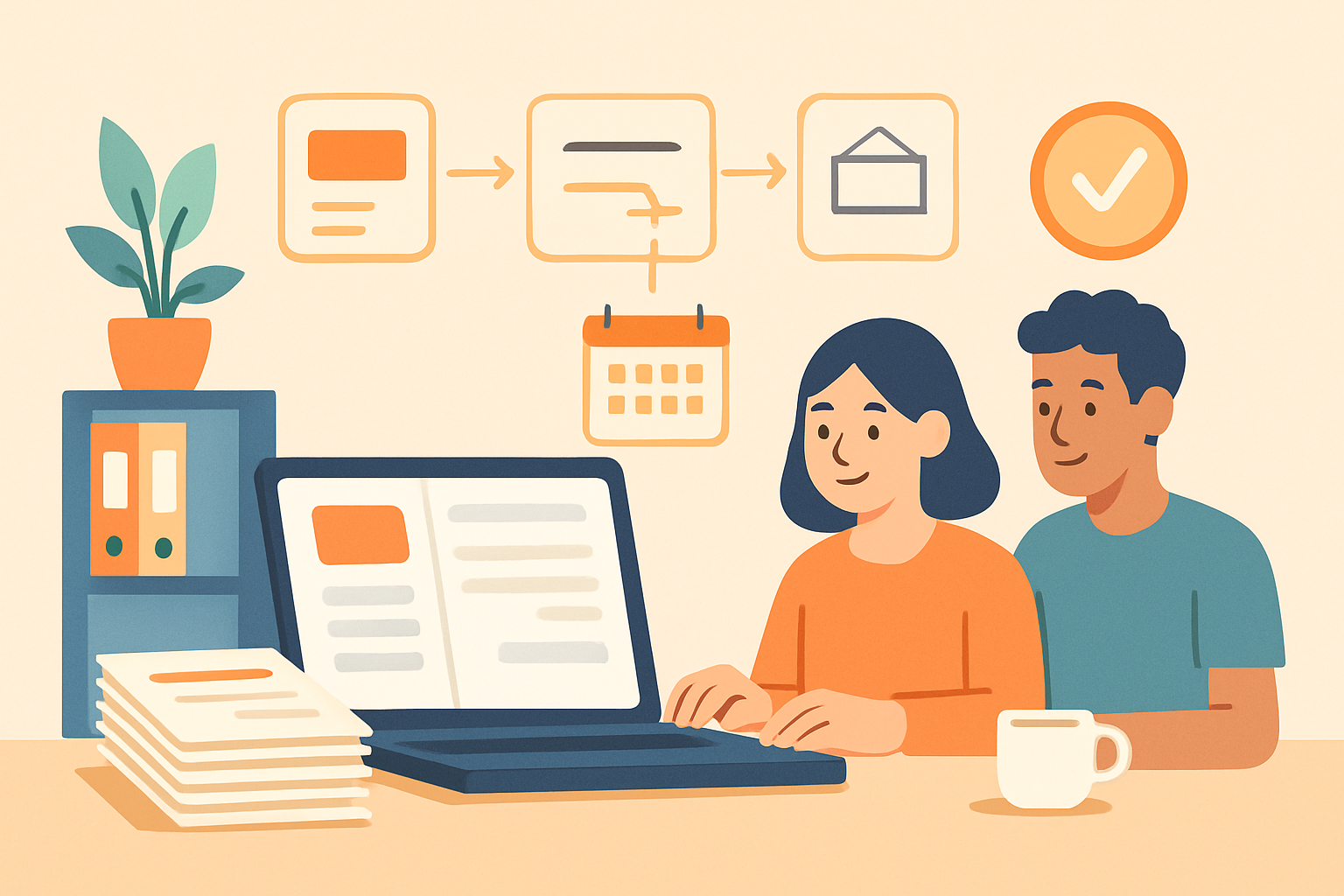
Choosing the best invoice app matters when we want to bill faster, reduce manual work, and keep cash flow moving. The right tool should help us create professional invoices, track payments, send reminders, and stay organized without adding extra admin time.
As invoicing needs grow, we also need software that fits the way we work. Some teams need simple recurring billing, while others need quote-to-cash workflows, payment tracking, and reporting in one place. In this article, we’ll look at the features that define a strong invoice app and the top options to consider for a smoother billing process.
Key Takeaways
- The best invoice app should speed up billing, reduce manual errors, and support faster payment collection.
- We should prioritize automation, payment tracking, recurring billing, and client-friendly workflows over basic invoice creation alone.
- The right app for freelancers and SMBs is the one that fits our process, scales with growth, and keeps invoicing connected to quotes and collections.
What Makes the Best Invoice App for Modern Businesses
When we evaluate the best invoice app for a modern business, we look for more than a clean layout or a fast way to send a bill. The right tool should reduce manual work, improve cash flow, and fit naturally into the way we already manage clients, projects, and payments. That means it should help us create invoices quickly, track what is outstanding, and follow up without adding extra admin to our day.
A strong invoice app should also support the full billing process, not just the final invoice. We need features that connect estimates, recurring billing, payment collection, and reminders in one place. When those steps are separated across different tools, we spend more time switching tabs, copying data, and fixing errors. A better system keeps everything organized so we can move from quote to payment with less friction.
Here are the core capabilities we should expect from a top invoice app:
- Fast invoice creation: reusable templates, saved client details, and line-item editing that make billing simple.
- Automated reminders: scheduled follow-ups that help us collect overdue payments without manual chasing.
- Online payment options: support for card, bank transfer, or other digital payment methods that speed up collections.
- Recurring invoicing: tools for subscriptions, retainers, or repeat client work.
- Clear status tracking: visibility into sent, viewed, paid, and overdue invoices.
- Client and quote management: a connected workflow that keeps estimates, approvals, and invoices aligned.
We also want software that is easy for the whole team to use. If an app takes too long to learn, adoption drops and billing becomes inconsistent. The best invoice app should feel intuitive from the start, with a simple interface and enough flexibility to handle different business models. For freelancers, that may mean quick one-off invoices and payment links. For growing teams, it may mean approval workflows, branded templates, and better reporting.
Security and reliability matter as well. Invoicing involves sensitive client and financial information, so we should expect secure data handling, dependable uptime, and accurate records. If the app also offers reporting, we can use it to spot late payers, monitor revenue trends, and make better decisions about cash flow.
In practice, the best choice is the one that saves time at every step of billing. If we can centralize invoicing, quotes, and collections in one flow, we reduce manual work and get paid faster.
Best Invoice App Features We Should Prioritize
When we evaluate the best invoice app, we should focus on features that reduce manual work and improve cash flow, not just on how polished the interface looks. The right tool should help us create invoices quickly, send them without friction, and track payment status in one place. If a platform adds steps instead of removing them, it is not doing enough for a busy team or solo operator.
We should start with invoice creation speed. A strong app lets us build professional invoices from reusable templates, save client details, and duplicate past invoices in seconds. That matters because recurring billing, repeat customers, and partial edits are common in real workflows. We also want clear support for line items, taxes, discounts, payment terms, and multiple currencies when needed.
Automation is another priority. The best invoice app should send reminders automatically, schedule recurring invoices, and update payment status without constant manual checks. These features help us stay consistent and reduce late payments. If the app also connects invoices to quotes, estimates, or collections, we can keep the entire billing process aligned from the first proposal to the final payment.
We should also look for payment options that make it easier for clients to pay on time. Built-in online payments, bank transfer support, and clear payment links can shorten the time between sending an invoice and receiving funds. The fewer steps a client has to take, the better our chances of getting paid quickly.
Visibility and reporting matter just as much. We need to know which invoices are sent, viewed, overdue, or paid without digging through spreadsheets. A useful dashboard should show outstanding balances, aging invoices, and collection trends at a glance. That helps us spot problems early and follow up with confidence.
Finally, we should not overlook ease of use and scalability. The best invoice app should be simple enough for freelancers, but flexible enough for growing teams. Strong permissions, client records, and workflow organization become more important as volume increases.
How to Compare Invoice Apps for Speed, Accuracy, and Growth
When we compare the best invoice app options, we should look beyond basic billing features and focus on how well the software supports faster sending, fewer errors, and easier scaling. A strong invoice app should help us create invoices quickly, reduce manual entry, and keep payment follow-up organized without adding extra work for the team.
Speed matters most when invoicing is part of a larger workflow. We should check whether the app lets us reuse client details, duplicate past invoices, apply taxes automatically, and send reminders without switching tools. The fewer steps required to create and deliver an invoice, the more time we save on every billing cycle. For teams handling frequent or recurring invoices, automation can make a major difference in consistency and turnaround