Published on April 12, 2026
Best Invoice Generator Tools for Small Businesses
Invoice generator tools can simplify billing for small businesses, helping us save time, reduce errors, and get paid faster.
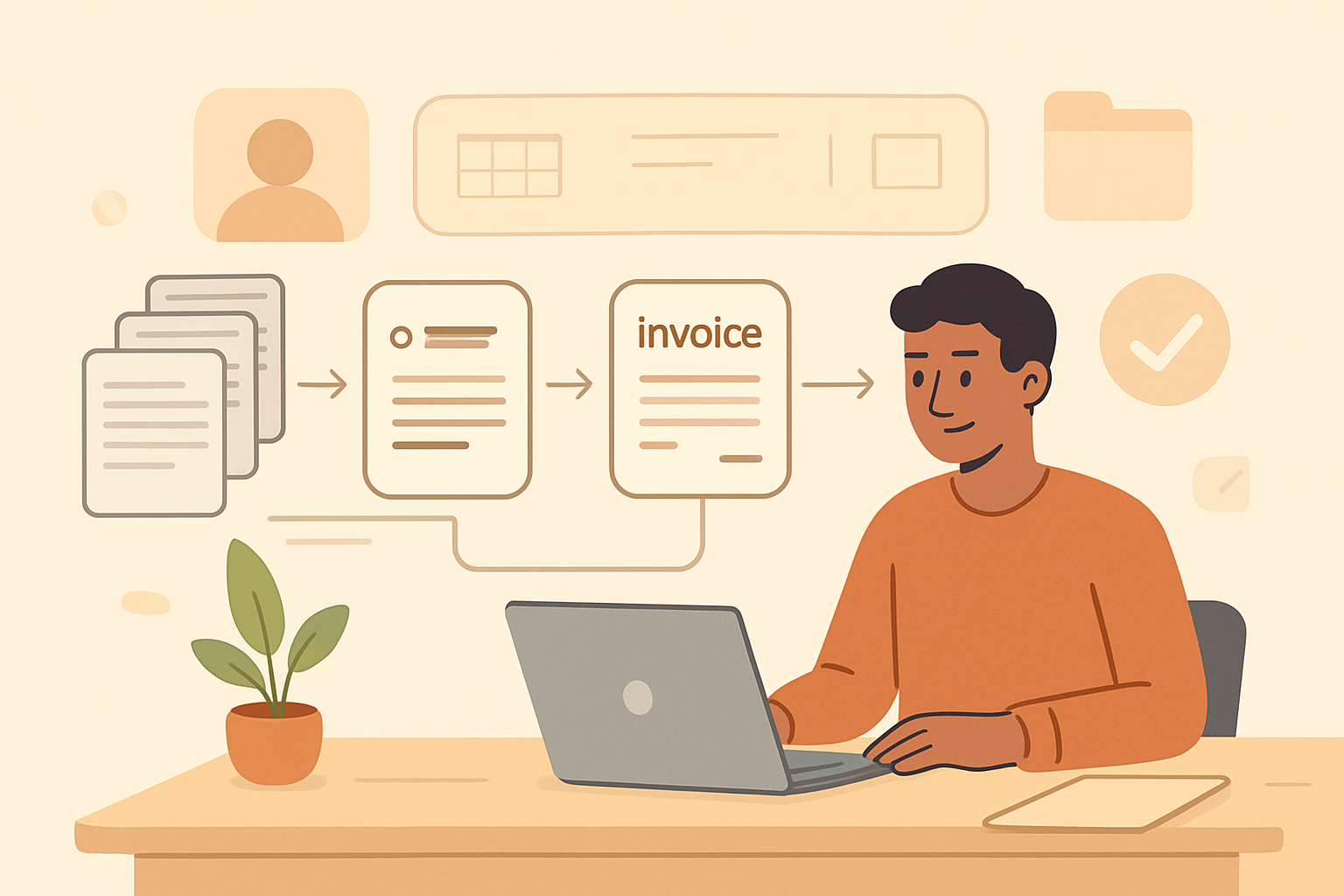
Choosing the right invoice generator can save us time, reduce billing errors, and help us get paid faster. For small businesses, the best tool is not just about creating invoices quickly; it is about building a smoother process from quote to payment with less manual work.
As we compare invoice generator tools, we should focus on the features that matter most: ease of use, customization, payment options, automation, and reporting. The right platform can support better cash flow, improve client communication, and free up time for growth-focused work.
In this article, we will look at what makes an invoice generator effective for small businesses, which features deserve priority, and how to choose a solution that fits our workflow without adding complexity.
Key Takeaways
- Choose an invoice generator that is simple to use, customizable, and built for daily billing tasks.
- Prioritize features like online payments, recurring invoices, reminders, and status tracking to speed up collections.
- Compare tools based on workflow fit, not just templates, so invoicing stays efficient as your business grows.
- Centralized invoicing can improve cash flow by reducing manual follow-up and keeping client records in one place.
What Small Businesses Need in an Invoice Generator
When we evaluate an invoice generator for a small business, we look for more than a clean template. The right tool should help us create accurate invoices quickly, reduce follow-up work, and support a smoother payment process from start to finish. For small teams, that usually means a simple workflow, reliable automation, and enough flexibility to handle different clients and services without adding extra admin time.
At a minimum, we need the ability to build professional invoices with our business details, client information, line items, taxes, discounts, and payment terms. We also want tools that make it easy to reuse invoice data, duplicate past invoices, and send documents directly from the platform. These features save time and help us keep billing consistent across every customer interaction.
We should also pay attention to payment support. An effective invoice generator should make it easy for clients to pay online, whether through card payments, bank transfers, or other common methods. The easier we make payment, the faster we can reduce outstanding balances and improve cash flow. Clear due dates, automatic reminders, and payment status tracking are equally important because they help us stay on top of collections without constant manual follow-up.
Small businesses also benefit from tools that connect invoicing with the rest of the workflow. If we can manage quotes, convert estimates into invoices, and track what has been sent or paid in one place, we cut down on duplicate work and avoid mistakes. That kind of connected process is especially valuable when we are juggling multiple clients, projects, or recurring billing cycles.
We should not overlook reporting and recordkeeping. A strong invoice generator gives us visibility into unpaid invoices, revenue trends, and customer payment history. That information helps us make better decisions, spot late-paying accounts, and prepare cleaner records for bookkeeping or tax time. For teams that want a more streamlined approach, a platform like ZenInvoice can help centralize invoicing and collections without adding complexity.
In short, the best invoice generator for small businesses is the one that combines speed, accuracy, payment convenience, and workflow automation. When those pieces work together, we spend less time chasing invoices and more time focusing on growth.
Key Features That Make Invoicing Faster and Easier
When we evaluate an invoice generator for a small business, we look for features that reduce manual work and help us send accurate invoices quickly. The best tools do more than create a polished document. They streamline the full billing process, from building an invoice to tracking payment and following up when a balance is overdue.
One of the most important features is customizable templates. We want to create invoices that look professional without starting from scratch each time. A strong template library lets us add our logo, adjust colors, and include the right fields for different services or products. This saves time and helps us maintain a consistent brand image.
Recurring invoicing is another feature that makes a major difference for service-based businesses. When we bill the same client on a regular schedule, automation removes repetitive tasks and lowers the risk of missed invoices. The best tools let us set the frequency, amount, and due date once, then handle the rest automatically.
We also benefit from payment reminders and status tracking. Instead of checking manually to see whether an invoice has been opened or paid, we can use built-in tracking to monitor progress in real time. Automated reminders help us stay professional while reducing the time spent on follow-up emails.
Online payment options are equally important. When clients can pay directly from the invoice, we shorten the time between billing and collection. A good invoice generator should support common payment methods and make the checkout process simple for the customer. Fewer steps usually mean faster payments.
We should also look for tax calculations, discounts, and line-item editing. These features help us create accurate invoices without extra spreadsheets or manual math. For businesses that work across different regions or offer custom pricing, flexibility here can prevent errors and disputes.
Finally, client and invoice management can save a lot of time as the business grows. A centralized system lets us store customer details, reuse billing information, and keep quotes, invoices, and payment history in one place. That kind of organization is especially valuable for teams that want fewer tools and less back-and-forth.
How to Compare Invoice Generator Tools for Daily Use
When we compare an invoice generator for daily use, we should focus on how well it fits the way we actually work, not just on how many features it lists. The best tool is the one that helps us create invoices quickly, send them without friction, and track payment status without extra steps. If a platform slows us down or forces us to switch between systems, it will cost time every day.
We can start by looking at the core workflow. A strong invoice generator should let us build invoices from saved customer details, add line items fast, and