Published on April 12, 2026
Free Billing Software: Best Options in 2026
Free billing software can simplify invoicing, but the best choice depends on features, limits, and how we get paid.
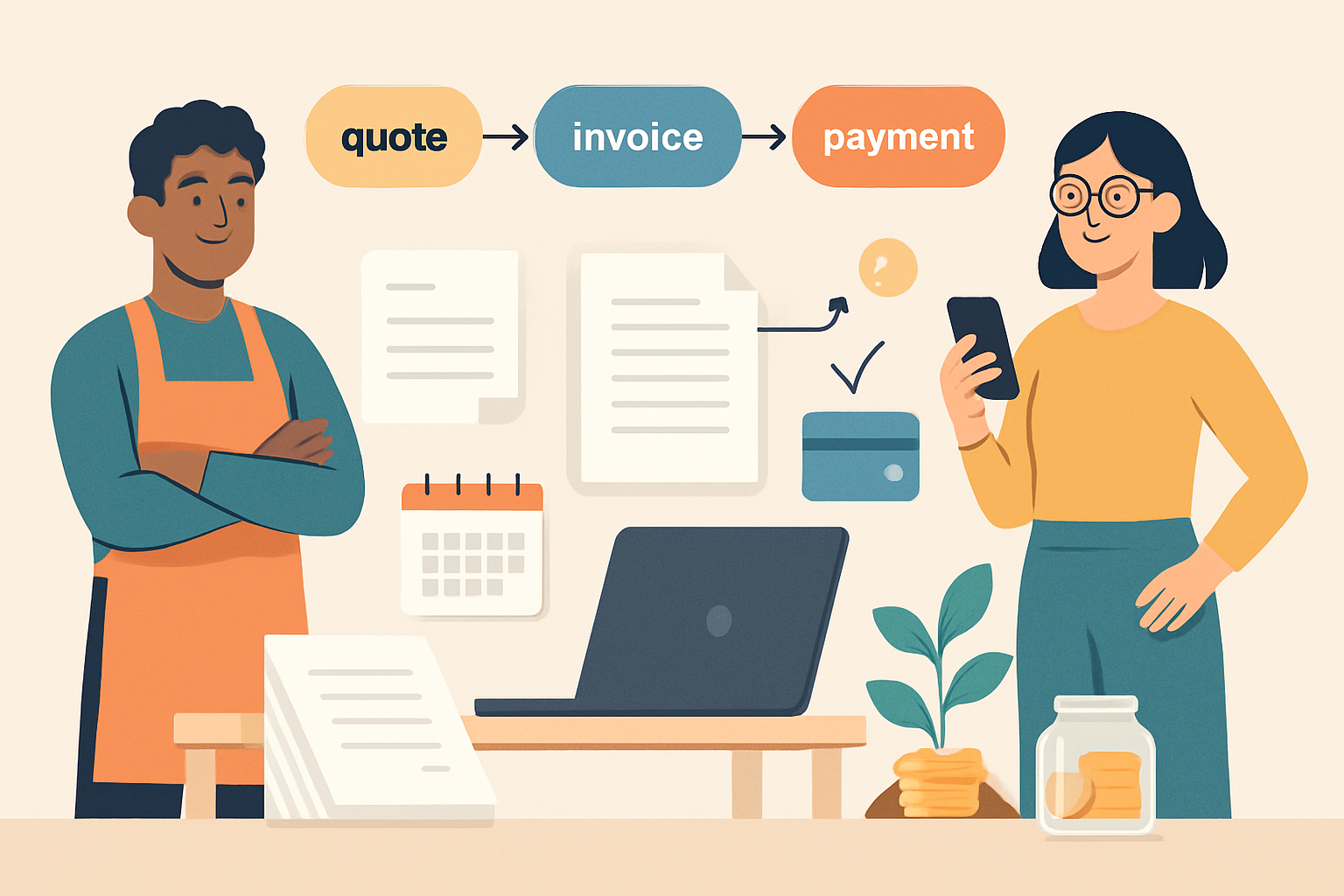
Free billing software can help us send invoices, track payments, and reduce manual work without adding upfront cost. For small businesses, freelancers, and growing teams, the right tool should do more than create a bill—it should support faster collections, cleaner records, and a smoother client experience.
In this article, we’ll look at the best free options available, what features matter most, and where free plans usually come with limits. We’ll also explain how to compare tools so we can choose software that fits our workflow today and still leaves room to grow tomorrow.
Key Takeaways
- Free billing software works best when it covers invoicing, payment tracking, and client records without adding extra manual steps.
- The strongest free plans are easy to use, but we should check for limits on invoices, users, branding, and automation before committing.
- Comparing hidden restrictions helps us avoid switching tools later when our billing volume or team size grows.
- Upgrading makes sense when we need recurring billing, better reporting, faster collections, or a more connected workflow.
What Free Billing Software Should Include for Daily Use
When we evaluate free billing software for daily use, we look for more than a basic invoice template. The right tool should help us create accurate bills quickly, track what is outstanding, and reduce the manual work that slows down collections. If a free plan cannot support those core tasks, it may save money upfront but cost time every week.
At a minimum, we want software that lets us build professional invoices, save client details, and reuse common line items. That keeps billing consistent and reduces errors. We also need clear payment status tracking so we can see what has been sent, viewed, overdue, or paid without digging through spreadsheets or email threads.
For everyday operations, these features matter most:
- Custom invoice creation: Add services, quantities, taxes, discounts, and payment terms without extra steps.
- Client records: Store contact details, billing addresses, and notes in one place.
- Invoice status tracking: Monitor sent, overdue, and paid invoices at a glance.
- Recurring billing support: Automate repeat invoices for retainers, subscriptions, or ongoing work.
- Payment reminders: Send follow-ups automatically so we do not have to chase every overdue balance manually.
- Basic reporting: Review outstanding amounts and payment trends to understand cash flow.
We also pay close attention to usability. Free billing software should be simple enough for a small team or solo operator to learn quickly, with a clean dashboard and minimal setup. If it takes too long to issue an invoice or find a customer record, the software will slow us down instead of helping us move faster.
Another important factor is access. We should be able to use the tool from different devices and keep billing data organized in one system. That matters when we are working remotely, meeting clients on the go, or handing tasks between team members. A strong free plan should support daily billing without forcing us to switch between separate tools for quotes, invoices, and collections.
Finally, we should check where the free version ends. Some tools limit the number of invoices, clients, or users, while others restrict reminders, branding, or payment integrations. We want enough functionality to handle real business activity, not just a trial experience. When the free plan covers the essentials well, it can be a practical starting point for growing businesses that need structure before upgrading.
Free Billing Software: Best Options and Who They Fit Best
When we compare free billing software, we should focus on fit, not just price. The best option depends on how many invoices we send, whether we need recurring billing, and how much time we want to spend on manual follow-up. A tool that looks free on the surface can still cost us time if it lacks reminders, payment links, or basic reporting.
For freelancers and solo operators, the best free tools usually cover simple invoice creation, client records, and payment tracking. These users often need speed and clarity more than advanced controls. A clean interface, reusable invoice templates, and automatic due-date reminders can make a big difference without adding complexity.
For very small teams, we should look for free plans that support a few users, shared customer data, and basic approval or status tracking. Even if the plan is limited, it should still help us reduce duplicate work and keep billing consistent across the team. If the software cannot support collaboration, we may end up moving to a paid plan sooner than expected.
Here are the most common fit categories we should consider:
- Freelancers: Best for simple invoices, one-off projects, and fast payment collection.
- Consultants and service providers: Best for recurring retainers, time-based billing, and professional invoice templates.
- Small agencies: Best for shared client records, multiple invoices, and basic team coordination.
- Early-stage businesses: Best for low-volume billing with room to grow into more advanced features later.
We also need to check the limits behind the free plan. Some products cap the number of invoices, clients, or users. Others restrict payment integrations, branding control, or automated reminders. If we bill regularly, those limits can become a bottleneck quickly. In that case, a free plan may still be useful for testing, but it may not be the right long-term fit.
Another factor is how well the software supports the full billing flow. The strongest options do more than generate invoices. They help us create quotes, convert them into invoices, track payment status, and follow up on overdue balances. That kind of workflow reduces manual work and helps us get paid faster.
We should also think about how easy it is to switch later. If a free tool stores our client data, invoice history, and payment records in a usable format, upgrading is much easier. If it locks us into a rigid setup, we may spend more time migrating than we saved upfront.
In practice, the best free billing software is the one that matches our current volume and leaves room for growth. If we need a simple starting point, free can be enough. If we want a more connected workflow from quotes to collections, a platform like ZenInvoice can be a better long-term choice because it keeps billing organized in one place.