Published on April 12, 2026
Free Invoice Generator: Create Invoices Instantly
Free invoice generator tools help us create invoices fast, reduce errors, and simplify billing for clients and small teams.
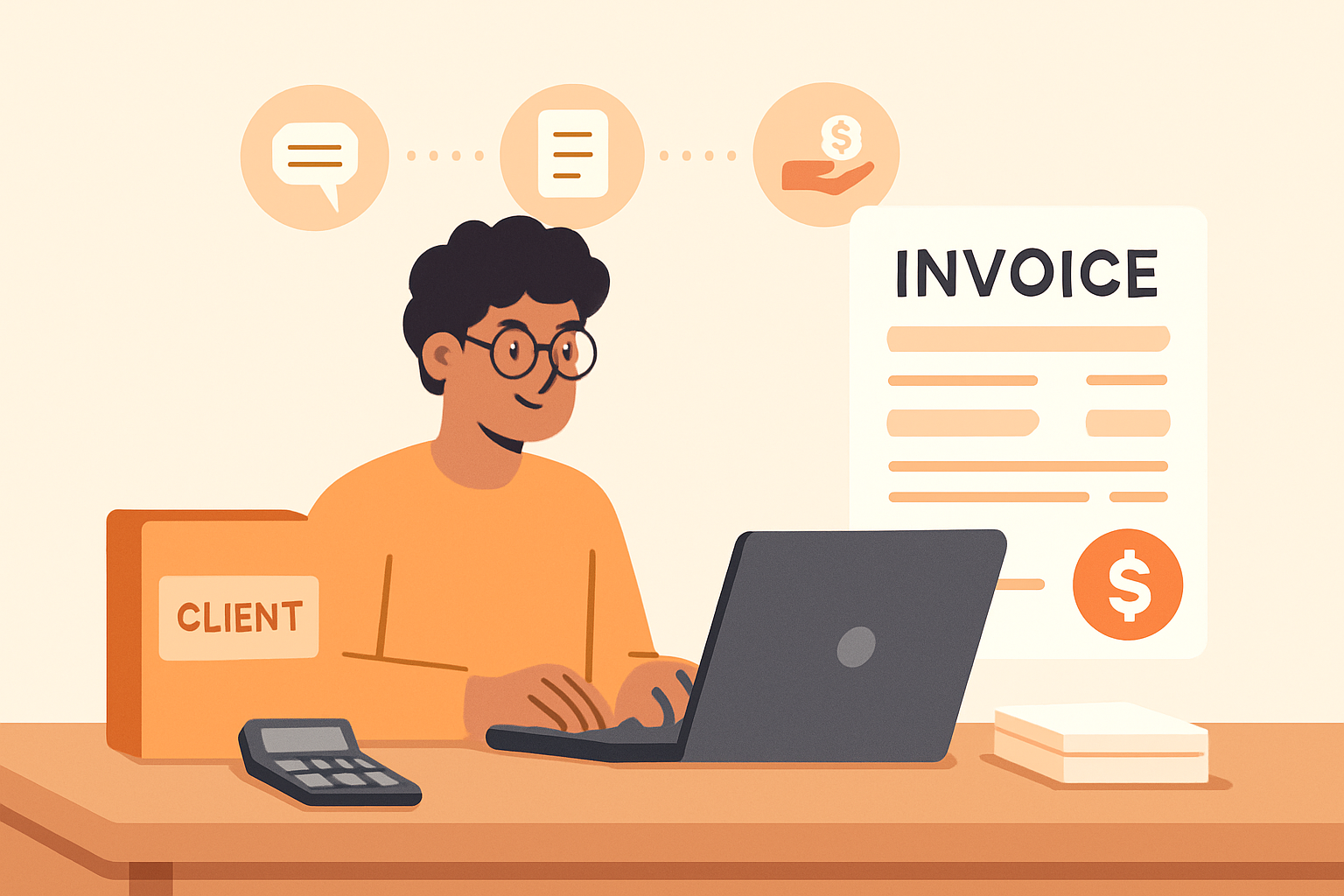
A free invoice generator can help us create professional invoices quickly, reduce manual work, and send billing documents with less friction. When we need to bill clients fast, the right tool gives us a simple way to enter customer details, add line items, calculate totals, and produce a polished invoice without starting from scratch.
For small businesses, freelancers, and service teams, speed matters. We want a process that is easy to repeat, accurate enough to avoid payment delays, and flexible enough to fit different billing needs. A good invoice generator supports that workflow by turning a task that used to take several steps into something we can complete in minutes.
In this article, we explain what a free invoice generator does, what features matter most, how to use one effectively, and when it makes sense to move beyond a basic tool. We also look at practical ways to improve invoicing so we can get paid faster and spend less time on admin.
Key Takeaways
- A free invoice generator helps us create professional invoices quickly by automating formatting, totals, and basic billing details.
- The best tools reduce errors by supporting line items, taxes, discounts, due dates, and reusable client information.
- Simple invoice generators work well for freelancers and small teams, but growing businesses often need more control over collections, tracking, and workflow.
- When invoicing is connected to quotes and payment follow-up, we can spend less time on admin and get paid faster.
What a Free Invoice Generator Does and Why It Matters
A free invoice generator helps us create professional invoices quickly without starting from scratch. Instead of building each bill manually, we can enter the essential details—client name, services, rates, taxes, due date, and payment terms—and generate a clean invoice in minutes. For freelancers, small teams, and service businesses, that speed matters because it reduces admin work and helps us send invoices while the job is still fresh.
At its core, this tool does more than format a document. It gives us a simple workflow for billing accurately and consistently. When we use a generator, we lower the chance of missing important information, improve the look of our invoices, and make it easier for clients to understand what they owe. That clarity can lead to faster approvals and fewer payment delays.
We also gain flexibility. A good free invoice generator usually lets us customize key fields so we can match different types of work, whether we bill hourly, by project, or by milestone. In practice, that means we can:
- add line items with descriptions and quantities
- include taxes, discounts, and subtotal calculations
- set payment terms and due dates
- save time by reusing common invoice details
- present a more polished, trustworthy image to clients
This matters because invoicing is not just paperwork. It is part of cash flow. The easier we make it to issue accurate invoices, the faster we can move from completed work to payment. A free invoice generator gives us a practical starting point, especially when we want to keep operations lean and avoid unnecessary manual steps.
Free Invoice Generator Features We Should Look For
When we evaluate a free invoice generator, we should focus on features that save time, reduce errors, and make it easier to get paid. The best tools do more than fill in a template. They help us create professional invoices quickly, keep billing information organized, and present a clear payment request to clients.
At a minimum, we should look for these capabilities:
- Customizable invoice fields so we can add client details, line items, taxes, discounts, due dates, and payment terms.
- Professional templates that make invoices easy to read and consistent with our brand.
- Automatic calculations for subtotals, taxes, and totals to reduce manual mistakes.
- PDF download or share options so we can send invoices in a format clients can open easily.
- Invoice numbering to help us track billing records and stay organized.
- Saved client information so we do not have to re-enter the same details every time.
- Status tracking to see whether an invoice is draft, sent, viewed, or paid.
We should also pay attention to usability. A good free invoice generator should be simple enough to use without training, but flexible enough to handle different billing needs. If we work with recurring clients, project-based work, or hourly services, the tool should support those workflows without extra steps.
Another important feature is payment support. Even if the generator is free, it should make it easy for clients to understand how and when to pay. Clear payment instructions, due dates, and accepted payment methods can help reduce delays. Some tools also connect invoicing with collections, which can be especially helpful if we want to centralize billing and follow-up in one place.
Finally, we should consider whether the tool helps us stay consistent as our business grows. A strong invoicing solution should not only create a single invoice quickly, but also support repeat billing, recordkeeping, and a smoother process overall. If we need a more complete workflow, a platform like ZenInvoice can help connect invoices, quotes, and collections in one system.
How We Can Create an Invoice Instantly Without Errors
When we need to create an invoice quickly, the fastest path is to use a free invoice generator that guides us through the process instead of starting from a blank document. We can enter the client name, invoice number, issue date, due date, line items, tax, discounts, and payment terms in a few minutes. A good tool reduces manual typing and helps us avoid the small mistakes that often cause delays, such as missing totals, incorrect billing details, or inconsistent formatting.
To create an invoice instantly without errors, we should follow a simple workflow:
- Start with accurate client details. We confirm the legal business name, contact person, billing address, and email before we save anything.
- Use a clear invoice number. We keep numbering consistent so each invoice is easy to track and reference later.
- List each service or product separately. We describe the work, quantity, rate, and amount so the customer understands exactly what they are paying for.
- Check calculations automatically. We rely on the generator to total subtotals, taxes, and discounts, then we review the final amount before sending.
- Add payment terms