Published on April 12, 2026
Hourly Invoice Template: Track Time and Bill Easily
Hourly invoice template tips to help us track time, bill accurately, and create clear invoices that support faster payment.
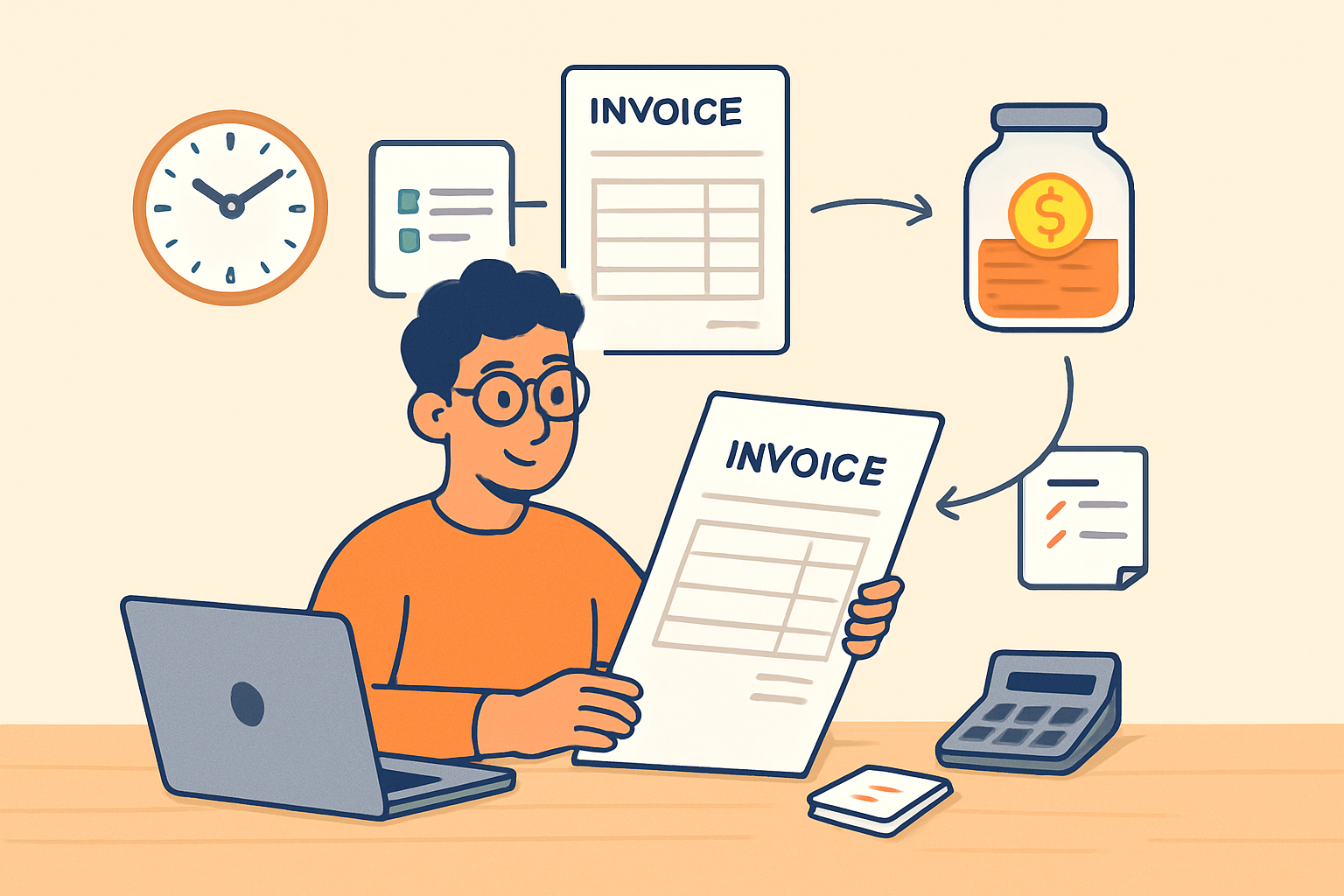
An hourly invoice template helps us bill accurately, show clients exactly what they owe, and reduce time spent on manual invoicing. When we track hours clearly and present them in a consistent format, we make it easier to get paid on time and avoid disputes.
For freelancers, consultants, agencies, and service teams, hourly billing works best when the invoice is simple, transparent, and easy to review. A strong template should capture the work completed, the rate applied, the total hours, and any extra charges without creating confusion.
In this article, we’ll explain what to include in an hourly invoice, how to structure it for faster payment, and how to use it to keep billing organized as work scales.
Key Takeaways
- An hourly invoice template should clearly show hours worked, rates, line totals, and the final amount due.
- Consistent formatting helps us reduce billing errors, answer client questions faster, and support quicker payment.
- Clear task descriptions, service periods, and payment instructions make hourly invoices easier to review and approve.
- Adding notes for scope changes, extra work, or special terms can prevent disputes and improve transparency.
What to Include in an Hourly Invoice Template
When we build an hourly invoice template, we want it to do more than list a total. It should clearly show how we arrived at the amount due, so clients can review the work quickly and pay without confusion. A strong template also helps us stay organized and reduces back-and-forth about missing details.
At a minimum, we should include the following fields:
- Business information: our company name, address, email, phone number, and logo if we use one.
- Client information: the client’s name, company name, and billing contact details.
- Invoice number: a unique identifier that makes the invoice easy to track.
- Invoice date and due date: the date we send the invoice and the date payment is expected.
- Service period: the time range covered by the work, such as a week, month, or project phase.
- Task descriptions: a clear breakdown of the work completed, written in plain language.
- Hours worked: the number of hours spent on each task or project item.
- Hourly rate: the agreed rate for each hour billed.
- Line totals: the amount charged for each task, calculated by multiplying hours by the hourly rate.
- Subtotal, taxes, and discounts: any additional charges or adjustments that affect the final amount.
- Total due: the final amount the client needs to pay.
- Payment instructions: accepted payment methods, remittance details, and any late payment terms.
We should also make room for notes when needed. This can be useful for explaining out-of-scope work, approved changes, or special billing terms. If we bill for multiple projects or team members, the template should separate those entries so the invoice stays easy to read.
The best hourly invoice template is simple, complete, and consistent. When we include the right details from the start, we make it easier for clients to approve payment and easier for ourselves to keep records accurate.
How to Calculate Hours, Rates, and Total Charges
To use an hourly invoice template correctly, we need a clear method for turning tracked time into accurate charges. The process starts with the total hours worked, then applies the agreed hourly rate, and finally adds any approved expenses or taxes if they apply. When we keep each step consistent, we reduce billing errors and make it easier for clients to understand every line item.
We can calculate labor charges with a simple formula:
Total labor charge = Hours worked × Hourly rate
For example, if we worked 12.5 hours at $85 per hour, the labor total would be $1,062.50. If the project includes multiple tasks or team members, we should calculate each line separately and then add the totals together. This makes the invoice easier to review and helps us explain where the final amount came from.
When time is tracked in minutes, we should convert it to decimal hours before billing. A few common conversions are:
- 15 minutes = 0.25 hours
- 30 minutes = 0.50 hours
- 45 minutes = 0.75 hours
- 60 minutes = 1.00 hour
Using decimal hours keeps the math consistent and avoids confusion on the invoice. If we round, we should follow the same rule every time and note it in our billing terms so clients know what to expect.
We also need to decide how to handle billable and non-billable time. Only time that was agreed to in advance should appear on the invoice. Internal meetings, administrative work, or revisions outside scope should be excluded unless the client approved them. This protects our margins and prevents disputes.
To make totals more accurate, we should include any additional charges separately from labor. Common examples include:
- Project-related expenses
- Rush fees
- Travel costs
- Taxes, if required
Each charge should be listed with a short description so the client can see exactly what they are paying for. If we use a digital workflow, we can connect time tracking, invoicing, and payment collection in one place to reduce manual entry and speed up billing. A system like ZenInvoice can help us keep those records aligned without extra admin work.
Before sending the invoice, we should review the math one more time. Check the hours, confirm the rate, verify any expense amounts, and make sure the final total matches the line items. A clean calculation process helps us get paid faster and builds trust with every invoice we send.
Best Practices for Clear and Professional Hourly Billing
To make hourly billing clear and professional, we need to show exactly how we arrived at the total. A strong hourly invoice template should include the client name, invoice number, billing period, payment terms, and a detailed breakdown of services. When we list work by task, date, hours worked, and rate, clients can review charges quickly and with less back-and-forth.
We also need to keep time entries consistent. If we round time, we should do it the same way on every invoice and explain the method in our terms or notes. For example, we can bill in 15-minute increments, use decimal hours, or separate billable and non-billable time clearly. Consistency builds trust and helps prevent disputes.
Professional hourly billing also depends on simple language. We should avoid vague descriptions like “work on project” and instead write specific entries