Published on April 12, 2026
How to Invoice a Client (Complete Guide)
How to invoice a client with clear steps, payment terms, and follow-up tips so we can get paid faster and stay organized.
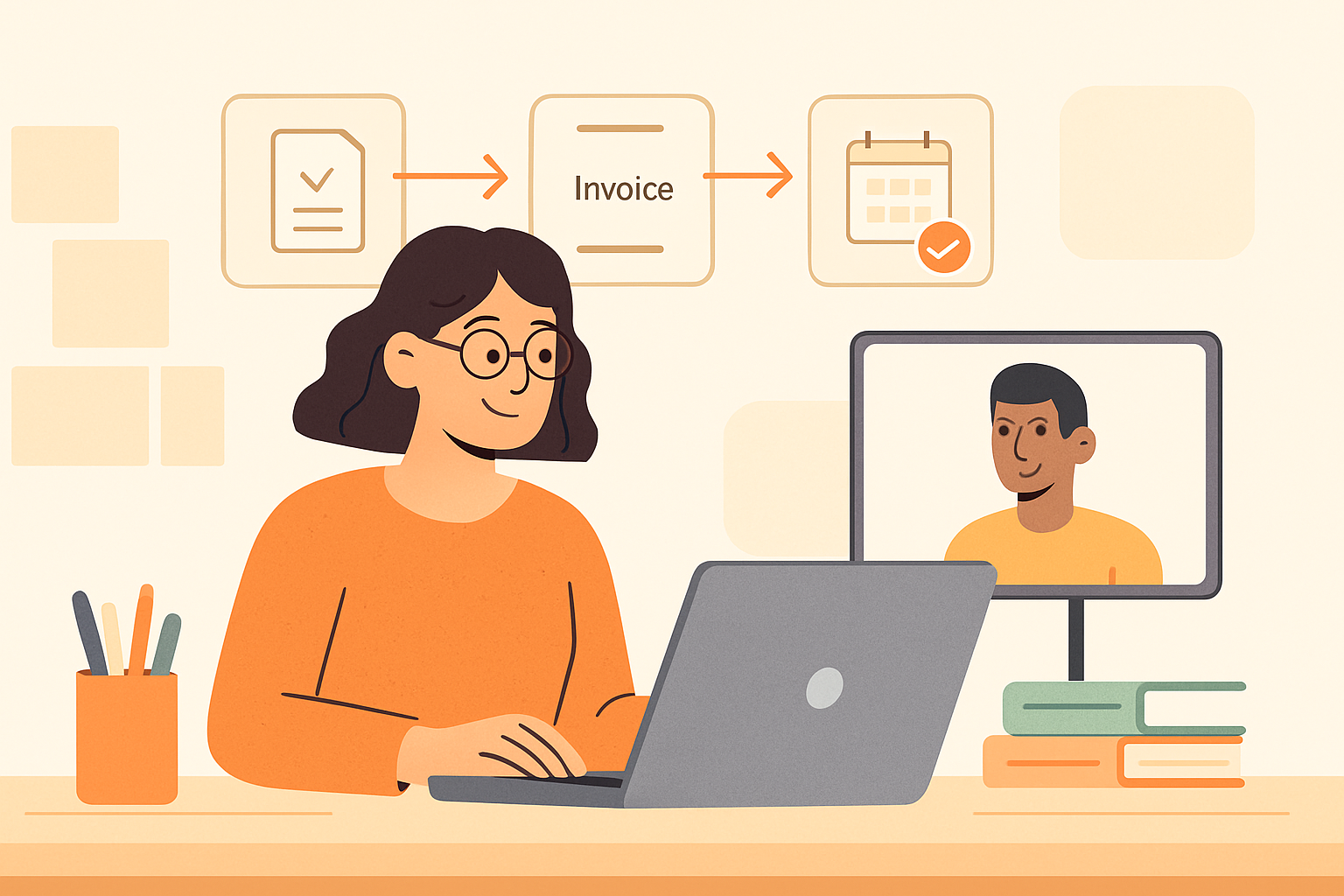
How to invoice a client is a process we can make simple, professional, and repeatable. When we send a clear invoice, we help clients understand exactly what they owe, why they owe it, and when payment is due. That clarity reduces delays, prevents back-and-forth questions, and supports healthier cash flow for our business.
Invoicing is more than sending a bill. It is part of the client experience and a key step in getting paid on time. We need the right details, the right timing, and a consistent format that makes payment easy. When we handle invoicing well, we create a smoother workflow for both sides and reduce the manual work that often slows collections.
In this guide, we will cover what to include on an invoice, when to send it, how to follow up professionally, and how to avoid common mistakes. We will also look at practical ways to streamline the process so we can spend less time chasing payments and more time serving clients and growing the business.
Key Takeaways
- A clear invoice should include who we are, what we delivered, how much is due, and when payment is expected.
- Setting payment terms upfront helps us reduce delays and avoid confusion later.
- A consistent follow-up process keeps collections professional and protects client relationships.
- Simple invoicing workflows make it easier for us to get paid faster and stay organized.
What to Include When We Invoice a Client
When we invoice a client, the goal is to make the document easy to understand, easy to approve, and easy to pay. A clear invoice reduces back-and-forth, helps us get paid faster, and gives the client everything they need to process payment without delays.
At a minimum, we should include the following details on every invoice:
- Our business information — company name, address, email, and phone number so the client knows who sent the invoice.
- Client information — the client’s name, company name, and billing contact to make sure the invoice reaches the right person.
- Invoice number — a unique number that helps us track the invoice and makes follow-up easier.
- Invoice date — the date we issue the invoice, which helps establish the payment timeline.
- Due date — the exact date payment is expected, based on the agreed terms.
- Itemized services or products — a clear list of what we delivered, including descriptions, quantities, rates, and line totals.
- Subtotal — the amount before taxes, discounts, or additional fees.
- Taxes, discounts, and fees — any extra charges or deductions should be shown separately so the total is transparent.
- Total amount due — the final amount the client needs to pay.
- Payment instructions — accepted payment methods, bank details, payment links, or any steps the client needs to complete payment.
We should also include any relevant project references, purchase order numbers, or contract terms if the client uses them for internal approval. If the work was billed by milestone, we need to label the milestone clearly so the client can match the invoice to the correct phase of the project.
Clarity matters just as much as completeness. If a line item is vague, the client may delay payment while they ask for clarification. Instead of writing something generic like “consulting services,” we should describe the work in a way that connects it to the agreed scope, such as “strategy session and campaign review” or “website copywriting for landing page.”
We should also make sure the payment terms are visible. If we expect payment in 15 days, 30 days, or upon receipt, that should be stated plainly on the invoice. The same applies to late fees or early payment discounts, which should be included only if they were agreed to in advance.
Using a consistent invoice format helps us stay organized and makes our business look more professional. Tools like ZenInvoice can help centralize client details, quotes, and collections so we spend less time managing paperwork and more time focusing on the work that drives growth.
How to Invoice a Client Step by Step
To invoice a client effectively, we need a clear process that reduces errors and speeds up payment. The goal is not just to send a bill, but to make it easy for the client to understand what they owe, why they owe it, and how to pay it.
- Confirm the work is complete. Before we invoice, we should verify that the agreed deliverables, hours, or milestones are finished. This helps prevent disputes and keeps the invoice aligned with the contract or proposal.
- Gather the right details. We should collect the client’s legal or billing name, address, email, project name, invoice number, payment terms, and any purchase order or reference number they require. Missing information can delay approval and payment.
- List services or products clearly. Each line item should describe the work in plain language, with quantities, rates, and totals. If we bill hourly, we should include the number of hours and the hourly rate. If we bill by project, we should break out the agreed scope so the client can review it quickly.
- Add taxes, discounts, and fees if applicable. We should show these separately so the total is transparent. Clients are more likely to pay promptly when the invoice is easy to audit.
- State payment terms and due date. We need to make the deadline obvious, such as net 15 or due on receipt, and include accepted payment methods. Clear terms reduce back-and-forth and help set expectations from the start.
- Review before sending. A final check for math errors, spelling issues, and missing details can save time later. We should confirm the total, the due date, and the recipient email before we send anything.
- Send the invoice promptly and track it. The faster we send it after the work is done, the sooner the payment cycle begins. We should also keep a record of when it was sent so we can follow up if needed.
When we follow these steps consistently, invoicing becomes a repeatable part of our workflow instead of a last-minute task. Using invoicing software can make this process even smoother by keeping client details, quotes, and payment tracking in one place, which is especially helpful for teams that want to reduce