Published on April 12, 2026
How to Manage Invoices Like a Pro
How to manage invoices with less stress, faster payments, and better organization using a simple, repeatable workflow.
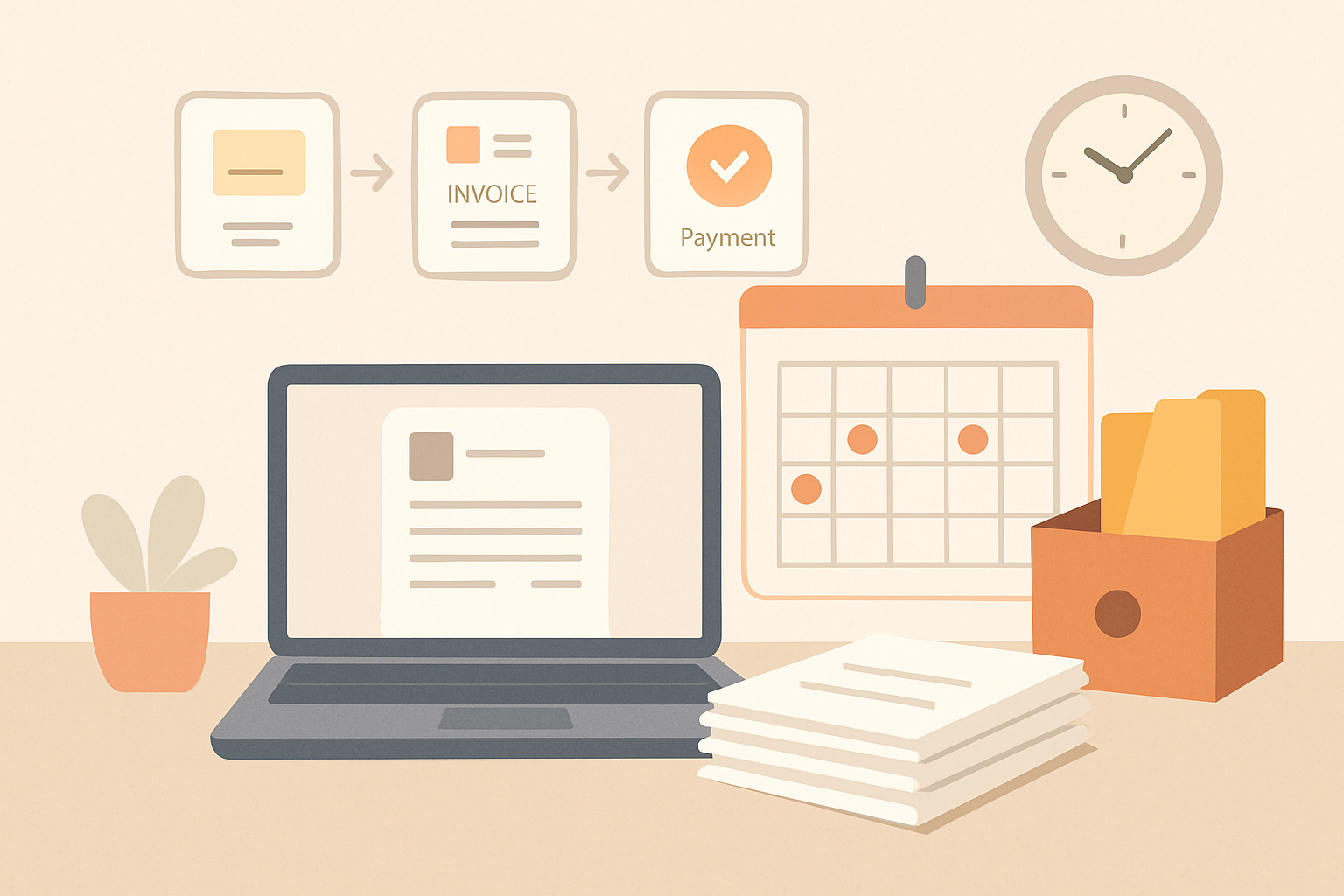
When we learn how to manage invoices well, we create smoother cash flow, reduce payment delays, and spend less time chasing paperwork.
Strong invoice management is not just about sending bills on time. It also means using a clear process for creating accurate invoices, tracking due dates, following up professionally, and keeping records organized. When we handle these steps consistently, we make it easier for clients to pay us quickly and for our team to stay focused on growth instead of admin work.
In this article, we will break down the practical habits and systems that help us manage invoices with more confidence and less manual effort.
Key Takeaways
- Use a repeatable invoice workflow so every bill is created, sent, tracked, and followed up the same way.
- Include complete billing details, clear payment terms, and accurate line items to reduce delays and disputes.
- Track invoice status in one place so we can spot overdue accounts and follow up on time.
- Automate reminders and recordkeeping to cut manual work and improve cash flow.
How to Manage Invoices with a Clear Workflow
To manage invoices effectively, we need a workflow that keeps every bill moving in the same direction: created correctly, sent on time, tracked consistently, and followed up without delay. A clear process reduces missed payments, prevents duplicate work, and gives us better visibility into cash flow. When invoicing is handled the same way every time, we spend less time fixing errors and more time getting paid.
We can start by standardizing the steps from the moment a job is completed or a milestone is approved. That means collecting the right billing details upfront, using a consistent invoice template, and assigning responsibility for each stage. A simple workflow usually includes:
- Capture client and project details before invoicing begins.
- Review deliverables or time entries to confirm what should be billed.
- Create the invoice with clear line items, totals, and payment terms.
- Send the invoice promptly through the client’s preferred channel.
- Track status so we know what is sent, viewed, overdue, or paid.
- Follow up on unpaid invoices with a consistent reminder schedule.
We also need one place to store invoice records, client communication, and payment history. Without centralized tracking, it becomes easy to lose sight of due dates or overlook outstanding balances. A shared system helps us see which invoices are open, which clients pay late, and where bottlenecks are forming. That visibility makes it easier to improve our process over time.
Another key part of how to manage invoices is setting clear rules for approvals and corrections. If an invoice needs to be revised, we should know who updates it, how the client is notified, and how the original record is preserved. This keeps our books accurate and avoids confusion during collections. It also helps us maintain a professional experience for clients, especially when billing changes are needed.
Finally, we should make follow-up part of the workflow, not an afterthought. A polite reminder before the due date, a second message after the due date, and a final escalation step can improve payment timing without creating friction. When we combine structure, visibility, and consistent follow-up, invoicing becomes a reliable system instead of a recurring headache. Tools like ZenInvoice can support that flow by keeping invoices, quotes, and collections connected in one place.
What Every Invoice Should Include to Avoid Delays
To manage invoices effectively, we need every invoice to answer the client’s questions before they ask them. Missing details create back-and-forth, slow approvals, and delayed payment. A complete invoice should make it easy to verify who is being billed, what the charge is for, when payment is due, and how to pay.
At a minimum, we should include the following on every invoice:
- Business name and contact details so the client knows exactly who sent the invoice.
- Client name and billing address to prevent confusion and routing issues.
- Unique invoice number for tracking, reconciliation, and follow-up.
- Invoice date and payment due date so expectations are clear.
- Itemized products or services with quantities, rates, and brief descriptions.
- Subtotal, taxes, discounts, and total due so the final amount is easy to confirm.
- Accepted payment methods and instructions for paying without delay.
- Late fee terms or payment policy, if applicable, to reduce disputes later.
We also recommend adding any reference numbers the client uses internally, such as a purchase order or project code. That small detail can speed up approval inside larger organizations. If we bill for recurring work, we should make the billing period obvious so the client can match the invoice to the service window.
Clarity matters just as much as completeness. Short, specific line items are easier to approve than vague descriptions like “consulting” or “services rendered.” When possible, we should tie each charge to a deliverable, milestone, or time period. That makes the invoice easier to review and reduces the chance of questions that stall payment.
Before sending, we should review every invoice for accuracy. A wrong amount, missing due date, or typo in the client name can create unnecessary delays. Using a consistent invoice template helps us standardize the details, reduce errors, and keep the payment process moving.
How to Track Payments and Follow Up Without Being Pushy
To manage invoices well, we need a clear follow-up process that protects cash flow without damaging client relationships. The goal is simple: make payment expectations easy to understand, then follow up in a way that feels professional, consistent, and respectful.
We start by tracking every invoice from the moment it is sent. That means recording the invoice number, client name, due date, amount, payment method, and current status. A simple status system helps us stay organized:
- Sent — the invoice has been delivered
- Viewed — the client has opened it
- Due soon — payment is approaching
- Overdue — the due date has passed
- Paid — the balance is settled
Once we have that visibility, we can follow up before a payment becomes a problem. A reminder sent a few days before the due date is often enough to prevent delays. If the invoice is still unpaid after the due date, we can send a short, direct message that restates the amount due, the original due date, and the payment options. Keeping the message factual