Published on April 12, 2026
How to Send an Invoice Professionally
How to send invoice professionally with clear steps, better timing, and follow-up tips that help us get paid faster.
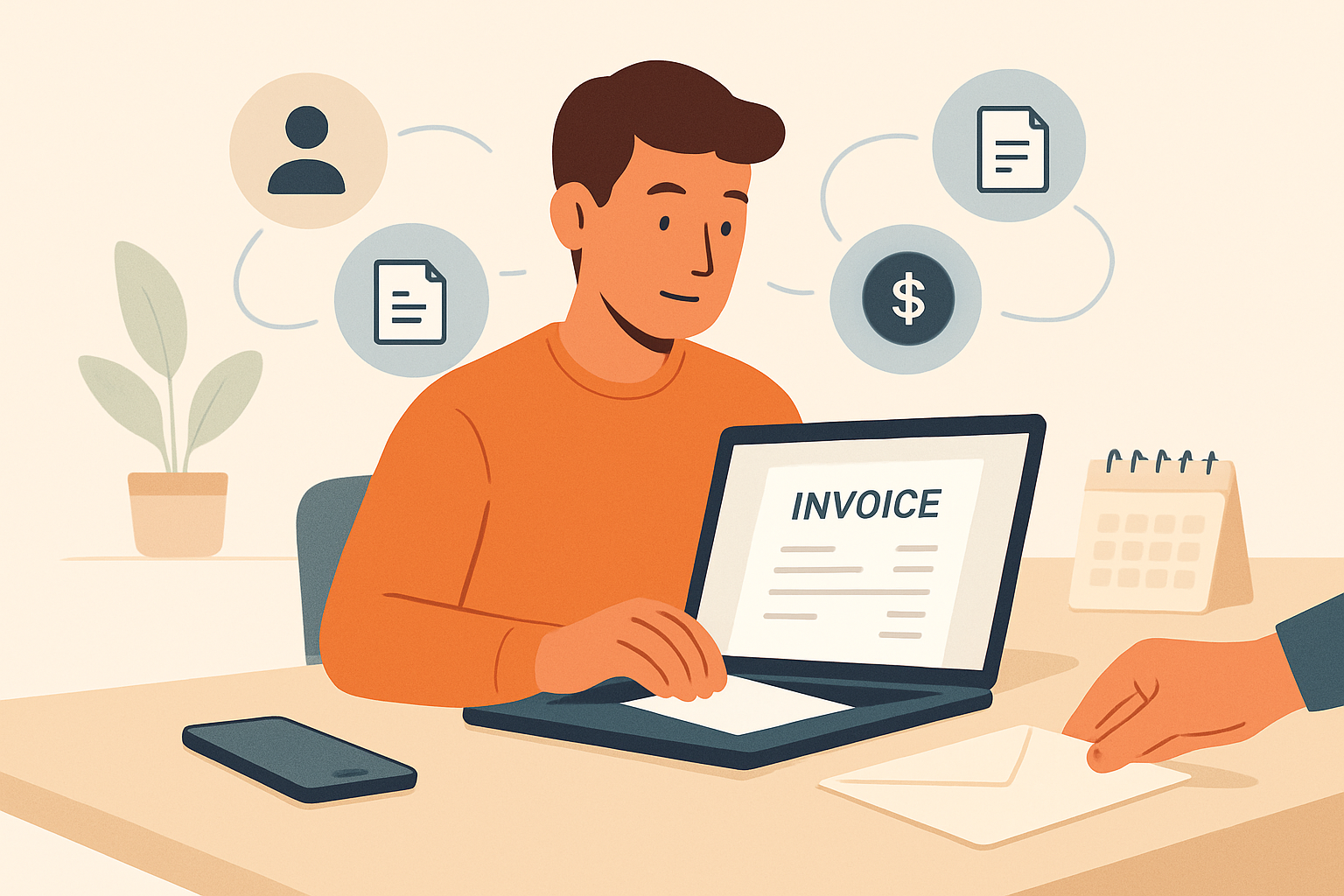
Knowing how to send invoice professionally helps us get paid faster, reduce back-and-forth, and present our business with confidence. A clear invoicing process also makes it easier for clients to understand what they owe, when payment is due, and how to pay without delays.
When we treat invoicing as part of the client experience, we improve cash flow and build trust at the same time. That means using the right format, sending the invoice at the right moment, and including the details clients need to approve and pay it quickly. In this article, we’ll cover the practical steps that make invoicing more efficient and more professional.
Key Takeaways
- Complete every invoice with accurate client details, a clear description of work, and a unique invoice number before sending.
- Choose a sending time and channel that make it easy for the client to review, approve, and pay without delay.
- Use a short, professional message that states what the invoice covers, when payment is due, and how to pay.
- Follow up politely if payment is late and keep all invoices organized so we can track status and avoid missed collections.
How to Send Invoice: Start With the Right Information
When we send an invoice professionally, the first step is making sure every detail is complete and easy to verify. Missing or unclear information slows down payment, creates back-and-forth questions, and can make our business look disorganized. Before we send anything, we should confirm that the invoice includes the client’s legal or billing name, our business name, a unique invoice number, the issue date, and the payment due date.
We also need to include a clear description of the work or products delivered. This should be specific enough that the client can quickly understand what they are paying for. Instead of writing a vague line like “services rendered,” we should list the actual service, the quantity if relevant, the rate, and the total amount. If we bill by project, we can break the work into line items so the client sees exactly how the total was calculated.
Payment instructions matter just as much as the invoice details. We should state how the client can pay, whether by bank transfer, card, check, or another method, and include any account information or payment link needed to complete the transaction. If we charge late fees, offer early payment discounts, or require a deposit, those terms should appear clearly on the invoice so there is no confusion later.
Before we send the invoice, it helps to review it for accuracy and consistency. We can use this quick checklist:
- Client information: correct name, address, and contact details
- Our information: business name, email, phone number, and billing address
- Invoice details: invoice number, date, and due date
- Work summary: clear line items, quantities, and totals
- Payment terms: accepted methods, due date, and any fees or discounts
When we start with accurate information, we make it easier for clients to approve and pay on time. A clean, complete invoice sets the right tone and reduces delays before they begin. If we want to streamline this process, using invoicing software like ZenInvoice can help us keep client details, quotes, and billing information organized in one place.
How to Send Invoice by Email Without Looking Unprofessional
When we think about how to send invoice professionally, timing matters as much as the document itself. We want to send it as soon as the work is complete, the milestone is approved, or the agreed billing date arrives. Sending it promptly helps us stay top of mind, reduces delays in payment, and signals that our process is organized.
The channel we choose should match the way we already work with the client. If we have been communicating by email, a clear invoice email is usually the best option. If the client uses a portal or accounting system, we should follow that process so the invoice is easy to find and approve. For recurring clients, consistency is important because it removes confusion and makes payment expectations clearer.
To keep the process smooth, we can follow a simple approach:
- Send during business hours so the invoice is more likely to be seen quickly.
- Use the client’s preferred channel whenever possible to avoid missed messages.
- Attach the invoice in a common format such as PDF so it opens easily on any device.
- Include a short, direct message that states what the invoice covers and when payment is due.
We should also avoid sending invoices at random times or through multiple channels at once unless the client requests it. That can make the process feel disorganized and may slow down approval. A consistent sending routine helps us look professional and makes it easier for clients to pay on time.
When we manage many clients or recurring bills, a tool like ZenInvoice can help us centralize invoicing and keep the entire send-and-collect process more reliable.
Write a Clear Message That Supports Fast Payment
When we send an invoice, the message we attach matters as much as the document itself. A clear, polite note helps the client understand what the invoice covers, what action we need from them, and how they can pay without delay. We should keep the message short, specific, and easy to scan.
Start with a direct reference to the work or service completed. Then include the invoice number, total amount due, and payment due date if it is not already obvious in the invoice. If we offer multiple payment options, we should mention them briefly so the client does not have to search for the details.
A strong invoice message usually includes:
- What the invoice is for: a short description of the project, service, or billing period
- What is due: the total amount and any tax, fee, or deposit balance
- When payment is due: the due date or payment terms
- How to pay: a link, instructions, or accepted payment methods
- Who to contact: a name or email for billing questions
We should also make the tone helpful, not demanding. A message that sounds professional and respectful encourages faster payment because it removes friction. For example, we can say, “Please let us know if you have any questions about this invoice,” instead of using language that feels