Published on April 12, 2026
How to Send Invoices with PayPal and Get Paid Faster
Send invoices with PayPal faster by improving invoice details, payment terms, and follow-up steps that help us get paid sooner.
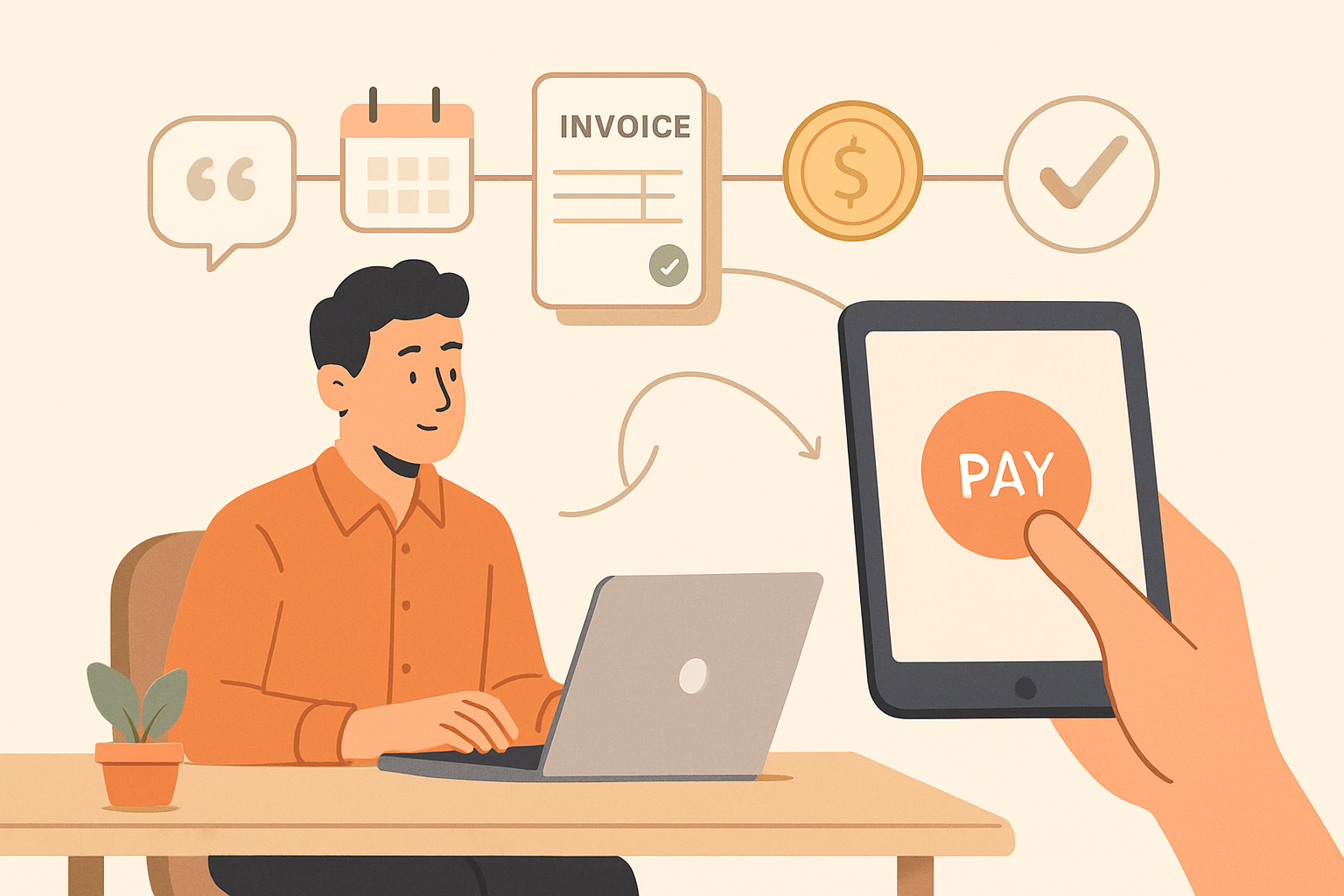
When we send invoices with PayPal, we can make it easier for clients to pay quickly while keeping our billing process simple and familiar. PayPal is widely recognized, which can reduce friction at checkout and help us collect payments faster.
That said, sending an invoice is only one part of getting paid on time. We also need clear payment terms, accurate invoice details, and a process that follows up when a payment is late. In this article, we will cover how to create and send PayPal invoices, what to include for a smoother payment experience, and practical ways to improve cash flow without adding extra manual work.
Key Takeaways
- We can send invoices with PayPal faster by using complete client details, accurate line items, and clear due dates.
- Simple payment terms, such as due on receipt or net 7, help reduce confusion and speed up payment.
- A short follow-up process matters because reminders often prevent invoices from aging unnecessarily.
- Invoicing software can save time when we need to manage recurring billing, track status, and reduce manual work.
How to send invoices with PayPal step by step
To send invoices with PayPal, we start by making sure our account is set up for business use and that our payment details are complete. From there, we can create a new invoice from the dashboard, add the customer’s name and email address, and enter the products or services we provided. It helps to be precise here: include item descriptions, quantities, rates, tax if applicable, and any discounts or notes that clarify the charge.
Next, we review the invoice layout before sending it. We should confirm the currency, due date, and payment terms so the client knows exactly when payment is expected. If we want to encourage faster payment, we can keep the terms simple and clear, such as net 7 or due on receipt, depending on the agreement. A short, professional message in the note field can also make the invoice feel more personal and easier to act on.
Once everything looks right, we send the invoice directly through PayPal. The client receives a notification by email and can pay using the options available to them. After sending, we should track the invoice status so we know whether it has been viewed, paid, or still needs a follow-up. This step matters because timely reminders often reduce delays without adding extra manual work.
To keep the process efficient, we should use a consistent workflow every time:
- Confirm client contact details before sending
- Double-check line items, totals, and taxes
- Set a clear due date and payment terms
- Add a concise note or thank-you message
- Monitor status and follow up if payment is late
When we send invoices with PayPal in a structured way, we reduce errors, improve the client experience, and make it easier to get paid on time. For teams that want even less manual work, centralizing invoices, quotes, and collections in one system can make the process faster and more reliable.
What to include in every invoice to reduce delays
When we send invoices with PayPal, the fastest payments usually come from invoices that leave no room for confusion. Every field should answer a simple question: what was done, when was it done, how much is owed, and how can the client pay without delay?
We should always include a clear invoice number, issue date, due date, and the full legal name and contact details for both parties. The description of work should be specific enough to match the approved scope, such as the service provided, quantity, rate, and any milestones completed. If we leave the description too broad, clients often pause to ask for clarification before paying.
It also helps to show the total due in a clean breakdown. List labor, expenses, taxes, discounts, and any processing fees separately so the client can verify the amount quickly. If partial payments are allowed, state the deposit already received and the remaining balance. If late fees apply, include the policy in plain language so there is no dispute later.
To reduce back-and-forth, we should make the payment step obvious. Add the PayPal payment link or button, confirm the accepted payment methods, and include a short note such as “Pay online to avoid delays.” If the client needs a purchase order number, billing reference, or approval contact, place that near the top of the invoice so accounting can process it without searching.
A strong invoice also includes a brief summary of next steps. For example:
- Invoice number: Easy to reference in email threads and accounting systems
- Due date: Clear deadline for payment
- Service details: Specific work completed and agreed pricing
- Payment instructions: Direct path to pay through PayPal
- Contact information: One person to reach if there is a question
When we keep these details consistent on every invoice, clients spend less time asking for corrections and more time paying. That consistency also makes it easier for us to track outstanding balances, follow up on overdue accounts, and keep cash flow moving. If we want to reduce manual work even further, a tool like ZenInvoice can help us centralize invoice details, client information, and collections in one place.
How to send invoices with PayPal and get paid faster
When we send invoices with PayPal, the goal is not just to bill a client, but to make payment as easy as possible. The faster we remove friction, the faster money moves into our account. That starts with a clean invoice, a clear payment request, and a process that helps clients pay without confusion.
We can improve payment speed by making a few practical adjustments to every invoice:
- Use a clear invoice number so clients can match the bill to the right project or order.
- Include a specific due date instead of vague language like “due upon receipt” when a deadline matters.
- List the exact amount owed and break out taxes, fees, or discounts if applicable.
- Add a short payment note that tells clients what to do next, such as “Pay securely through the PayPal link below.”
- Send the invoice promptly after work is completed or a milestone is approved.
We also get better results when we make the payment path obvious. If the invoice is