Published on April 12, 2026
Invoice for Services Rendered: Templates and Guide
Invoice for services rendered made simple: learn what to include, how to format it, and how templates help us get paid faster.
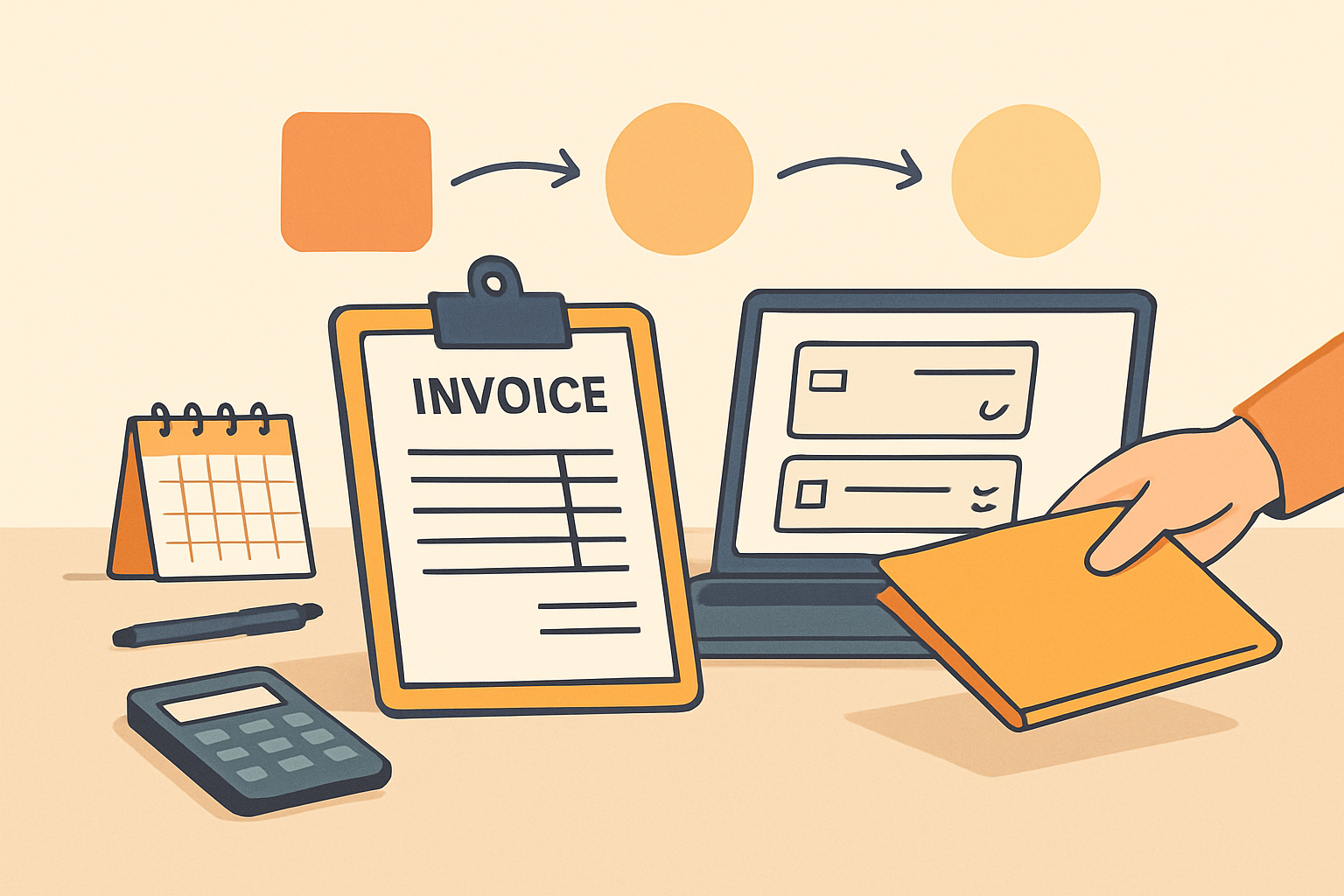
An invoice for services rendered is more than a payment request. It is a clear record of work completed, the value delivered, and the terms we expect clients to follow. When we create invoices that are accurate and easy to understand, we reduce delays, avoid confusion, and present our business in a more professional way.
For service-based businesses, invoicing is part of the client experience. A strong invoice should confirm what was done, when it was done, how much is owed, and when payment is due. It should also make it simple for clients to pay without extra back-and-forth. In this guide, we will cover the essential parts of a service invoice, explain how to build one that supports faster payment, and share practical template ideas we can adapt for different types of work.
Whether we bill hourly, by project, or on a retainer basis, the goal is the same: create invoices that are consistent, professional, and easy to process. With the right structure, we can spend less time chasing payments and more time serving clients.
Key Takeaways
- An invoice for services rendered should clearly show what work was completed, when it was delivered, and how much is due.
- Simple formatting, itemized line items, and visible payment terms help clients approve and pay invoices faster.
- Templates save time and reduce errors by creating a consistent structure for hourly, project-based, and retainer billing.
- Tracking invoice status and following up promptly helps us improve cash flow and avoid missed payments.
What an Invoice for Services Rendered Should Include
An invoice for services rendered should give the client everything they need to understand what was done, what it costs, and how to pay it. When we keep the document clear and complete, we reduce back-and-forth, speed up approval, and make collections easier.
At a minimum, we should include the following details:
- Business information: our company name, address, email, phone number, and any relevant tax or registration details.
- Client information: the client’s name, company name, billing address, and primary contact if needed.
- Invoice number: a unique identifier that helps us track the invoice and reference it in future communication.
- Invoice date: the date we issue the invoice, which helps establish the billing timeline.
- Service description: a clear breakdown of the work completed, written in plain language and specific enough to avoid confusion.
- Service dates or project period: when the work was performed or the time frame covered by the invoice.
- Quantity or hours: the number of units, hours, sessions, or deliverables billed.
- Rate or price: the cost per hour, per project, or per service item.
- Subtotal: the total before taxes, discounts, or additional fees.
- Taxes, fees, or discounts: any applicable charges or adjustments that affect the final amount.
- Total amount due: the final balance the client needs to pay.
- Payment terms: the due date, accepted payment methods, and any late fee policy if we use one.
We should also make the payment instructions easy to find. If clients need to send a bank transfer, pay online, or mail a check, we should state that clearly on the invoice. The fewer steps they have to figure out, the faster we get paid.
For service-based work, it also helps to add a short note about the scope of work. This can prevent disputes by showing exactly what was included and what was not. If the project involved milestones, retainers, or partial payments, we should show those amounts separately so the billing is transparent.
When we use a consistent format for every invoice for services rendered, we create a smoother process for both sides. It becomes easier to track outstanding balances, match payments to projects, and maintain a professional client experience. A structured invoicing system can help us keep these details organized without adding extra manual work.
How to Format an Invoice for Services Rendered for Clear, Fast Payment
To help clients pay quickly, we need every invoice for services rendered to be easy to scan, complete, and consistent. A clear format reduces back-and-forth, supports faster approval, and makes it easier for accounting teams to process payment without delays.
We should place the most important details at the top of the page. That usually includes our business name and contact information, the client’s name, the invoice number, the issue date, and the payment due date. When these details are easy to find, clients can confirm the invoice is correct and route it to the right person right away.
Use a simple structure
A clean layout helps clients understand what they are paying for. We recommend organizing the invoice in this order:
- Header: business name, logo if used, and contact details
- Client details: company name, billing contact, and address
- Invoice details: invoice number, date, and due date
- Service summary: description of work, quantity or hours, rate, and line total
- Totals: subtotal, taxes or fees, discounts, and final amount due
- Payment instructions: accepted payment methods, remittance details, and late payment terms
For the service description, we should be specific enough to avoid confusion but concise enough to stay readable. Instead of writing a vague line like “consulting services,” we can list the actual work completed, such as “project planning and client strategy review” or “website maintenance and content updates.” If we bill by the hour, we should include the number of hours, hourly rate, and total for each line item.
We also need to make the payment terms obvious. If payment is due on receipt, within 15 days, or within 30 days, that should be stated clearly near the total amount. If we charge late fees, we should include the policy in plain language so there is no misunderstanding later.
Formatting matters as much as the information itself. We should use consistent fonts, spacing, and alignment so the invoice looks professional and is easy to read on a screen or printed copy. A cluttered layout can slow down approval, while a simple design helps clients focus on the amount due and the steps needed to pay.
When possible, we should also make the invoice easy to pay. Adding a direct payment link, bank transfer details, or a note about accepted payment methods can shorten the payment cycle. If we manage invoicing through a platform like ZenInvoice, we can keep