Published on April 12, 2026
PayPal Invoice Example: Step-by-Step Walkthrough
PayPal invoice example guide with clear steps, key fields, and practical tips to help us create invoices that get paid faster.
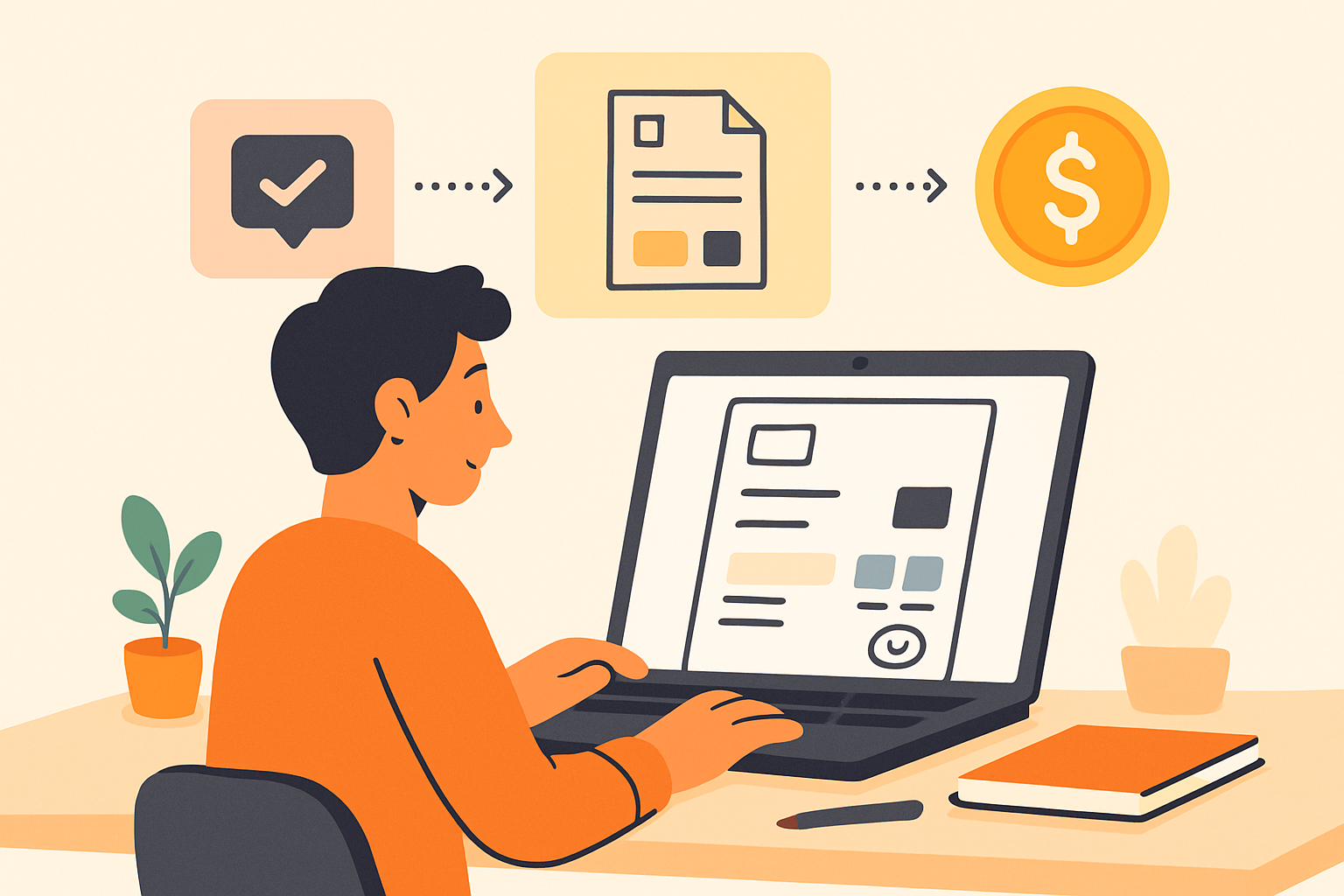
When we look for a paypal invoice example, we usually want more than a screenshot or a template. We want a clear, practical view of what an invoice should include, how it should be structured, and how it helps us get paid without confusion.
In this guide, we walk through a simple PayPal invoice example step by step so we can understand the key fields, avoid common mistakes, and create invoices that feel professional from the start. Whether we bill for services, projects, or recurring work, the goal is the same: make payment easy for clients and keep our records organized.
We also cover what to include in each section, how to present totals and terms clearly, and how to improve the invoicing process so it takes less manual effort. If we want a faster, more reliable workflow, this is a strong place to start.
Key Takeaways
- A complete PayPal invoice should clearly identify the business, client, services, totals, and payment terms.
- Itemized line items and a unique invoice number help us reduce confusion and track payments more easily.
- Clear due dates, payment instructions, and late-fee notes can speed up payment and limit follow-up.
- Simple customization, like adding a project summary or branded details, makes invoices look more professional and easier to approve.
What a PayPal Invoice Should Include
When we create a paypal invoice example, the goal is to make every detail clear enough that the client can review, approve, and pay without back-and-forth. A complete invoice should do more than request payment. It should identify who is billing, who is being billed, what was delivered, how much is owed, and when payment is due.
At a minimum, we should include the following:
- Business information: our business name, email, phone number, and mailing address so the client knows exactly who sent the invoice.
- Client information: the customer’s name, company name, and contact details to avoid confusion.
- Invoice number: a unique reference number that helps us track the invoice and makes follow-up easier.
- Invoice date: the date we issued the invoice, which helps establish the payment timeline.
- Due date: a clear deadline for payment so expectations are set from the start.
- Itemized services or products: a line-by-line list of what we provided, including descriptions, quantities, rates, and totals.
- Subtotal, taxes, and fees: any applicable charges should be shown separately so the final amount is easy to verify.
- Total amount due: the exact amount the client needs to pay.
- Payment instructions: the preferred payment method, such as PayPal, and any notes the client needs to complete payment.
We should also add a short payment note if needed, such as late fee terms, partial payment rules, or a thank-you message. This helps reduce questions and keeps the process professional.
For service-based businesses, clarity matters even more. If we bill for consulting, design, development, or other project work, we should describe the scope in plain language. Instead of writing a vague line like “services rendered,” we can specify “website homepage design,” “monthly bookkeeping support,” or “copywriting for landing page.” That level of detail builds trust and makes the invoice easier to approve.
A strong invoice format also supports faster payment. When the client can quickly understand what they owe and how to pay, we remove friction from the process. If we want to streamline this even further, using invoicing software can help us standardize invoice details, reduce manual errors, and keep billing organized in one place.
PayPal Invoice Example: A Step-by-Step Breakdown
When we look at a PayPal invoice example, the structure is usually simple, but every field matters. A clear invoice helps us get paid faster, reduces back-and-forth with clients, and makes the payment process easier to follow. At a minimum, we want the invoice to identify who is billing, who is paying, what was sold, how much is due, and when payment is expected.
Here is the basic flow we should expect in a PayPal invoice:
- Invoice header — We include our business name, logo if available, and contact details so the invoice looks professional and is easy to identify.
- Client information — We add the customer’s name, email address, and billing details to make sure the invoice reaches the right person.
- Invoice number and date — We assign a unique invoice number and include the issue date for tracking and recordkeeping.
- Line items — We list each product or service, along with quantity, rate, and subtotal so the client can review charges clearly.
- Taxes, discounts, and fees — We show any applicable tax, promotional discount, or processing fee so the total is transparent.
- Total due — We display the final amount owed in a prominent place to avoid confusion.
- Payment terms — We state the due date, accepted payment method, and any late payment terms if needed.
A strong invoice example also uses plain language. Instead of vague descriptions like “services rendered,” we should write specific entries such as “website copywriting,” “monthly bookkeeping,” or “logo design revision.” That level of detail helps clients understand exactly what they are paying for and lowers the chance of disputes.
We should also pay attention to formatting. A clean layout with short sections, aligned amounts, and a visible total makes the invoice easier to scan on desktop and mobile. If we send invoices regularly, consistency is important. Using the same structure every time helps clients recognize our billing quickly and helps us stay organized internally.
For teams that want to reduce manual work, tools like ZenInvoice can help centralize invoicing, quotes, and collections in one workflow. That makes it easier for us to create consistent invoices, track payment status, and follow up without losing time in spreadsheets or email threads.
How to Customize Invoice Details for Faster Payment
When we customize invoice details carefully, we make it easier for clients to understand what they owe and how to pay without delay. A strong paypal invoice example should do more than list a total. It should remove confusion, answer common questions up front, and guide the client toward payment in as few steps as possible.
We start by making the invoice easy to scan. The most important details should stand out immediately: who the invoice is from, who it is for, what the