Published on April 12, 2026
Recurring Invoices Software: Best Tools Reviewed
Recurring invoices software helps us automate billing, reduce manual work, and choose the right tool for faster payments.
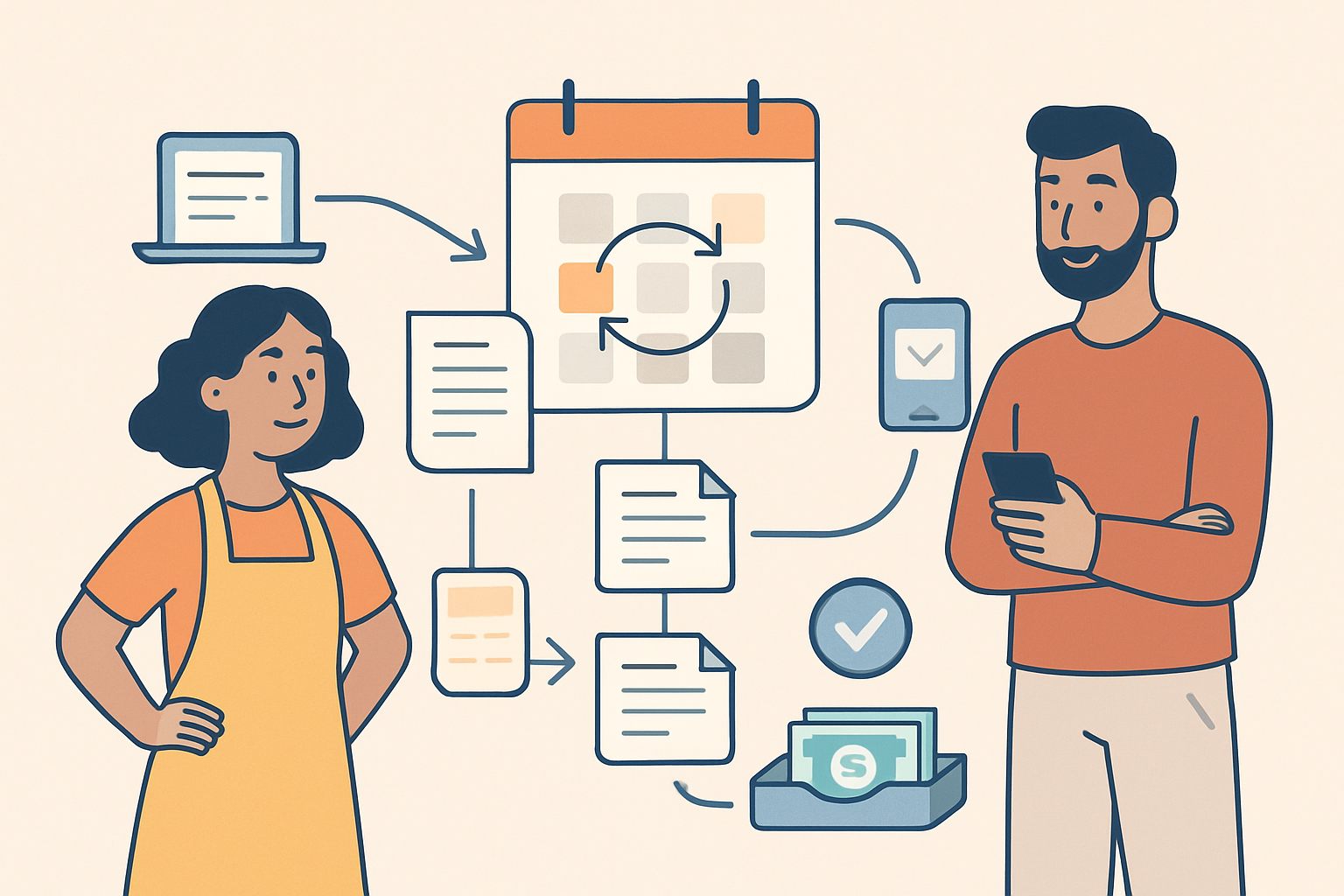
Recurring invoices software helps us automate one of the most repetitive parts of billing: sending the same invoice on a set schedule without manual follow-up. For businesses that bill clients weekly, monthly, or on custom cycles, the right tool can reduce errors, save time, and improve cash flow.
In this article, we review the best options for recurring invoicing, focusing on ease of use, automation features, payment collection, and reporting. We also look at which tools work best for freelancers, small teams, and growing service businesses that need a simple way to stay organized and get paid faster.
As we compare the leading platforms, we’ll highlight what matters most in day-to-day use: setup speed, invoice customization, reminders, integrations, and how well each tool supports a smooth billing workflow from quote to payment.
Key Takeaways
- Recurring invoices software should automate repeat billing, reminders, and payment tracking to cut manual work.
- The best tools support flexible billing schedules, invoice customization, and easy changes when client terms shift.
- Strong payment features matter because faster collection and clear status updates improve cash flow.
- Freelancers, agencies, and SMBs need different levels of automation, so the right fit depends on billing volume and workflow complexity.
What Recurring Invoicing Software Should Do for Your Business
Recurring invoices software should do more than send bills on a schedule. We need it to reduce manual work, improve cash flow, and keep billing consistent across every client account. At a minimum, the right tool should let us create invoice templates, automate delivery, and handle repeat billing without requiring us to rebuild the same invoice each cycle.
It should also support flexible billing rules. Not every customer pays on the same timeline, so we need options for weekly, monthly, quarterly, or custom intervals. We also benefit from tools that let us adjust amounts, add taxes or discounts, and pause or end subscriptions without starting over. When billing changes, the software should make updates simple and visible.
Another key function is payment collection. Strong recurring invoices software should connect invoicing with payment reminders, online payment options, and status tracking so we can see what is due, paid, overdue, or failed. That visibility helps us follow up faster and avoid missed revenue. If the system can automatically resend reminders or retry failed payments, even better.
We also want reporting that gives us a clear view of recurring revenue. The best tools show which invoices are active, which customers are behind, and how much predictable income we can expect. That information helps us plan staffing, manage expenses, and forecast growth with more confidence.
Finally, the software should fit into our daily workflow. Easy client management, quote-to-invoice conversion, and simple recordkeeping save time and reduce errors. For many small teams, a platform like ZenInvoice can be a practical choice because it keeps invoicing, client details, and collections in one place. In short, the right recurring invoicing tool should help us bill accurately, get paid faster, and spend less time on repetitive admin.
Recurring Invoices Software: Key Features to Compare Before You Buy
When we compare recurring invoices software, we should focus on the features that reduce manual work and improve payment consistency. The best tools do more than schedule invoices. They help us control billing rules, track customer activity, and keep collections moving without constant follow-up.
One of the first features to review is automation flexibility. We want software that lets us set invoice frequency, start and end dates, payment terms, and retry rules for failed payments. If a platform only sends invoices on a fixed schedule, it may not fit our billing process. We also benefit from tools that support automatic reminders before and after due dates, since those reminders can lower late payments without adding extra admin work.
Payment options matter just as much. Strong recurring billing software should support multiple payment methods so customers can pay in the way that works best for them. Look for built-in card and bank payment support, saved payment details, and clear payment status tracking. When payments are easier to complete, we usually see fewer delays and less manual collection effort.
We should also compare invoice customization. Even recurring invoices need to reflect our brand, service terms, and tax requirements. The right tool should let us edit invoice templates, add logos, include line-item details, and apply taxes or discounts consistently. If we bill different customer groups, it helps to have templates or rules that can be reused across accounts.
Client and subscription management is another key area. Good software should centralize customer records, billing history, and active plans in one place. That makes it easier to update pricing, pause billing, handle upgrades, and review account status without searching through separate systems. For teams managing multiple clients, this visibility can prevent errors and missed invoices.
We also need to look at reporting and payment tracking. At a minimum, the software should show which invoices are paid, overdue, pending, or failed. Better tools provide aging reports, revenue summaries, and collection insights so we can spot trends early. These reports help us understand where cash flow is slowing down and where follow-up is needed.
Finally, we should consider ease of use and integrations. A recurring billing tool should be simple enough for daily use, but powerful enough to connect with accounting, CRM, or payment systems when needed. If setup takes too long or the interface is confusing, the software can create more work instead of less. For many SMBs and freelancers, the best choice is the one that combines automation, visibility, and a clean workflow in one system.
- Automation: recurring schedules, reminders, retries, and billing rules
- Payments: multiple payment methods, saved details, and status tracking
- Customization: branded templates, taxes, discounts, and line items
- Management: client records, subscriptions, and billing history
- Reporting: overdue tracking, revenue visibility, and collection insights
- Usability: simple setup and useful integrations
Best Use Cases for Freelancers, Agencies, and SMBs
Recurring invoices software is most valuable when billing follows a predictable pattern and we want to reduce manual follow-up. The best use case depends on how often we bill, how many clients we manage, and how much time we spend chasing payments. When we match the tool