Published on April 11, 2026
Word Templates For Invoices: practical guide for 2026
Word templates for invoices can simplify billing, but only if we use them with clear rules, smart evaluation, and practical execution.
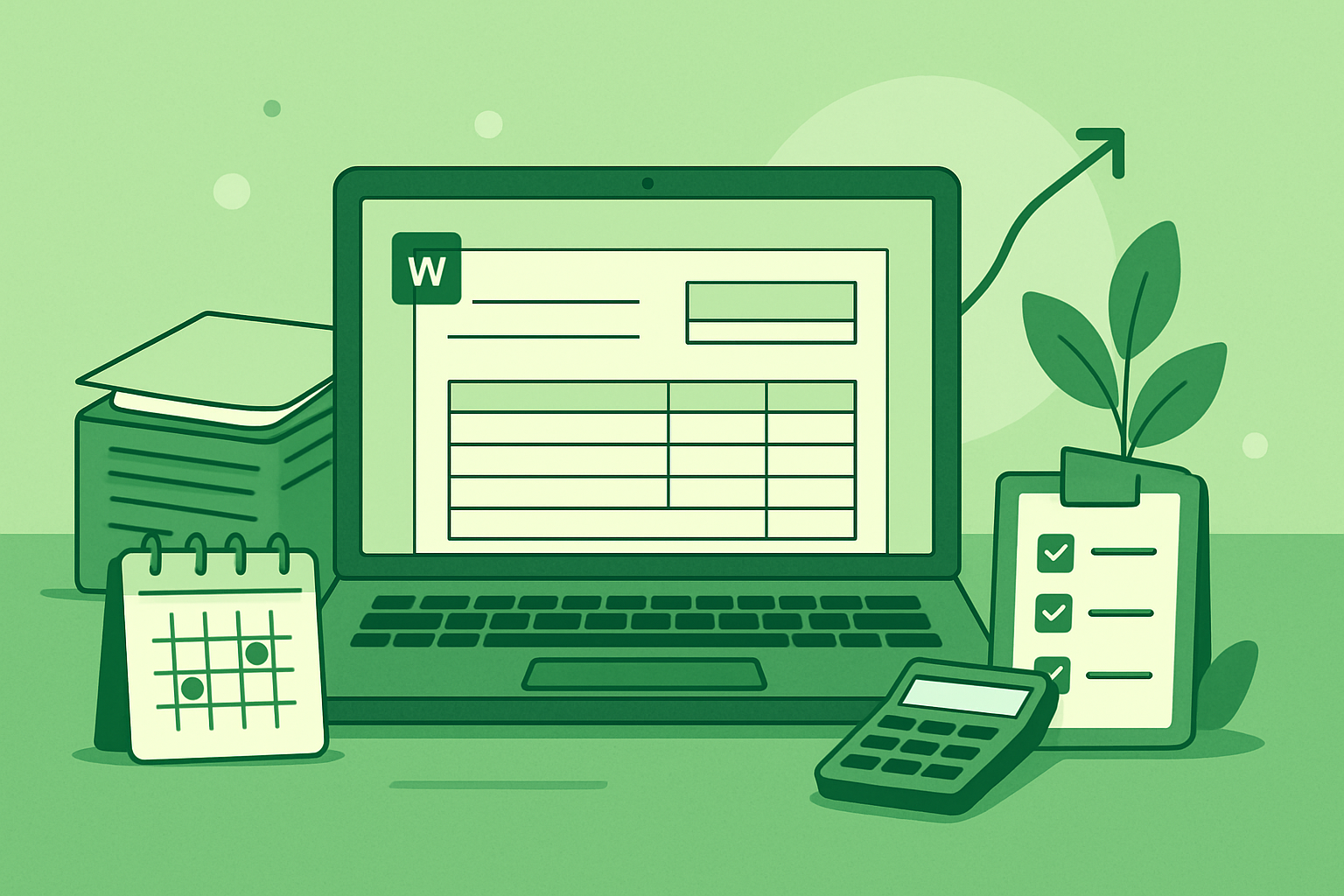
Word templates for invoices remain a practical starting point for businesses that want a simple way to create and send bills without adopting new software right away. We still see teams rely on them because they are familiar, easy to edit, and quick to share. But the real question is not whether they work at all. The question is whether they still support accurate billing, faster payment, and a process that can scale as work volume grows.
In practice, invoice templates in Word can help us standardize layout, reduce formatting time, and keep basic billing information consistent across clients. They can also create hidden friction when teams copy files manually, update details by hand, or track sent invoices in separate spreadsheets. That is why we need to look at them through a results-focused lens: what they save, what they cost, and where they break down.
In this guide, we will examine what word templates for invoices mean today, how to evaluate them without common mistakes, and how to implement them with clear priorities. We will also review real-world examples of what works so we can decide whether a template-based process is enough or whether a more connected invoicing workflow would deliver better control, fewer errors, and faster collections.
Key Takeaways
- Word templates for invoices work best when we need a fast, familiar starting point for simple billing.
- The biggest risks are manual errors, version drift, and disconnected tracking across files and spreadsheets.
- A practical evaluation should focus on accuracy, repeatability, and how easily the process can scale.
- The strongest implementation uses one approved template, clear naming rules, and a single source of truth for sent invoices.
What word templates for invoices mean today and why it matters for practical results
Word templates for invoices are preformatted invoice files we can open, edit, and send from Microsoft Word or a compatible word processor. In practice, they give us a starting structure for billing clients without building a document from scratch each time. That usually means we can add our business name, client details, line items, taxes, payment terms, and totals in a familiar layout.
Today, the value of these templates is less about design convenience and more about speed, consistency, and control. When we use a solid template, we reduce the chance of missing key billing details, keep our invoices looking professional, and make it easier for clients to understand what they owe. That matters because clear invoices tend to move through approval faster and create fewer back-and-forth questions.
We also need to be realistic about what Word templates do well and where they fall short. They work best when we have a relatively simple billing process and want a flexible document we can customize. They are especially useful for freelancers, consultants, and small teams that invoice a manageable number of clients and need a straightforward way to get started.
At the same time, a template is only as effective as the process around it. If we rely on manual editing for every invoice, we can introduce errors in pricing, dates, tax calculations, or payment instructions. That is why the practical goal is not just to create a nice-looking file, but to build a repeatable workflow that supports accurate billing.
In real terms, a good invoice template should help us do four things:
- Standardize billing information so every invoice includes the same core fields.
- Save time by reducing repetitive formatting and setup.
- Improve clarity so clients can quickly review charges and payment terms.
- Support faster payment by making the invoice easier to process.
We should also think about how the template fits into the rest of our invoicing workflow. If we still track quotes, client records, and payment follow-up in separate places, the template only solves part of the problem. A more practical approach is to use the template as one piece of a larger system that keeps billing information organized from estimate to collection. For teams that want that kind of connected process, a platform like ZenInvoice can help centralize invoicing and reduce manual work.
So when we talk about word templates for invoices today, we are really talking about a simple tool with a clear business purpose: helping us invoice accurately, consistently, and with less friction. The template itself is not the end goal. The end goal is cleaner billing, fewer delays, and a smoother path to getting paid.
How to evaluate word templates for invoices without common mistakes that waste time and budget
When we evaluate word templates for invoices, we should focus on how well the file supports real billing work, not just how polished it looks. A template can appear professional and still create extra steps every time we send an invoice, update client details, or track payment status. The goal is to choose a format that saves time, reduces errors, and stays easy to maintain as our invoicing needs grow.
One of the most common mistakes is choosing a template based only on design. Clean spacing and a branded layout matter, but they do not help if the file is hard to edit or breaks when we add more line items. We should test whether the template allows us to change quantities, rates, taxes, payment terms, and notes without shifting the layout or deleting content by accident. If basic edits feel fragile, the template will likely slow us down later.
We also need to check whether the template supports the information we actually use. A practical invoice should include fields for:
- Client name and billing details
- Invoice number and issue date
- Due date and payment terms
- Itemized services or products
- Subtotal, tax, discounts, and total
- Accepted payment methods and remittance instructions
If we have to force our process into a template that leaves out key fields, we end up adding manual work every time. That creates inconsistency and increases the chance of missed details, especially when multiple people prepare invoices.
Another point to review is flexibility. We should ask whether the template works for different billing scenarios, such as hourly work, fixed-fee projects, retainers, deposits, or recurring charges. A template that only fits one use case may seem sufficient at first, but it can become a