Published on November 05, 2026
Best Invoice App for Android: How to Choose
Invoice app android options can save time, improve cash flow, and simplify billing for freelancers and small businesses.
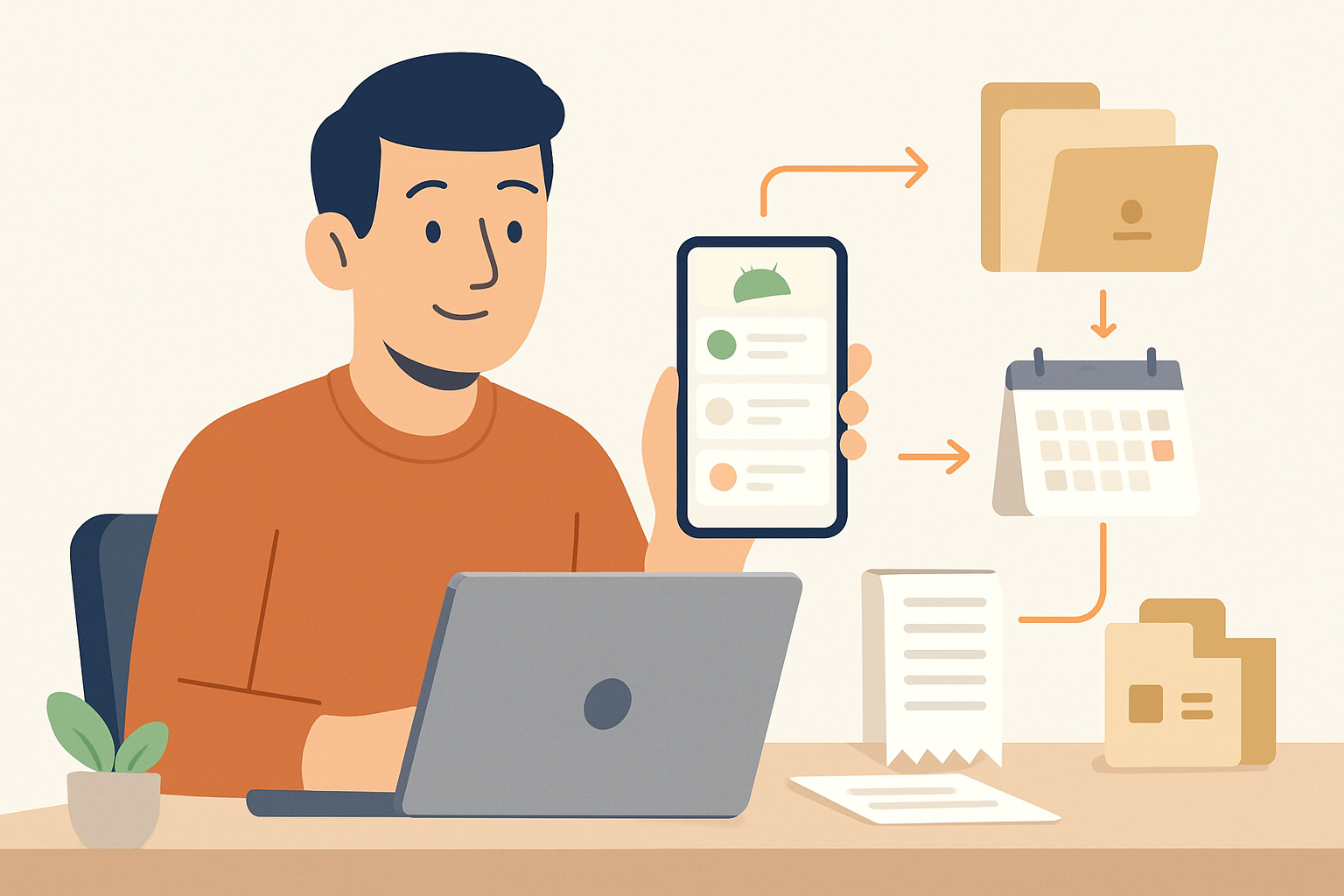
When we look for the best invoice app android users can rely on, we want more than a simple billing tool. We need an app that helps us create invoices quickly, track payments, stay organized on the go, and reduce the manual work that slows down cash flow.
For freelancers, small business owners, and growing teams, the right Android invoice app can make everyday operations easier. It should support fast invoicing, client management, payment tracking, and a smooth mobile experience that works wherever we are. In this article, we will compare top options, explain what to look for, and help us choose an app that fits real business needs.
Key Takeaways
- A strong invoice app for Android should make it easy to create, send, and track invoices from a phone or tablet.
- The best options reduce manual work with saved client details, reusable items, tax settings, and payment terms.
- Mobile-friendly design matters because fast navigation and clear payment status help us stay organized on the go.
- Connected invoicing workflows can improve cash flow by linking quotes, invoices, and collections in one place.
What Makes the Best Invoice App for Android?
When we evaluate an invoice app Android users can rely on, we look for more than basic billing features. The best option should help us create invoices quickly, send them from a phone or tablet, and keep payment tracking simple without adding extra steps. For small teams, freelancers, and service businesses, speed and clarity matter just as much as design.
A strong Android invoicing app should support the full workflow, from estimate to payment. That means we can build a quote, convert it into an invoice, and follow up on unpaid balances in one place. It should also reduce manual work by saving client details, item lists, tax settings, and payment terms so we do not have to enter the same information again and again.
We also want an app that works well on mobile. A good Android experience should feel smooth on smaller screens, with easy navigation and fast access to core actions. If we have to dig through menus just to send a bill, the app slows us down instead of helping us stay organized.
Here are the features that matter most:
- Fast invoice creation: We should be able to generate and send invoices in just a few taps.
- Client management: The app should store customer details, billing history, and contact information.
- Payment tracking: We need clear visibility into sent, viewed, overdue, and paid invoices.
- Customization: The app should let us add logos, payment terms, taxes, and notes.
- Mobile-friendly design: The interface should be easy to use on Android phones and tablets.
- Cloud sync: Our data should stay updated across devices so we can work anywhere.
Security is another key factor. Since invoicing involves client data and payment details, we should choose an app with secure access and reliable data storage. We also benefit from export options, reporting tools, and integrations that connect invoicing with accounting or payment systems. These features help us stay accurate and save time as our business grows.
Finally, the best invoice app for Android should fit the way we work. Some businesses need simple recurring billing, while others need quotes, reminders, and team access. The right app gives us flexibility without making the process complicated. When we focus on usability, automation, and control, we can choose a tool that supports faster billing and fewer missed payments.
Top Features We Should Expect in an Invoice App Android Users Can Trust
When we evaluate an invoice app android users can rely on, we should focus on features that reduce friction from the first invoice to final payment. The best apps do more than generate a PDF. They help us create, send, track, and collect payments without switching between tools or re-entering the same details.
At a minimum, we should expect a clean mobile interface that is easy to use on a phone, even when we are working quickly. If the app takes too many taps to create an invoice, it slows down our workflow instead of improving it. A strong Android app should also support reusable client profiles, saved products or services, and invoice templates so we can bill faster and keep formatting consistent.
We should also look for payment and tracking features that help us get paid faster. That includes:
- Payment reminders that can be sent automatically or with one tap
- Status tracking so we know which invoices are sent, viewed, overdue, or paid
- Multiple payment options to make it easier for clients to pay
- Recurring invoicing for repeat work or subscription-style billing
Another feature we should not overlook is offline or low-connectivity reliability. Mobile work does not always happen in ideal conditions, so the app should save progress safely and sync data without errors. We also benefit from cloud backup and secure account access, especially if multiple team members need visibility into billing activity.
Customization matters too. We should be able to add our logo, adjust invoice fields, and tailor tax or discount settings to match our business. For freelancers and small teams, these details help us present a professional image while keeping billing accurate. Reporting is equally important because it shows us which clients pay on time, which invoices remain open, and where cash flow may need attention.
Finally, we should expect the app to connect invoicing with the rest of the billing process. When quotes, invoices, and collections live in one place, we spend less time managing admin work and more time serving clients. That is why a strong mobile invoicing tool should support a simple end-to-end flow, not just invoice creation.
How to Compare Mobile Invoicing Apps for Freelancers and SMBs
When we compare an invoice app android option for freelance or small business use, we should focus on how well it supports the full billing workflow, not just how quickly it creates a PDF. The best mobile invoicing tools help us move from estimate to invoice to payment without switching between apps or re-entering the same client details.
We can narrow the field by checking a few practical areas:
- Ease of use on a phone: The app should be simple to navigate with one hand, with clear buttons for creating invoices, adding line items, and sending reminders.
- Client and item management: We should be able to save customer profiles, tax rates, products, and services so we do not rebuild invoices from scratch each time.
- Payment options: A strong app supports online payments, card links, and payment tracking so we can get paid faster and see what is still outstanding.
- Customization: We need the ability to add a logo, adjust invoice fields, and match our brand without needing desktop software.
- Recurring billing and reminders: For retainers or repeat work, automated invoices and follow-up reminders save time and reduce missed payments.
- Reporting and status tracking: We should be able to see sent, viewed, overdue, and paid invoices at a glance, along with basic revenue summaries.
- Sync and backup: If we use more than one device, the app should sync data reliably so our records stay current.
It also helps to think about the type of business we run. Freelancers often need fast invoice creation, expense tracking, and simple payment links. SMBs usually need more structure, such as team access, approval steps, tax handling, and better reporting. If an app is strong in one area but weak in the others, it may still be a fit, but only if it matches our daily workflow.
We should also pay attention to hidden friction. Some apps look polished but make us tap through too many screens, limit the number of invoices we can send, or lock useful features behind a higher plan. Others may work well offline but fail to sync cleanly later. A good test is to create a sample invoice, send it to a test email, and review how long the process takes from start to finish.
Finally, we should compare support and reliability. If we rely on mobile invoicing to keep cash flow moving, we need responsive help, stable performance, and clear export options in case we ever switch tools. The right app should reduce manual work, not add more of it.
Why a Connected Invoicing Workflow Can Help Us Get Paid Faster
When we use an invoice app android solution that connects the full billing process, we reduce the delays that usually slow down payment. Instead of creating an invoice in one place, sending a quote from another tool, and tracking follow-ups somewhere else, we keep everything in one workflow. That means fewer handoffs, fewer missed details, and less time spent switching between apps.
A connected invoicing workflow helps us move from estimate to invoice faster. When a client approves a quote, we can turn it into an invoice right away, which shortens the gap between completed work and payment request. That speed matters because the longer we wait, the more likely the invoice gets buried in a busy inbox or delayed by internal approval steps on the client side.
We also improve accuracy when the same customer and project details carry through each step. This lowers the risk of billing errors, duplicate entries, or missing line items that can trigger back-and-forth questions. Fewer corrections mean invoices go out sooner and are more likely to be paid on the first pass.
Another advantage is visibility. With a connected system, we can see which invoices are sent, viewed, overdue, or paid without checking multiple screens or spreadsheets. That makes it easier to prioritize follow-ups and focus on the accounts that need attention most. A clear status view also helps us stay organized when we manage several clients at once.
We can strengthen cash flow further by using features that support faster collection, such as:
- Automatic reminders that follow up without manual effort
- Mobile access so we can send invoices or check status from anywhere
- Saved client details to reduce repetitive data entry
- Quote-to-invoice conversion to speed up the billing cycle
- Payment tracking so we know when money is on the way
For teams and freelancers who bill on the go, this connected approach is especially valuable. We can create, send, and monitor invoices from an Android device without waiting to get back to a desktop. That flexibility helps us bill promptly after the work is done, which is one of the simplest ways to get paid faster.
The result is a cleaner workflow, faster billing, and better control over when revenue arrives.
Make an invoice on Android without an app
If you only need to send an invoice from your phone, you may not need to install anything. The ZenInvoice free invoice generator runs in your browser. You get 20 templates, line items that add up taxes and totals for you, and a one-click PDF download. No sign-up, and your draft stays saved in your browser.
Frequently asked questions
In this FAQ we answer:
- How can an invoice app on Android help us stay organized on the go?
- Can we accept payments directly through an Android invoicing app?
- What should we look for if we want an invoicing app that grows with our business?
How can an invoice app on Android help us stay organized on the go?
An invoice app android users can rely on lets us create, send, and track invoices from a phone or tablet, so billing does not wait until we are back at a desk. That helps us stay organized, reduce missed follow-ups, and keep cash flow moving.
Can we accept payments directly through an Android invoicing app?
Many invoicing apps support payment links or integrated payment options, which makes it easier for clients to pay right away. When we remove extra steps from the payment process, we usually get paid faster and spend less time chasing overdue invoices.
What should we look for if we want an invoicing app that grows with our business?
We should look for mobile invoicing software that supports quotes, recurring invoices, client tracking, and simple reporting.