Published on November 05, 2026
Invoice Template Download: Best Free Options
Invoice template download options can save time, but the best free templates still need to support accuracy, speed, and professionalism.
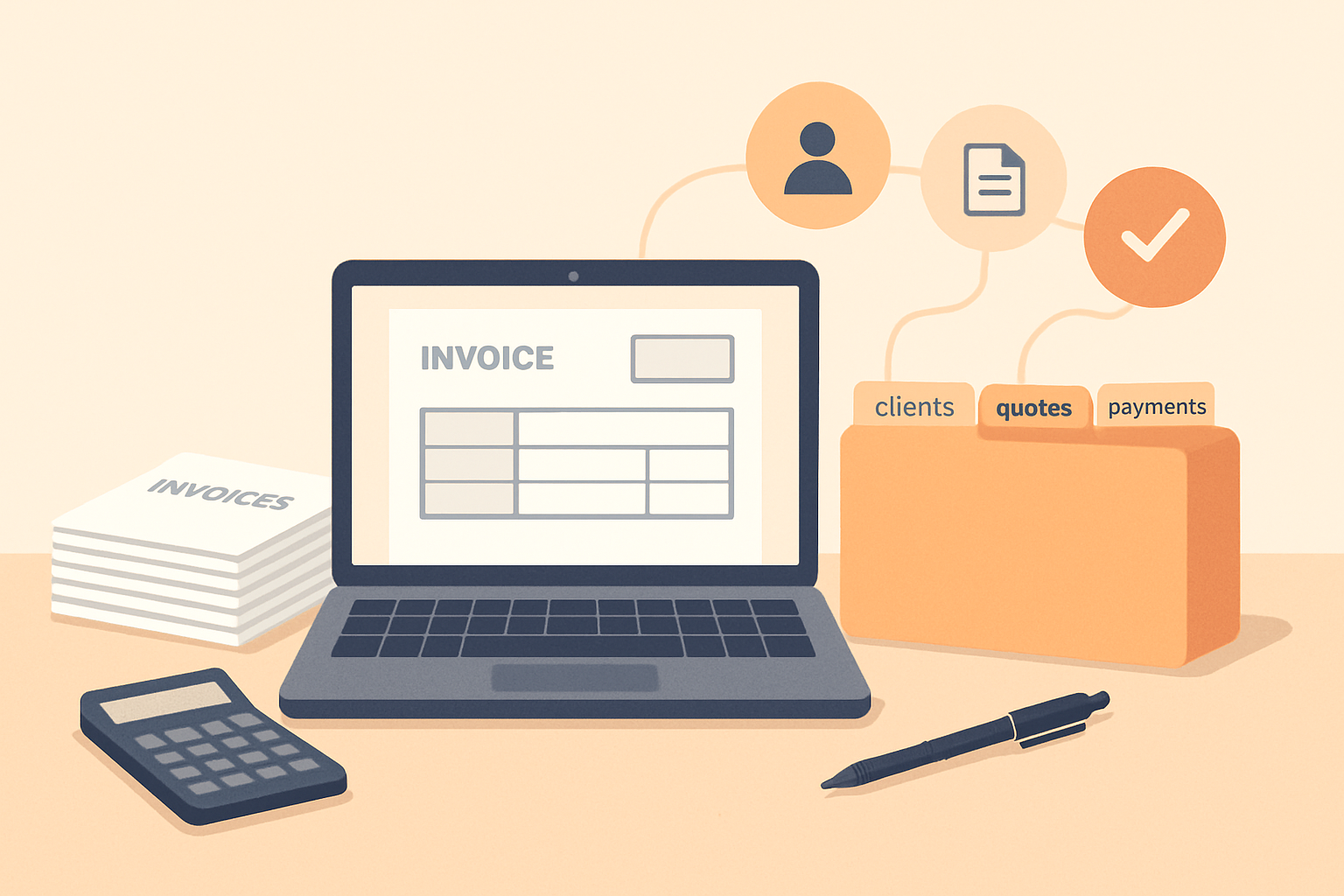
When we search for an invoice template download, we usually want something fast, clean, and easy to use. The right template can help us bill clients accurately, present a professional image, and reduce the time we spend formatting invoices from scratch.
Free invoice templates can be a practical starting point for freelancers, small businesses, and growing teams. But not every option is equally useful. Some templates are simple and flexible, while others are limited, hard to edit, or missing the details we need to get paid on time. In this article, we look at the best free options, what to check before choosing one, and how to pick a format that supports a smoother invoicing process.
Key Takeaways
- Choose a free invoice template that includes all essential billing fields and supports accurate totals.
- Pick a format that matches our workflow, such as Word, Google Docs, Excel, or Sheets.
- Prioritize clarity and professionalism so clients can review and pay without confusion.
- Customize the template with payment terms, branding, and contact details to reduce back-and-forth.
- If invoicing volume is growing, a template may no longer be enough to keep billing efficient.
What to Look for in a Free Invoice Template
When we evaluate an invoice template download, we look for more than a clean layout. A free template should help us bill accurately, save time, and make it easy for clients to pay without confusion. The best options are simple to use, flexible enough for different services or products, and complete enough to reduce back-and-forth.
First, we want the template to include all essential invoice fields. That means business name, client name, invoice number, issue date, due date, line items, quantities, rates, subtotal, taxes, discounts, and total due. If any of these are missing, we risk delays, errors, or incomplete records. A strong template also leaves room for payment terms and contact details so clients know exactly how and when to pay.
We also look for a format that matches how we work. Some teams need a downloadable Word or Google Docs file for easy editing, while others prefer Excel or Sheets for automatic calculations. If we send invoices often, we should choose a template that is quick to update and easy to duplicate. A good free template should not require extra formatting every time we create a new bill.
Design matters too, but clarity should come first. We want a layout that is professional, readable, and organized without unnecessary graphics or clutter. Clear spacing, bold labels, and a logical flow make it easier for clients to review the invoice and pay faster. If the template looks polished, it also supports our brand image.
Before we use any free option, we should check whether it supports customization. We may need to add a logo, adjust colors, change currency, or include notes for project-specific billing. The more adaptable the template, the more useful it becomes across different clients and services.
Finally, we should make sure the template helps us stay consistent. A reliable invoice format makes it easier to track payments, follow up on overdue balances, and keep records organized. Even with a free template, the goal stays the same: create invoices that are accurate, professional, and easy to pay.
Invoice Template Download: Best Free Formats for Different Business Needs
When we choose an invoice template download, the best format depends on how we work, how often we bill, and how much editing flexibility we need. A good template should make invoicing faster, reduce errors, and fit naturally into our existing workflow. The most common free formats each serve a different purpose, so it helps to match the file type to the job.
Common free invoice template formats
- Word templates: Best for teams that want easy editing and simple customization. We can update text, add service details, and save a reusable version without advanced software.
- Excel templates: Useful when we need automatic calculations for quantities, rates, taxes, and totals. This format works well for itemized billing and recurring line items.
- PDF templates: Ideal for sending a polished, locked version that is harder to edit after completion. We often use these when presentation matters and the invoice is already finalized.
- Google Docs or Sheets templates: Helpful for remote teams that need cloud access, collaboration, and easy sharing across devices.
How to choose the right format
We should start with the way we invoice most often. If we send simple service invoices, a Word or PDF template may be enough. If we bill by hours, units, or multiple line items, Excel or Sheets can save time by handling calculations automatically. If several people need to review or update invoices, cloud-based templates usually make the process smoother.
It also helps to look for templates that include the essentials: business name, client details, invoice number, issue date, due date, itemized services, subtotal, tax, discounts, and payment terms. A free template is only useful if it covers these fields clearly and leaves room for our branding.
What to watch for in free downloads
Not every free template is built well. We should avoid files that are cluttered, hard to edit, or missing important payment information. A strong template should be clean, readable, and easy to reuse. It should also work on the tools we already use, so we do not waste time converting files or fixing formatting issues.
For teams that want a more streamlined process, a dedicated invoicing tool can reduce manual work even further. Instead of starting from a static file each time, we can centralize client details, quotes, and collections in one place and send invoices faster with fewer mistakes. That is often the better long-term option when billing becomes more frequent or more complex.
How to Customize a Template for Faster Billing
When we customize an invoice template download, our goal is to reduce the time it takes to create and send each invoice without sacrificing accuracy. The best approach is to build a version that already includes the details we use most often, so we only need to update the variable fields. That means we can move faster, stay consistent, and lower the chance of missing important billing information.
We usually start by adding our business name, logo, contact details, and payment terms directly into the template. From there, we set up standard fields for invoice number, issue date, due date, client name, line items, taxes, discounts, and total amount due. If we bill for the same services repeatedly, we can also save common descriptions so we do not have to rewrite them every time.
To make the template even more efficient, we should organize it around the way we actually bill. For example, if we charge hourly, we can include columns for hours worked, rate, and subtotal. If we bill by project, we can use a simpler layout with milestones or deliverables. The more closely the template matches our workflow, the less time we spend editing it before each send.
- Use consistent branding: Keep fonts, colors, and logo placement the same across every invoice.
- Pre-fill recurring details: Add standard payment terms, late fee language, and business information once.
- Keep line items simple: Use clear descriptions that clients can understand quickly.
- Highlight payment instructions: Make due dates, accepted payment methods, and remittance details easy to find.
- Save multiple versions: Create separate templates for different services, client types, or billing structures.
We also need to make sure the template is easy to update. A clean layout with clearly labeled fields helps us avoid mistakes and speeds up review before sending. If we use a digital format, we can duplicate the template for each new invoice and make only the necessary changes. That small step can save a significant amount of time over the course of a month.
For teams that want even less manual work, it helps to move beyond static files and use a system that connects invoicing with client and payment tracking.
When a Free Template Is Not Enough for Growth
As we grow, a basic invoice template download can start to create more work than it saves. A free file is fine for occasional billing, but it often breaks down when we need faster approvals, cleaner tracking, and fewer follow-ups. Manual edits, duplicate records, and missed payment reminders can slow cash flow and make it harder to stay organized.
We usually see the limits of free templates in a few common areas:
- No automation: Every invoice has to be updated, saved, and sent by hand.
- Weak tracking: It is hard to know what was sent, viewed, paid, or overdue.
- Inconsistent branding: Small formatting changes can make invoices look less professional.
- Limited collaboration: Teams cannot easily share one source of truth for billing.
- More collection work: Follow-ups and reminders depend on someone remembering to send them.
When billing volume increases, these gaps become expensive. We spend more time fixing errors and less time serving clients. That is usually the point where a template should be replaced with a system that centralizes invoicing, quotes, and collections in one place.
A better approach is to use software that keeps invoice data connected from start to finish. That means we can create invoices faster, reduce manual entry, and follow up automatically when payments are late.
If we are still using a free template, the key question is simple: does it help us get paid faster, or does it just help us send a document? Once the answer shifts toward more manual work, it is time to move beyond a static file and choose a more scalable invoicing workflow.
Skip the download and create it online
Rather than adjusting a downloaded file, you can use the ZenInvoice free invoice generator and pick a template as you go. You get 20 templates, line items that add up taxes and totals for you, and a one-click PDF download. No sign-up, and your draft stays saved in your browser.
Frequently asked questions
In this FAQ we answer:
- What details should every invoice template include to avoid payment delays?
- Which file format is best for a free invoice template download?
- When should we move from a free template to invoicing software?
What details should every invoice template include to avoid payment delays?
A strong invoice template should include your business name, client name, invoice number, issue date, due date, itemized services or products, totals, taxes, and clear payment terms. These details help us reduce errors, support faster approval, and make it easier for clients to pay on time.
Which file format is best for a free invoice template download?
The best format depends on how we work. PDF is ideal for sending a polished, locked version, while Word and Excel are better for editing and recurring use. If we need quick updates and calculations, a spreadsheet format is often the most practical choice.
When should we move from a free template to invoicing software?
We should consider invoicing software when manual edits, follow-ups, and tracking start taking too much time or causing mistakes.