Published on November 05, 2026
Blank Invoice Template: Free and Printable
Blank invoice template options help us bill faster, stay organized, and create professional invoices that are easy to print and send.
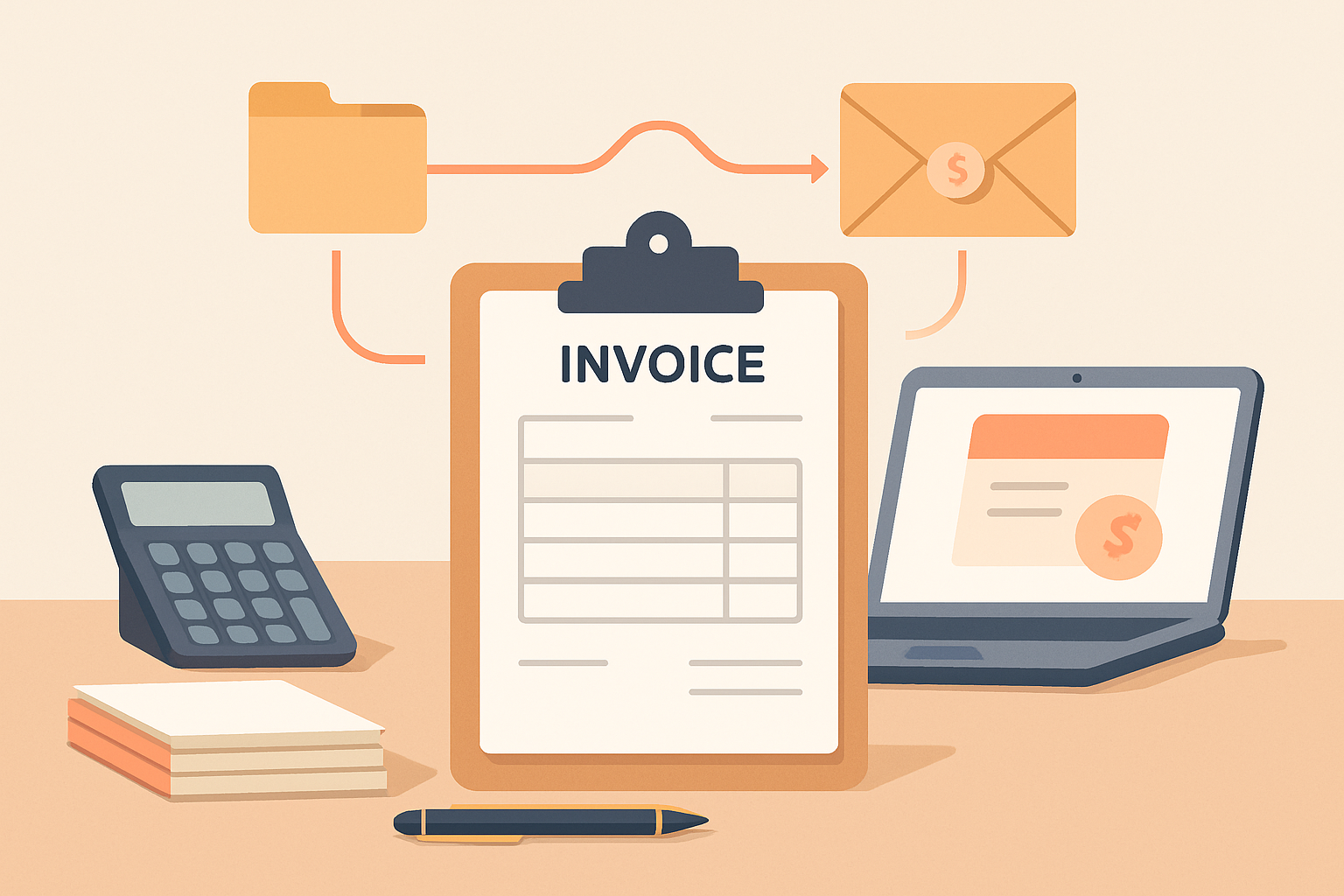
A blank invoice template gives us a fast, reliable way to bill clients without starting from scratch every time. When we need to send a clean, professional invoice, a reusable template helps us save time, reduce errors, and keep our records consistent.
For freelancers and small businesses, invoicing should be simple, not a source of extra admin work. A well-designed blank invoice template makes it easier to include the right details, present charges clearly, and get paid faster. In this article, we’ll look at what to include, how to use a printable template effectively, and why a structured invoicing process can improve cash flow and client communication.
Key Takeaways
- A blank invoice template helps us bill faster by giving us a consistent structure for every client.
- The best templates include business details, client information, line items, totals, and clear payment terms.
- Printable invoice formats make it easier to send professional documents and keep paper or PDF records organized.
- Using a reusable template reduces errors, supports faster follow-up, and improves payment tracking.
What a Blank Invoice Template Should Include
A blank invoice template should give us a clean structure that is easy to fill in, easy to read, and flexible enough for different types of work. At a minimum, it should include the business name and contact details, the client’s name and billing information, a unique invoice number, the invoice date, and a clear due date. These basics help us identify the invoice quickly and reduce confusion during payment follow-up.
We also need a dedicated section for the line items being billed. This should include a description of the product or service, quantity, rate, and line total. If we charge tax, discounts, shipping, or other fees, the template should provide space for those amounts as well. A subtotal and final total should be easy to locate so the client can see exactly what is owed without searching through the page.
Payment instructions are another essential part of any blank invoice template. We should include accepted payment methods, remittance details, and any late fee or payment terms that apply. If we want to reduce back-and-forth, it also helps to add a short note area for project references, purchase order numbers, or special instructions.
For a template to be truly useful, it should balance completeness with simplicity. Too many fields can slow us down, while too few can create errors or delays. The best blank invoice template gives us just enough structure to stay organized while still being easy to customize for each client and job.
- Business and client details: names, addresses, and contact information
- Invoice identifiers: invoice number, issue date, and due date
- Billing details: itemized services or products, quantities, rates, and totals
- Additional charges: tax, discounts, shipping, or fees
- Payment terms: accepted methods, due terms, and late payment notes
When we use a template with these elements in place, we can create invoices faster, present a more professional image, and make it easier for clients to pay on time.
How to Use a Blank Invoice Template for Faster Billing
A blank invoice template helps us bill faster because it removes the need to build each invoice from scratch. Instead of recreating the same fields every time, we can fill in the client details, services, rates, and payment terms in a consistent format. That saves time, reduces mistakes, and makes our invoices easier for clients to review and pay.
To use a blank invoice template effectively, we should keep a standard workflow. First, we enter the business name, contact information, and invoice number. Next, we add the client’s billing details and the date of issue. Then we list each product or service with clear descriptions, quantities, unit prices, and line totals. Finally, we include the subtotal, taxes or fees if applicable, the total due, and the payment deadline.
We also get better results when we customize the template for our billing process. For example, we can add:
- Payment methods so clients know how to pay
- Late fee terms to set expectations early
- Project references for easier tracking
- Notes or instructions for approvals, deposits, or partial payments
Using the same template every time creates consistency across all invoices. That consistency makes it easier to spot missing information before we send a bill, which helps us avoid delays and follow-up emails. It also gives our business a more professional appearance, especially when clients receive invoices that are clean, organized, and easy to understand.
For teams handling frequent billing, a reusable template can also support better internal processes. We can save a master version, duplicate it for each new job, and update only the fields that change.
In practice, the fastest way to use a blank invoice template is to treat it as a repeatable system. We keep the format simple, store the information we use most often, and review each invoice before sending it. That approach helps us bill quickly while keeping our records accurate and professional.
Blank Invoice Template Options for Freelancers and Small Businesses
When we choose a blank invoice template, we usually want something that is easy to complete, simple to customize, and professional enough to send without extra design work. The best option depends on how we bill, how often we invoice, and how much detail we need to include. For freelancers and small businesses, the goal is to reduce friction while still presenting clear, accurate billing information.
We can usually narrow the options into a few practical formats:
- PDF templates for a polished, print-ready layout that is easy to email or save.
- Word templates for teams that want to edit text, add service details, or adjust branding quickly.
- Excel templates for invoices that need automatic calculations, line-item totals, or tax fields.
- Google Docs or Sheets templates for shared access, cloud editing, and simple collaboration.
For freelancers, a basic template often works best when it includes the essentials: business name, client name, invoice number, issue date, due date, itemized services, rates, totals, and payment instructions. If we bill by project, we may also want space for milestones, retainers, or partial payments. If we bill by hour, a template with columns for hours, rate, and subtotal helps keep invoices consistent and easy to review.
Small businesses often need a little more structure. In that case, we should look for a template that supports tax calculations, discounts, purchase order numbers, and notes for payment terms. A clean layout also matters because it helps clients find the amount due and payment deadline without confusion. The less time clients spend decoding the invoice, the faster we are likely to get paid.
We should also think about how the template fits our workflow. If we send only a few invoices each month, a downloadable blank invoice template may be enough. If we invoice regularly, a reusable digital format can save time and reduce errors. In either case, the best template is the one we can complete quickly, keep consistent, and update without starting from scratch every time.
Why a Printable Invoice Format Can Improve Payment Tracking
A printable invoice format can make payment tracking easier because it gives us a consistent record we can review, file, and share without relying on multiple systems. When every invoice follows the same layout, we can quickly confirm what was billed, when it was sent, and whether payment is still pending. That consistency reduces missed follow-ups and makes it easier to spot overdue accounts at a glance.
Using a blank invoice template also helps us standardize the details that matter most for collections. Instead of rebuilding each invoice from scratch, we can keep the same fields in place and focus on accurate information. This is especially helpful when we need a paper copy for internal records, client handoffs, or quick reference during a call.
- Clear invoice numbers: We can track each bill in sequence and avoid duplicate records.
- Visible due dates: We can identify overdue invoices faster and prioritize reminders.
- Consistent line items: We can compare services, amounts, and adjustments without confusion.
- Easy filing: We can store printed copies by client, project, or billing period.
A printable format also supports better communication with clients. When we send a clean, easy-to-read invoice, there is less room for questions about what was charged or when payment is due. That clarity can shorten the approval process and help us get paid faster.
For teams that want even more control, a printable template can be paired with digital tracking so we keep both a physical record and a searchable workflow. The result is less manual work, fewer follow-up gaps, and a clearer view of outstanding payments.
Fill in a blank invoice online for free
Instead of editing a blank file by hand, use the ZenInvoice free invoice generator: type your details, then print or send the result. You get 20 templates, line items that add up taxes and totals for you, and a one-click PDF download. No sign-up, and your draft stays saved in your browser.
Frequently asked questions
In this FAQ we answer:
- How can a blank invoice template help us reduce billing errors?
- What file formats work best for a printable blank invoice template?
- Can a blank invoice template support faster cash flow for small teams?
How can a blank invoice template help us reduce billing errors?
A blank invoice template gives us a consistent structure for client details, line items, totals, and payment terms, which helps reduce missed fields and calculation mistakes. It also makes it easier to review invoices quickly before sending them.
What file formats work best for a printable blank invoice template?
PDF is usually best for printing because it preserves layout and formatting. Editable formats like Word or Excel can also be useful when we need to customize invoices before saving or printing them.
Can a blank invoice template support faster cash flow for small teams?
Yes. When we use a blank invoice template, we can create and send invoices more quickly, which shortens the time between completing work and requesting payment.