Published on November 05, 2026
Cloud Invoicing Software: Benefits and Tools
Cloud invoicing software helps us streamline billing, reduce manual work, and improve cash flow with faster, smarter invoice management.
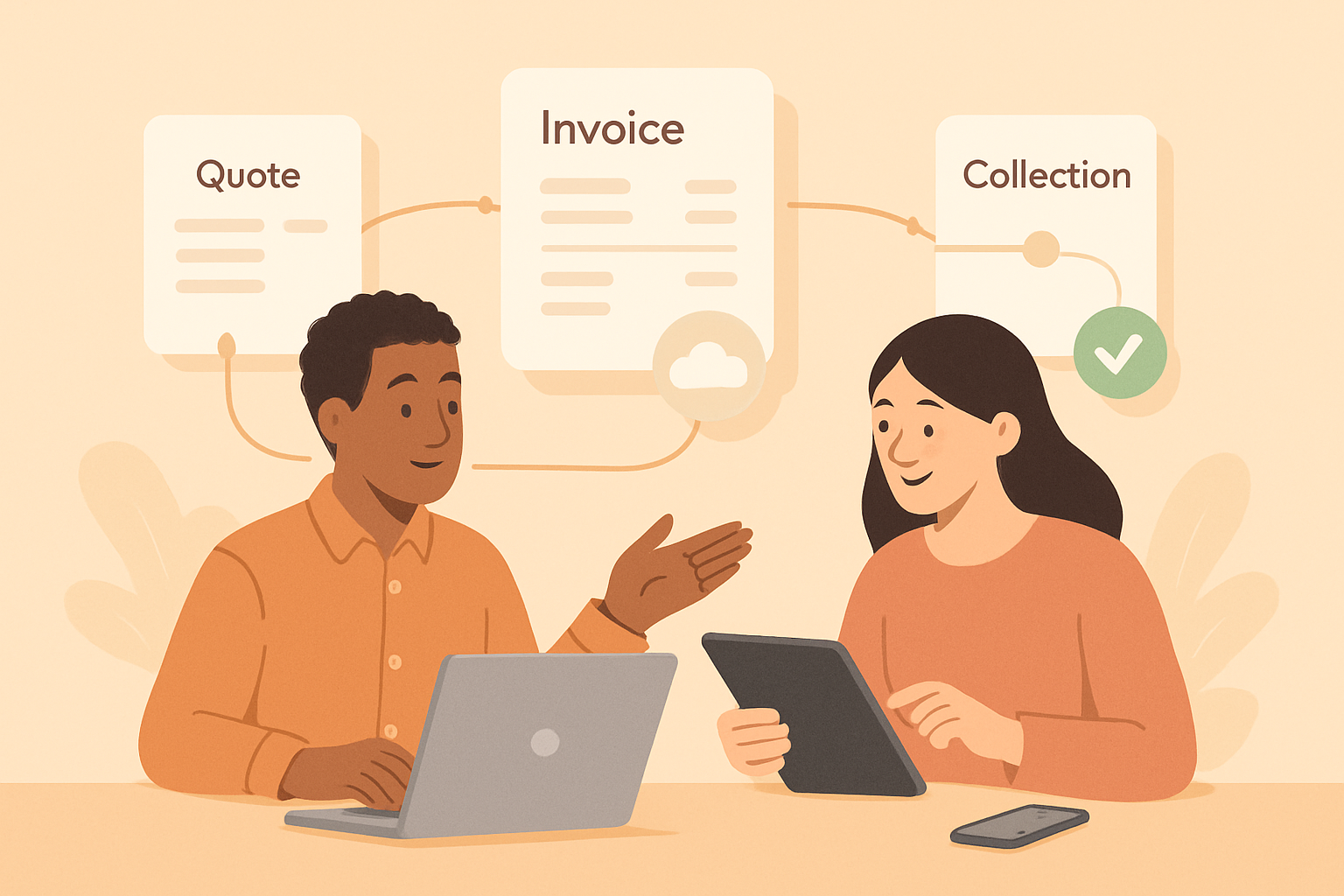
Cloud invoicing software gives us a faster, more flexible way to create, send, and manage invoices without relying on desktop files or manual follow-up. Instead of juggling spreadsheets, email threads, and disconnected tools, we can keep billing data in one place and access it from anywhere.
For growing businesses, this shift matters because invoicing is more than a payment request. It affects cash flow, client communication, and how much time we spend on administrative work. With the right cloud-based system, we can automate routine tasks, reduce errors, and track invoice status in real time.
In this article, we will look at the main benefits of cloud invoicing, the tools that support a smoother billing process, and the features that help us get paid faster with less manual effort.
Key Takeaways
- Cloud invoicing software reduces manual billing work by centralizing invoices, client data, and payment tracking in one system.
- Automation features like templates, reminders, and recurring invoices help us send bills faster and lower the risk of errors.
- Real-time visibility into invoice status improves cash flow management and makes follow-up easier.
- The best platforms support collaboration, payment collection, and workflow fit for SMBs and freelancers.
Why Cloud Invoicing Software Improves Billing Efficiency
Cloud invoicing software improves billing efficiency by reducing the manual steps that slow down payment cycles. Instead of creating invoices in separate files, sending them from email, and tracking responses in spreadsheets, we can manage the full billing process in one place. That means fewer errors, faster turnaround, and better visibility into what is due and what has already been paid.
One of the biggest advantages is automation. We can reuse customer details, invoice templates, tax settings, and payment terms without rebuilding each invoice from scratch. This saves time on recurring billing and helps us keep documents consistent across clients. It also lowers the risk of mistakes such as incorrect totals, missing line items, or outdated contact information.
Cloud access also makes collaboration easier. Because invoice data is stored online, our team can review, edit, and approve billing records from different locations without passing files back and forth. This is especially useful when sales, finance, and operations all need to stay aligned on quotes, invoices, and collections.
In practical terms, cloud invoicing software helps us:
- Send invoices faster with reusable templates and saved client records
- Track invoice status in real time, including sent, viewed, overdue, and paid
- Reduce follow-up work with automated reminders and payment notifications
- Keep billing data organized in one system instead of multiple tools
- Improve cash flow by shortening the time between invoicing and payment
We also gain better control over the customer experience. Clear, timely invoices make it easier for clients to understand what they owe and how to pay. When payment links, reminders, and records are all connected, collections become less fragmented and more predictable.
Cloud Invoicing Software for SMBs and Freelancers
For SMBs and freelancers, cloud invoicing software gives us a practical way to manage billing without being tied to one device, one office, or one manual process. Invoicing often happens between client work, sales follow-up, and day-to-day operations. When we move invoicing to the cloud, we can create, send, track, and update invoices from anywhere with an internet connection.
One of the biggest advantages is faster payment cycles. Cloud-based systems make it easier to send invoices right after work is completed, which helps reduce delays. Many platforms also support automatic reminders, so we do not have to chase overdue payments manually. That consistency can improve cash flow and reduce the time spent on collections.
Another key benefit is better visibility into invoice status. Instead of checking spreadsheets or email threads, we can see whether an invoice has been sent, viewed, paid, or is overdue. This makes it easier to prioritize follow-up and keep revenue moving. For small teams, that visibility also reduces confusion when more than one person handles billing.
Cloud invoicing software also helps us cut down on administrative work. Templates, recurring invoices, saved client details, and tax calculations can all reduce repetitive tasks. That means less time spent on formatting and data entry, and more time focused on client service and growth. For freelancers, this can be especially valuable because billing often happens outside normal working hours.
We also gain stronger organization and fewer errors. Centralized records make it easier to keep client information, quotes, invoices, and payment history in one place. When everything is connected, we reduce the risk of duplicate entries, missed charges, or inconsistent billing details. That level of accuracy supports a more professional client experience.
Security and access control are additional reasons many businesses choose cloud invoicing software. Rather than storing sensitive billing data across local files or shared spreadsheets, we can rely on a system designed to protect records and manage user access. This is especially useful when multiple people need to review invoices, approve payments, or handle customer communication.
For growing businesses, cloud invoicing software also supports scalability. As client volume increases, we can handle more invoices without rebuilding our process from scratch. Features like recurring billing, payment links, and reporting help us stay efficient as operations expand.
In short, cloud invoicing software helps us work faster, stay organized, and get paid with less friction. For SMBs and freelancers, those benefits can make a measurable difference in both cash flow and day-to-day productivity.
Essential Tools and Features to Look for in a Cloud Invoicing Platform
When we evaluate cloud invoicing software, we should focus on the tools that reduce manual work and improve cash flow, not just the ones that make invoices look polished. The right platform helps us create, send, track, and collect payments in one place, which cuts down on follow-up time and lowers the chance of errors.
One of the most important features is invoice automation. We want a system that can generate recurring invoices, apply saved customer details, and send reminders automatically. This is especially valuable when we bill on a schedule or manage a growing list of clients. Automation keeps our process consistent and helps us avoid missed billing cycles.
Payment processing is another essential tool. A strong platform should support multiple payment methods so customers can pay quickly and conveniently. When invoices include a direct payment option, we make it easier for clients to act right away, which can shorten the time between sending an invoice and receiving funds.
We also need real-time invoice tracking. Clear visibility into whether an invoice has been sent, viewed, paid, or overdue gives us better control over collections. Instead of guessing when to follow up, we can use status updates to prioritize outreach and keep our receivables organized.
Look for these core features when comparing platforms:
- Custom invoice templates to keep branding consistent and speed up document creation
- Recurring billing for subscription work, retainers, or repeat clients
- Automatic reminders to reduce late payments without constant manual follow-up
- Online payment acceptance so customers can pay from the invoice itself
- Client and project records to centralize contact details, billing history, and notes
- Reporting dashboards to monitor outstanding balances, paid invoices, and revenue trends
We should also pay attention to integration capabilities. A cloud invoicing platform works best when it connects with accounting, CRM, and payment tools we already use. These connections reduce duplicate data entry and help keep records aligned across systems.
Finally, we should not overlook security and access control. Since invoicing involves customer and financial data, the platform should offer secure login, permission settings, and reliable cloud storage. That gives us confidence that sensitive information stays protected while still being accessible from anywhere our team works.
In practice, the best cloud invoicing software combines automation, payment convenience, tracking, and integration in a way that supports faster billing and fewer administrative tasks. When we choose tools with those capabilities, we build a process that is easier to manage and better positioned to scale.
How to Choose the Right Cloud Invoicing Solution for Your Workflow
When we choose cloud invoicing software, we should start with the way our team actually works. The right platform fits our billing process instead of forcing us to rebuild it. That means we need to look at how we create quotes, send invoices, track payments, and follow up on overdue accounts in one connected flow.
We should begin by mapping our current workflow. If we send recurring invoices, need approval steps, or manage multiple clients with different payment terms, the software should support those tasks without extra manual work. If our team handles billing from different locations, we also need real-time access, shared records, and clear user permissions so everyone stays aligned.
Next, we should compare the features that matter most to our operations:
- Invoice automation: recurring billing, scheduled reminders, and saved templates reduce repetitive work.
- Payment options: online payments and multiple methods can help us get paid faster.
- Client management: storing contact details, billing history, and notes in one place improves accuracy.
- Reporting: cash flow, overdue balances, and invoice status reports help us make better decisions.
- Integrations: connections with accounting, CRM, or project tools can reduce duplicate entry.
We also need to evaluate usability. A system with strong features but a confusing interface can slow our team down. The best choice is one that makes it easy to create invoices, review status, and resolve issues quickly. If onboarding takes too long or daily tasks require too many clicks, adoption will suffer.
Security and reliability should be part of the decision as well. Since invoicing involves customer and payment data, we should confirm that the platform offers secure access, data backups, and dependable uptime. We also want a provider that can scale with us as our client base grows, so we are not forced to switch systems later.
Finally, we should compare pricing against the value we receive. The lowest-cost option is not always the best if it lacks automation or creates more manual work. A better approach is to measure time saved, fewer errors, and faster collections.
In the end, the right cloud invoicing software should simplify billing, support our team’s process, and help us get paid with less effort. When we focus on workflow fit, core features, and ease of use, we are more likely to choose a tool that delivers long-term value.
Try browser-based invoicing for free
If you want to create invoices online without a new subscription, the ZenInvoice free invoice generator works from any browser. You get 20 templates, line items that add up taxes and totals for you, and a one-click PDF download. No sign-up, and your draft stays saved in your browser.
Frequently asked questions
In this FAQ we answer:
- How does cloud invoicing software support remote and hybrid teams?
- What integrations should we prioritize in a cloud invoicing platform?
- When is it time to switch from manual invoicing to cloud invoicing software?
How does cloud invoicing software support remote and hybrid teams?
Cloud invoicing software lets us create, send, and track invoices from any device with an internet connection. That makes it easier for remote and hybrid teams to stay aligned, reduce delays, and keep billing moving without relying on a single office location.
What integrations should we prioritize in a cloud invoicing platform?
We should look for integrations with accounting, payment processing, CRM, and project management tools. These connections reduce duplicate data entry, improve accuracy, and help us manage invoicing, collections, and client records in one workflow.
When is it time to switch from manual invoicing to cloud invoicing software?
It is time to switch when manual invoicing starts causing late payments, errors, or too much admin work. If we need faster billing, better visibility into outstanding invoices, and less time spent on repetitive tasks, cloud invoicing software is a strong fit.