Published on November 05, 2026
Invoice Software USA: How to Choose the Right Tool
Invoice software USA businesses can use to simplify billing, speed up payments, and reduce manual invoicing work.
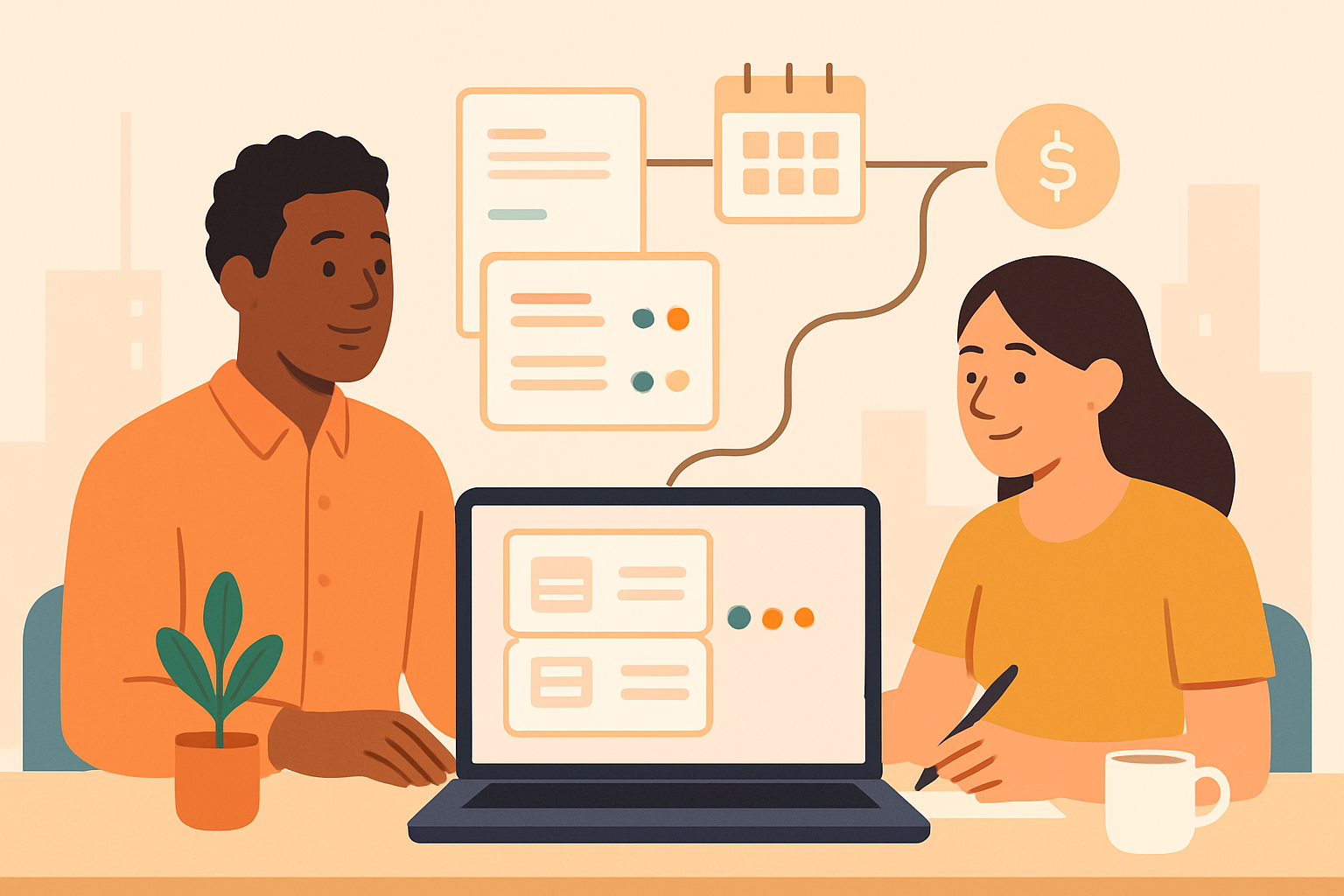
Invoice software USA businesses use should do more than send bills. We need tools that help us create professional invoices, track payments, reduce manual work, and keep cash flow moving without adding complexity.
For small businesses, freelancers, and growing teams, the right invoicing platform can save hours each week and improve the customer payment experience. It can also help us organize quotes, manage recurring billing, and follow up on overdue invoices with less effort.
In this article, we will look at what matters most when choosing invoice software, which features support faster payments, and how to compare the best options for businesses in the United States.
Key Takeaways
- Choose invoice software that speeds up billing, supports U.S. tax needs, and reduces manual follow-up.
- Look for automation features like reminders, recurring invoices, and payment status tracking to improve cash flow.
- Compare tools by ease of use, payment options, reporting, and how well they fit small-team workflows.
- Centralized invoicing helps us manage quotes, collections, and records in one place with less friction.
What Invoice Software USA Businesses Should Look For
When we evaluate invoice software USA businesses can rely on, we start with the basics: speed, accuracy, and compliance. The right platform should let us create professional invoices quickly, apply taxes correctly, and send payment requests without extra manual work. If a tool slows us down or forces us to switch between systems, it creates delays that can affect cash flow.
We also want software that fits the way U.S. businesses actually operate. That means support for multiple payment methods, recurring billing, invoice reminders, and clear records for bookkeeping. For service firms, agencies, contractors, and other small teams, these features reduce follow-up work and help us get paid faster.
Here are the core features we should look for:
- Easy invoice creation: Templates, saved client details, and line-item editing help us send invoices in minutes.
- Automated reminders: Follow-up emails reduce late payments without requiring manual outreach.
- Tax and discount support: Built-in fields for sales tax, discounts, and fees help us keep invoices accurate.
- Payment tracking: Real-time status updates show what is sent, viewed, paid, or overdue.
- Recurring billing: Subscription-based or repeat clients benefit from automated invoicing schedules.
- Reporting and exports: Clear summaries and export options make accounting and reconciliation easier.
We should also pay attention to usability. If the interface is cluttered, our team will spend more time training than invoicing. A strong solution should be simple enough for daily use, but flexible enough to handle growing invoice volume, multiple clients, and changing workflows.
Security matters as well. Since invoices contain customer and payment information, we need software with secure access controls, data protection, and reliable cloud storage. Integration is another priority. When invoicing connects with accounting, CRM, or payment tools, we reduce duplicate entry and keep our records consistent across systems.
For many small businesses, the best choice is a platform that centralizes quotes, invoices, and collections in one place.
Core Features That Help Us Get Paid Faster
When we evaluate invoice software USA options, the features that matter most are the ones that shorten the time between sending an invoice and receiving payment. We need tools that reduce manual follow-up, make it easy for clients to pay, and give us clear visibility into what is still outstanding. The right core features do more than organize billing—they help us build a faster, more reliable cash flow process.
What we should look for
- Custom invoice templates: We can present a professional brand, add payment terms, and include all required line items without rebuilding each invoice from scratch.
- Recurring billing: For retainers, subscriptions, or ongoing services, automated recurring invoices save time and reduce missed billing cycles.
- Online payment options: When clients can pay by card, ACH, or other digital methods directly from the invoice, we remove friction and improve collection speed.
- Automated reminders: Friendly follow-up messages for upcoming and overdue invoices help us stay consistent without manual chasing.
- Invoice status tracking: We need to know when an invoice is sent, viewed, paid, or overdue so we can act quickly when payment stalls.
- Tax and discount support: Built-in calculations help us avoid errors and keep invoices accurate, especially when we work across different service types or jurisdictions.
We also benefit from software that connects invoicing with quotes, client records, and payment history. That connection gives us a complete view of the billing cycle, so we can move from estimate to invoice to collection without switching between disconnected tools. When everything lives in one place, we spend less time on admin and more time on revenue-generating work.
For small teams and freelancers, simplicity matters just as much as automation. We want a system that is easy to set up, easy to use, and flexible enough to grow with us.
In practice, the best invoice software helps us do three things well: send invoices quickly, make payment easy, and follow up consistently. If a tool supports those steps without adding complexity, it can make a measurable difference in how efficiently we collect revenue.
How to Compare the Best Invoice Tools for Small Teams
When we compare invoice software USA options for small teams, we should focus on the features that reduce manual work and help us get paid faster. The best tool is not always the one with the most features; it is the one that fits our workflow, supports our billing model, and keeps invoicing simple as we grow.
We can start by looking at the core tasks our team handles every week. If we send recurring invoices, manage retainers, or bill for project milestones, we need automation that saves time without creating extra setup. If we work with multiple clients, we also need a system that keeps customer records, quotes, invoices, and payment status in one place.
What to evaluate before we choose
- Ease of use: We should be able to create and send invoices quickly without training the whole team.
- Customization: The tool should let us add our logo, payment terms, tax details, and branded invoice templates.
- Automation: Recurring billing, payment reminders, and invoice scheduling can reduce follow-up work.
- Payment options: We should check whether clients can pay by card, bank transfer, or other preferred methods.
- Tracking and reporting: Clear visibility into sent, viewed, overdue, and paid invoices helps us manage cash flow.
- Collaboration: Small teams benefit from shared access, role controls, and a single source of truth for billing activity.
We also need to think about how the software handles growth. A tool that works for five invoices a month may become frustrating when volume increases. We should look for flexible pricing, scalable workflows, and features that support both simple billing and more complex client relationships. That way, we avoid switching systems later.
It helps to test how the platform fits into our daily process. Can we create a quote, convert it to an invoice, and track payment in one flow? Can we see which clients still owe money without digging through spreadsheets? Can we send reminders automatically instead of chasing payments manually? These details matter because they affect how much time we spend on admin versus client work.
For many small businesses, the right choice is the one that centralizes invoicing and collections while staying easy to manage. By comparing tools this way, we can choose software that supports our team today and keeps billing efficient as we scale.
Why Centralized Invoicing Improves Cash Flow and Efficiency
When we centralize invoicing, we reduce the delays and errors that often slow down payment collection. Instead of managing quotes, invoices, reminders, and payment records in separate tools or spreadsheets, we keep everything in one workflow. That means we can move from approved work to billing faster, track every open balance in real time, and follow up before small issues become overdue accounts.
Centralized invoicing also improves cash flow because it gives us better visibility into what is billed, what is pending, and what still needs attention. When finance, sales, and operations work from the same system, we spend less time reconciling records and more time collecting revenue. We can identify unpaid invoices sooner, send reminders automatically, and reduce the manual work that often causes billing bottlenecks.
For businesses comparing invoice software USA options, this matters because the best tools do more than create invoices. They support a complete billing process that helps us stay organized and get paid faster. A strong platform should make it easy to:
- Create and send invoices quickly after a quote or completed job
- Track invoice status without switching between systems
- Automate reminders for upcoming and overdue payments
- Store customer and payment history in one place
- Reduce manual entry and the risk of billing mistakes
Efficiency improves for the same reason. When invoicing is centralized, teams spend less time searching for documents, correcting duplicate records, or asking for updates. We can standardize billing steps, improve consistency across clients, and create a smoother handoff from sales to collections. That structure is especially valuable for SMBs and freelancers that need to do more with limited time and staff.
In practice, centralized invoicing helps us protect revenue at every stage. We issue accurate invoices sooner, keep payment follow-up consistent, and maintain a clearer view of outstanding receivables.
Create an invoice for free, with optional sales tax
Before you pay for software, you can create an invoice with the ZenInvoice free invoice generator and add sales tax only when it applies. You get 20 templates, line items that add up taxes and totals for you, and a one-click PDF download. No sign-up, and your draft stays saved in your browser.
Frequently asked questions
In this FAQ we answer:
- How does invoice software USA businesses use help reduce late payments?
- Can invoice software support both one-time projects and recurring billing?
- What is the biggest advantage of using one invoicing system instead of separate tools?
How does invoice software USA businesses use help reduce late payments?
It helps us send invoices faster, automate reminders, and give clients clear payment options. When billing is consistent and easy to track, we reduce delays and improve the chances of getting paid on time.
Can invoice software support both one-time projects and recurring billing?
Yes. Good invoice software lets us handle single invoices, retainers, subscriptions, and repeat billing from one system. That flexibility saves time and keeps billing accurate as our needs change.
What is the biggest advantage of using one invoicing system instead of separate tools?
A single system keeps quotes, invoices, and payment status in one place, which cuts manual work and lowers the risk of errors. It also gives us better visibility into cash flow and helps teams stay organized.