Published on November 05, 2026
Professional Invoice Template: Impress Your Clients
Professional invoice template tips to help us look polished, bill clearly, and get paid faster with less back-and-forth.
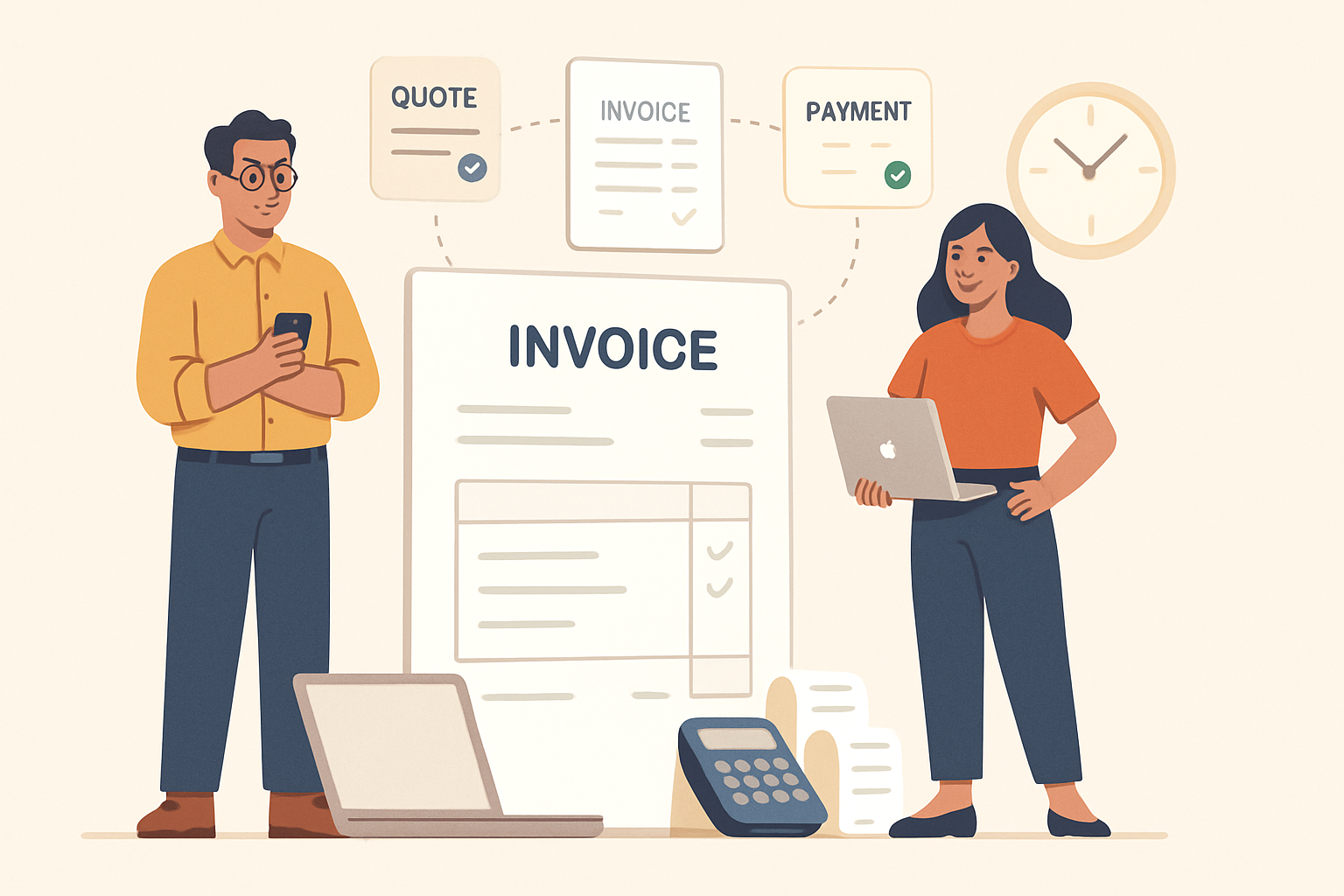
A professional invoice template helps us present our business clearly, bill clients with confidence, and reduce avoidable payment delays. When our invoices look organized and consistent, clients can quickly understand what they owe, why they owe it, and how to pay. That simple clarity can improve trust and make our business appear more reliable from the first billing cycle.
Invoicing is more than a payment request. It is part of the client experience, and it reflects how we run our operations. A well-designed template gives us a repeatable structure for essential details such as services provided, pricing, due dates, and payment instructions. It also helps us save time, avoid mistakes, and maintain a polished brand image across every transaction.
For freelancers and small businesses, the right invoice format can make a noticeable difference in cash flow and client communication. Instead of rebuilding each invoice from scratch, we can use a consistent layout that keeps our billing process efficient and professional. That consistency supports faster approvals, fewer follow-up questions, and a smoother path to getting paid.
Key Takeaways
- A professional invoice template helps us present a polished brand and reduce billing confusion.
- The best templates include clear business details, itemized charges, due dates, and payment instructions.
- Consistent invoice formatting can improve client trust and speed up payment.
- Customizing the template for each client or project keeps our invoices accurate without losing efficiency.
What Makes a Professional Invoice Template Effective
A professional invoice template is effective when it helps us send clear, accurate, and easy-to-pay invoices every time. The best templates do more than look polished. They reduce confusion, support faster payment, and make our billing process more consistent across clients and projects.
To be effective, a template should include the core details clients need at a glance:
- Business information such as our company name, address, email, and phone number
- Client information so the invoice is clearly addressed
- Unique invoice number for tracking and recordkeeping
- Issue date and due date to set payment expectations
- Itemized services or products with quantities, rates, and totals
- Subtotal, taxes, discounts, and total amount due for full transparency
- Accepted payment methods and simple payment instructions
Clarity is just as important as completeness. We should use clean spacing, readable fonts, and a layout that guides the eye from the billing details to the amount due. When the design is cluttered, clients may miss key information or delay payment because they need to ask follow-up questions.
An effective template also supports consistency. When we use the same structure for every invoice, we save time, reduce manual errors, and present a more reliable brand image. This matters especially when we bill regularly or manage multiple clients, because a repeatable format makes it easier to review, send, and archive invoices without extra effort.
We should also make room for practical details that improve payment speed, such as late fee terms, project references, or a short thank-you note. These small additions can reinforce professionalism while keeping the invoice focused on action.
In short, an effective template balances appearance, clarity, and function. It should look professional, communicate the right information, and make it easy for clients to pay without delay.
Professional Invoice Template: Key Elements Every Template Should Include
A strong professional invoice template should do more than list a total due. We need it to communicate clearly, reduce back-and-forth, and make payment simple for clients. When every invoice includes the right details, we protect cash flow and present our business as organized and credible.
At a minimum, our template should include these elements:
- Business information: Our company name, logo if we use one, address, email, and phone number so clients know exactly who sent the invoice.
- Client information: The client’s name, company name, and billing details to avoid confusion and ensure the invoice reaches the right contact.
- Invoice number: A unique identifier that helps us track payments, manage records, and reference the invoice in follow-up messages.
- Invoice date and due date: Clear timing details that set expectations and support faster payment.
- Itemized services or products: A line-by-line breakdown of what we provided, including descriptions, quantities, rates, and line totals.
- Subtotal, taxes, and discounts: Transparent pricing that shows how we arrived at the final amount due.
- Total amount due: A bold, easy-to-find final balance so clients can review and pay without searching.
- Payment instructions: Accepted payment methods, bank details, or payment links so clients know how to complete the transaction quickly.
- Terms and notes: Late fee terms, refund policies, project references, or any special instructions that help prevent disputes.
We should also make sure the layout is easy to scan. A clean structure, consistent spacing, and clear labels help clients process the invoice faster. If we work with recurring clients or multiple service types, a flexible template can save time while keeping every invoice consistent.
How a Professional Invoice Template Improves Client Trust and Payment Speed
A professional invoice template does more than make our documents look polished. It helps us communicate clearly, reduce friction, and show clients that we run a reliable business. When an invoice is easy to read and complete, clients can review it faster, approve it with fewer questions, and pay without unnecessary delays.
Trust often starts with consistency. When our invoices follow the same structure every time, clients know where to find the total due, payment terms, due date, and itemized charges. That familiarity makes our process feel organized and dependable. It also reduces the chance of misunderstandings, which can slow down payment or create avoidable disputes.
Clear formatting also supports faster payment. A strong template highlights the details clients need most, such as:
- Business and client information so the invoice is easy to match to the right project or account
- Invoice number and date for quick tracking and recordkeeping
- Itemized services or products so charges are easy to verify
- Payment terms and due date so expectations are obvious
- Accepted payment methods so clients know how to pay right away
When we leave out key details, clients often have to ask follow-up questions before they can process payment. Even small gaps can create delays. A professional invoice template helps us avoid that by keeping every essential field in one place and presenting it in a clean, predictable layout.
It also reinforces our brand. A consistent design, clear language, and accurate information make our business appear more established and trustworthy. That matters because clients are more likely to pay promptly when they feel confident in the invoice and the company behind it. In many cases, a polished invoice can be the final nudge that moves a payment from pending to completed.
We can improve results even further by using a template that supports automation. When invoice details are prefilled and standardized, we spend less time on manual edits and reduce the risk of errors. That means fewer corrections, faster sending, and a smoother payment experience for everyone involved.
In practice, the right template does more than save time. It helps us present ourselves as organized, credible, and easy to work with, which can directly improve client trust and payment speed.
Best Practices for Customizing and Using Your Invoice Template Consistently
To get the most value from a professional invoice template, we need to treat it as a standard part of our billing process, not a one-time document. Consistency helps us look organized, reduces mistakes, and makes it easier for clients to understand exactly what they owe and when payment is due.
We should start by customizing the template with the details that matter most to our business. That includes our logo, business name, contact information, payment terms, invoice numbering format, and preferred payment methods. If we work with different types of clients or projects, we can also create a few approved versions of the same template so we are not rebuilding invoices from scratch each time.
It also helps to keep the layout simple and predictable. Clients should be able to find the invoice number, due date, line items, subtotal, taxes, and total without searching. When we use the same structure every time, we make our invoices easier to review and faster to pay. A clean format also reduces back-and-forth questions that can delay collections.
To stay consistent, we should define a few internal rules for how invoices are created and sent:
- Use the same invoice title and numbering sequence for every client.
- Apply the same payment terms across similar services.
- Check that line item descriptions are clear and specific.
- Review totals, taxes, and discounts before sending.
- Send invoices from the same business email whenever possible.
We also need a reliable process for timing. Sending invoices promptly after work is completed or a milestone is reached helps keep cash flow steady and sets clear expectations. If we wait too long, the invoice can feel disconnected from the work and may be harder for clients to process.
Another best practice is to keep our template updated as our business changes. If we add new services, adjust pricing, or change payment methods, we should update the template right away so every invoice stays accurate. This is especially important if we use invoicing software, because a centralized system can help us manage changes without losing consistency across clients and projects.
Finally, we should review our invoices regularly for clarity and professionalism. A strong template is not just about design; it is about making payment simple, reducing errors, and reinforcing trust. When we use the same polished format every time, we present our business as dependable and easy to work with.
Create a professional invoice for free
To put these tips into practice, open the ZenInvoice free invoice generator, add your logo and details, and pick the design that fits your brand. You get 20 templates, line items that add up taxes and totals for you, and a one-click PDF download. No sign-up, and your draft stays saved in your browser.
Frequently asked questions
In this FAQ we answer:
- How can we make our invoices look more polished without overcomplicating the design?
- What details help clients pay faster after receiving an invoice?
- How often should we update our invoice format?
How can we make our invoices look more polished without overcomplicating the design?
We can keep the layout clean, use consistent fonts and spacing, and highlight only the most important details like invoice number, due date, and total amount. A simple, branded format looks more professional and is easier for clients to review quickly.
What details help clients pay faster after receiving an invoice?
Clear payment terms, an itemized list of services, the total due, and easy-to-find payment instructions all reduce delays. When we remove confusion and make the next step obvious, clients are more likely to pay on time.
How often should we update our invoice format?
We should review our invoice format whenever our pricing, payment methods, or branding changes. Regular updates help us stay accurate, maintain a consistent client experience, and avoid back-and-forth over missing information.