Published on November 05, 2026
Invoicing System for Small Business: How to Choose
Invoicing system for small business options can simplify billing, speed up payments, and reduce manual work for growing teams.
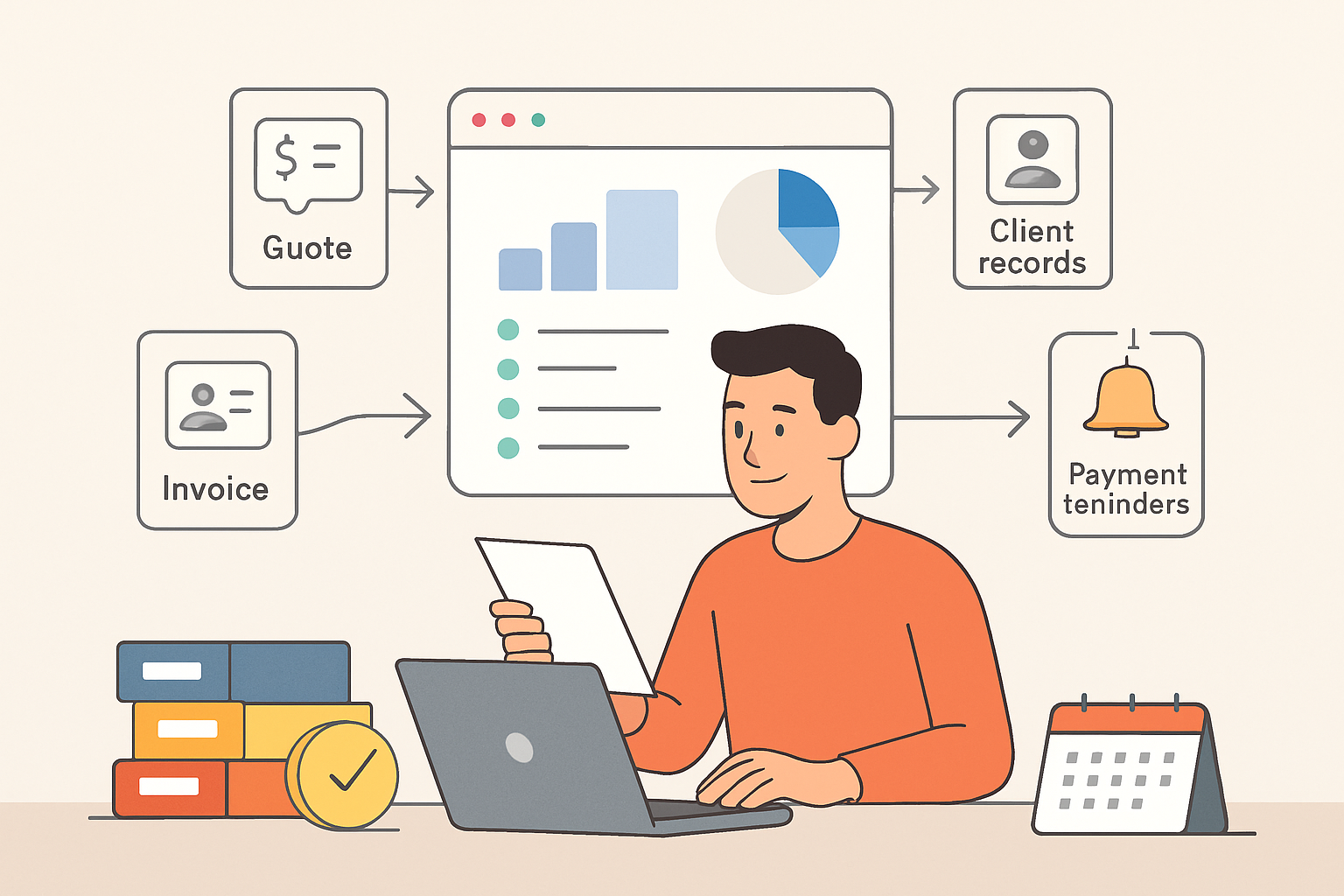
An invoicing system for small business can do more than send bills. It can help us track payments, reduce manual work, and keep cash flow moving without adding extra admin.
For small teams, the right system should be simple to set up, easy to use, and flexible enough to handle quotes, recurring invoices, payment reminders, and client records in one place. When we choose well, we spend less time chasing paperwork and more time serving customers and growing revenue.
In this article, we’ll look at what matters most in a small business invoicing system, which features deserve priority, and how to compare top options with confidence.
Key Takeaways
- We should prioritize invoicing tools that are easy to set up, simple to use, and built for small teams.
- Automation features like recurring billing, reminders, and payment tracking can reduce manual work and improve cash flow.
- The best system supports the full billing flow, including quotes, invoices, client records, and online payments.
- Clear reporting and real-time status updates help us follow up faster and manage overdue invoices with confidence.
What to Look for in an Invoicing System for Small Business
When we evaluate an invoicing system for small business, we focus on the features that reduce manual work and help us get paid on time. The right tool should do more than create a bill. It should support the full billing process, from sending estimates to tracking payment status and following up on overdue invoices.
We start with ease of use. If a system takes too long to learn, it slows down the team and creates avoidable errors. A clean interface, simple invoice templates, and fast setup matter because small businesses often do not have time for complex software. We also look for mobile access so we can create and send invoices from anywhere.
Next, we check for automation. Good invoicing software should handle recurring invoices, payment reminders, tax calculations, and status updates without constant manual input. These features save time and help us stay consistent. They also reduce the chance of missed invoices or late follow-ups.
Payment options are another priority. The best systems let clients pay online through multiple methods, which can shorten the time between billing and collection. We also want clear visibility into what has been sent, viewed, paid, or overdue so we can manage cash flow with confidence.
Here are the core features we look for:
- Customizable invoice templates for a professional brand presence
- Recurring billing for repeat clients and subscriptions
- Automatic reminders to reduce late payments
- Online payment support to make it easier for clients to pay
- Invoice tracking for real-time payment status
- Tax and discount fields to keep billing accurate
- Reporting tools to monitor revenue and outstanding balances
We also pay attention to integrations. An invoicing system should connect smoothly with accounting, CRM, or project management tools when needed. That helps us keep client data in one place and avoid duplicate entry. For growing teams, this kind of connection can make a major difference in daily operations.
Security and support matter as well. We want software that protects financial data and offers reliable customer support when questions come up. If a platform is built for small businesses, it should be simple enough for everyday use but strong enough to support growth.
In short, we look for a system that is easy to use, automates repetitive tasks, supports fast payments, and gives us clear control over the invoicing process. Those are the features that create real value for small businesses.
Top Features That Save Time and Improve Cash Flow
When we evaluate an invoicing system for small business, we focus on features that reduce manual work and help money move faster. The best tools do more than send bills. They shorten the time between completing work and getting paid, while also giving us better visibility into what is due, what is overdue, and what needs follow-up.
One of the most valuable features is automated invoice creation. When we can turn a quote, project, or recurring service into an invoice with a few clicks, we save time and reduce errors. This matters even more when we bill the same clients regularly or manage multiple jobs at once. Templates, saved line items, and customer profiles help us keep invoices consistent without rebuilding them every time.
Recurring billing is another feature that directly supports cash flow. For subscription services, retainers, or monthly maintenance work, automation ensures invoices go out on schedule. That means fewer missed billings and less time spent tracking who should be invoiced next. It also helps us create a more predictable revenue cycle, which is especially important when cash flow is tight.
We also look for online payment options built into the invoice. When clients can pay by card or bank transfer from the invoice itself, payment friction drops. The easier it is to pay, the faster we usually get paid. A good system should make payment links clear, mobile-friendly, and simple to use without extra logins or steps.
Automatic reminders are essential for collections. Instead of manually following up on every overdue invoice, we can set reminders to go out before and after the due date. This keeps communication professional and consistent while saving time for our team. It also helps us stay on top of receivables without turning collections into a daily task.
Another feature that improves cash flow is invoice status tracking. We need to know when an invoice has been sent, viewed, paid, or overdue. That visibility helps us prioritize follow-up and spot payment issues early. If a client has not opened an invoice, we may need to resend it. If they have viewed it but not paid, we know it is time to follow up directly.
We also benefit from approval workflows and internal controls when more than one person handles billing. These features help prevent mistakes before invoices go out. Even a small business can lose time and money from incorrect rates, missing line items, or duplicate invoices. A system with review steps can reduce those risks and keep billing accurate.
Finally, we value reporting and cash flow insights. A strong invoicing platform should show outstanding balances, aging receivables, and payment trends in a way that is easy to understand. With that information, we can make better decisions about follow-up, forecasting, and client terms. In practice, the right invoicing system for small business should help us bill faster, collect faster, and spend less time managing the process manually.
How to Compare the Best Invoicing Tools for Small Teams
When we compare an invoicing system for small business, we should focus on how well it fits our day-to-day workflow, not just the feature list. The best tool is the one that helps us create invoices faster, reduce follow-up work, and keep cash flow visible without adding more admin. For small teams, that usually means looking at a few practical areas: ease of use, automation, payment options, reporting, and how well the system scales as we grow.
What to evaluate before we choose
- Invoice creation speed: We should be able to build and send a professional invoice in minutes, with reusable templates, saved customer details, and line-item support.
- Automation: Recurring invoices, payment reminders, and status updates can save time and reduce late payments.
- Payment collection: The tool should support multiple payment methods so clients can pay quickly and we can track what is still outstanding.
- Customization: We need enough flexibility to add our logo, terms, taxes, discounts, and service details without making the process complicated.
- Reporting: Clear views of unpaid, overdue, and paid invoices help us understand revenue and follow up with confidence.
- Team access: If more than one person handles billing, role-based permissions and shared visibility become important.
We also need to think about how the invoicing tool connects to the rest of our workflow. If we already use quotes, client records, or collections tracking, it is more efficient to keep those steps in one place instead of moving data between separate apps. That reduces errors and gives us a cleaner view of the customer journey from estimate to payment.
Pricing matters, but it should not be the only factor. A lower-cost tool can become expensive if it lacks automation, requires manual follow-up, or creates extra work for our team. On the other hand, a system with the right core features can pay for itself by helping us bill faster and collect sooner. We should compare plans based on the number of users, invoice volume, payment features, and any limits on automation or branding.
Finally, we should test how the software feels in real use. If the interface is confusing or the setup takes too long, adoption will suffer. A strong invoicing system for small business should be simple enough for daily use, flexible enough for different client needs, and reliable enough to support growth. When we keep those priorities in mind, we can choose a tool that improves billing without adding friction.
Why the Right Invoicing System Supports Growth and Better Client Management
When we choose an invoicing system for small business, we are not just improving billing. We are building a process that supports faster payments, cleaner records, and stronger client relationships. The right system helps us stay organized from the first quote to the final payment, which reduces friction for both our team and our customers.
Growth often creates more complexity, not less. As our client list expands, manual invoicing can lead to missed details, duplicate entries, late follow-ups, and inconsistent payment tracking. A better system gives us one place to manage invoices, monitor status, and keep communication clear. That means fewer errors and less time spent chasing administrative tasks.
Client management also improves when invoicing feels professional and predictable. Clear invoice layouts, accurate line items, and timely reminders help set expectations and make it easier for clients to pay on time. When we can send estimates, convert them into invoices, and track collections in one workflow, we create a smoother experience that reflects well on our business.
We also gain better visibility into cash flow. Real-time status updates show which invoices are sent, viewed, overdue, or paid, so we can make smarter decisions about follow-up and planning. This is especially valuable for small teams that need to stay lean while still maintaining control over revenue.
In practice, the best invoicing systems support growth by helping us:
- Reduce manual work with templates, recurring invoices, and automated reminders
- Improve accuracy by keeping client details, services, and payment terms in one place
- Speed up collections with easier payment options and clear due dates
- Strengthen client trust through consistent, professional billing
- Track performance with reports that show outstanding balances and payment trends
For small businesses that want to scale without adding unnecessary admin work, invoicing should be part of the growth strategy, not an afterthought.
Create a small business invoice for free
If your invoicing needs are still simple, try the ZenInvoice free invoice generator before you commit to a system. You get 20 templates, line items that add up taxes and totals for you, and a one-click PDF download. No sign-up, and your draft stays saved in your browser.
Frequently asked questions
In this FAQ we answer:
- How does an invoicing system for small business help us get paid faster?
- Can an invoicing system for small business support both one-time and recurring billing?
- What should we expect from setup and daily use in a small business invoicing tool?
How does an invoicing system for small business help us get paid faster?
It helps us send accurate invoices quickly, automate payment reminders, and offer convenient payment options. That reduces delays, cuts down on follow-up work, and improves cash flow without adding more admin time.
Can an invoicing system for small business support both one-time and recurring billing?
Yes. The best tools let us handle one-time invoices, recurring billing, and retainer-style work from the same platform. That makes it easier to stay organized and keep billing consistent as our client base grows.
What should we expect from setup and daily use in a small business invoicing tool?
We should expect a simple setup, clear invoice templates, and an easy workflow for creating, sending, and tracking invoices. A good system also centralizes client details and payment status so we can manage billing with less manual effort.