Published on November 05, 2026
Mobile Invoicing App: How to Choose One
Mobile invoicing app options can simplify billing, speed up payments, and help us stay organized while working anywhere.
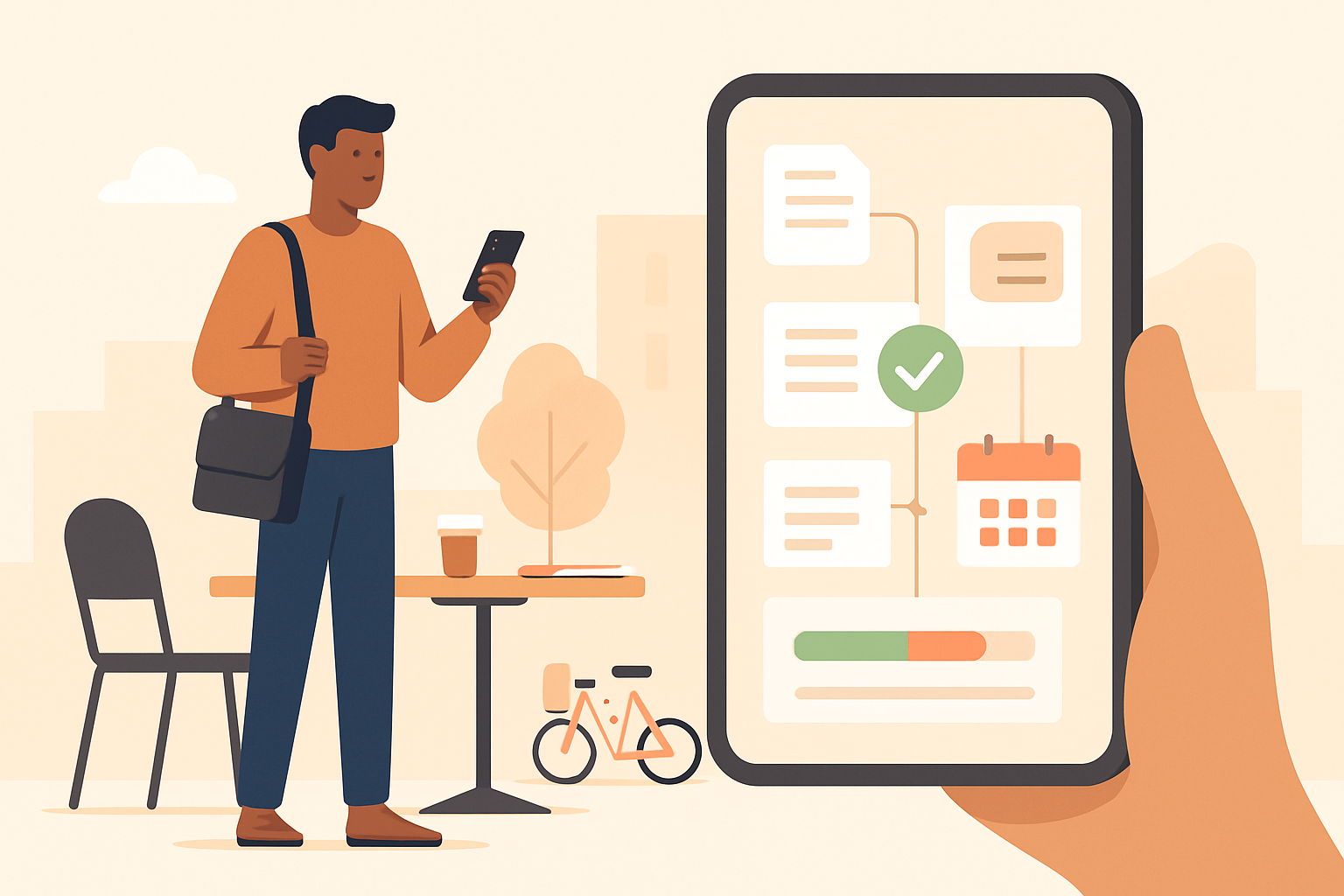
Mobile invoicing app tools help us create, send, and track invoices wherever work happens, whether we are meeting clients, traveling between jobs, or managing projects away from the office.
For freelancers and small teams, speed matters. The right app can reduce manual follow-up, improve cash flow, and keep billing organized without forcing us back to a laptop. In this article, we will review what makes a strong mobile invoicing app, which features matter most, and how we can choose one that fits the way we work on the go.
Key Takeaways
- A mobile invoicing app should let us create, send, and track invoices quickly from any location.
- The best apps reduce manual work with saved clients, recurring billing, payment reminders, and cloud sync.
- Real-time invoice status and payment tracking help us follow up faster and improve cash flow.
- Ease of use and security matter as much as features when we are billing on the go.
What Makes a Mobile Invoicing App Worth Using
A mobile invoicing app is worth using when it helps us create, send, and track invoices without slowing down our day. The best tools do more than shrink a desktop screen. They make it easy to work quickly, even when we are between meetings, on a job site, or away from the office.
We should look for an app that supports the full invoicing flow, not just basic billing. That means we can build professional invoices from saved customer details, add line items in a few taps, apply taxes or discounts, and send the invoice immediately by email or text. The less manual typing we do, the fewer mistakes we make.
Speed matters, but so does control. A strong app should let us see invoice status at a glance so we know what has been sent, viewed, overdue, or paid. Real-time updates help us follow up at the right time instead of guessing. If the app includes payment tracking, we can reduce back-and-forth and keep collections moving.
We also benefit from features that save time across repeated tasks. Useful capabilities often include:
- Saved clients and products for faster invoice creation
- Recurring invoices for ongoing work or retainers
- Payment reminders to help us collect faster
- Receipt and expense capture for cleaner records
- Cloud sync so invoices stay updated across devices
Ease of use is just as important as feature depth. If the interface is cluttered, we waste time navigating instead of billing. A good mobile invoicing app should feel simple enough for quick edits, but complete enough to handle real business needs. We want fewer taps, fewer errors, and less time spent on admin.
Security should also be part of the decision. Since invoices contain customer and payment information, we need an app with secure login, data protection, and reliable backups. That gives us confidence that our records stay safe if a phone is lost or replaced.
Finally, the best app fits into the way we already work. If we manage quotes, invoices, and collections in separate tools, we create more manual work and more room for delays. A connected system keeps everything in one place and helps us move from estimate to payment with less friction.
Mobile Invoicing App Features We Should Prioritize
When we evaluate a mobile invoicing app, we should focus on features that save time in the field and reduce follow-up work later. The best tools do more than send a bill from a phone. They help us create accurate invoices quickly, keep client details organized, and track payment status without switching between multiple systems.
One of the most important features is fast invoice creation. We should be able to build an invoice from a saved client profile, add line items, apply taxes or discounts, and send it in just a few taps. A strong mobile app also supports reusable templates, so we can keep branding consistent and avoid starting from scratch each time.
We should also look for real-time syncing across devices. If we create an invoice on a phone, the same record should appear instantly on a laptop or tablet. This matters because it keeps our books accurate and prevents duplicate entries, missed updates, or confusion when multiple team members handle billing.
Payment tracking is another must-have. A useful app should show whether an invoice is sent, viewed, overdue, or paid. Even better, it should support payment reminders so we can follow up automatically instead of manually checking every account. This helps us stay organized and improves cash flow.
We should not overlook mobile payment options. The easier it is for clients to pay, the faster we get paid. Look for apps that support credit cards, bank transfers, and payment links directly from the invoice. A smooth checkout experience can reduce delays and make collections less stressful.
Other features worth prioritizing include:
- Offline access for creating drafts when connectivity is limited
- Receipt and expense capture using the phone camera
- Client history to review past invoices and communication
- Custom branding for logos, colors, and message templates
- Security controls such as passcodes, encryption, and user permissions
Finally, we should choose a mobile invoicing app that is simple enough for daily use but flexible enough to grow with us. If the interface feels cluttered or the workflow takes too many steps, the app will slow us down instead of helping. The right solution should make invoicing feel effortless, whether we are in the office, on a job site, or between client meetings.
How We Compare the Best Mobile Invoicing App Options
When we compare the best mobile invoicing app options for freelancers and SMBs, we should focus on the features that actually save time in daily work. The strongest apps make it easy to create invoices quickly, send them from a phone, track payment status, and follow up without switching between tools. For teams that work in the field or move between client meetings, mobile access matters most when it supports the full billing workflow, not just invoice creation.
We should look for apps that include custom invoice templates, recurring billing, payment reminders, and real-time status updates. These features help us reduce manual work and keep cash flow visible. If we handle project-based work, it also helps to choose a platform that lets us turn quotes into invoices, attach line items, and store client details in one place. That way, we can bill faster and avoid errors caused by re-entering information.
For freelancers, the best option is often the app that balances simplicity with flexibility. We want a clean interface, fast invoice creation, and easy payment collection. For SMBs, we usually need a bit more structure, such as multi-user access, approval workflows, and reporting. A good mobile invoicing app should support both use cases without making the process feel complicated.
- Freelancers: prioritize speed, payment links, and simple recurring invoices.
- SMBs: prioritize team access, client management, and reporting.
- Field-based businesses: prioritize mobile editing, offline access, and instant sending.
- Growing teams: prioritize automation, reminders, and quote-to-invoice workflows.
We also recommend checking how well the app connects invoicing with collections. The best tools do more than generate a bill; they help us get paid faster by sending reminders, tracking overdue invoices, and showing which clients still owe money.
In practice, the right choice depends on how we work every day. If we only need basic billing, a lightweight app may be enough. If we want to centralize client records, automate follow-ups, and keep invoicing organized on the go, we should choose a mobile invoicing app that supports the full process from estimate to payment.
How to Choose the Right App for Faster Payments and Less Admin
When we choose a mobile invoicing app, we should focus on how quickly it helps us send invoices, track payments, and reduce follow-up work. The best option is not always the one with the most features; it is the one that fits our workflow and removes the most friction from billing.
We can narrow the field by looking at a few practical factors:
- Invoice creation speed: We should be able to build and send an invoice in a few taps, using saved clients, services, and tax settings.
- Payment options: The app should support fast online payments so customers can pay without extra back-and-forth.
- Automation: Recurring invoices, payment reminders, and status updates save time and help us stay organized.
- Mobile usability: A clean interface matters. If the app is hard to use on a phone, it will slow us down when we are away from the office.
- Record keeping: We should look for a clear history of sent invoices, paid balances, and overdue accounts so we can stay on top of cash flow.
It also helps to think about how the app connects invoicing with the rest of our process. If we create quotes, convert them into invoices, and track collections in separate tools, we add unnecessary steps. A better setup keeps those tasks in one flow, which reduces errors and makes it easier to get paid faster.
For teams and freelancers who want less manual work, we should prioritize apps that centralize client details, invoice templates, and payment tracking. That way, we spend less time switching between systems and more time serving customers.
In the end, the right app should help us invoice from anywhere, follow up automatically, and keep our books current without extra effort. If it saves time on every transaction, it is doing its job.
Invoice on the go without installing an app
For a quick invoice away from your desk, the ZenInvoice free invoice generator works in your phone's browser. You get 20 templates, line items that add up taxes and totals for you, and a one-click PDF download. No sign-up, and your draft stays saved in your browser.
Frequently asked questions
In this FAQ we answer:
- How does a mobile invoicing app help us get paid faster?
- Can we manage quotes and invoices in one mobile workflow?
- What should we prioritize if we want a mobile invoicing app for a small team?
How does a mobile invoicing app help us get paid faster?
A mobile invoicing app lets us create and send invoices right after work is completed, which reduces delays and keeps billing top of mind for clients. Many apps also support payment links and reminders, making it easier to collect faster without extra follow-up.
Can we manage quotes and invoices in one mobile workflow?
Yes. The best mobile invoicing app options let us move from quote to invoice to payment in a single flow, which cuts manual work and reduces errors. This is especially useful for freelancers and SMBs that need a simple way to stay organized on the go.
What should we prioritize if we want a mobile invoicing app for a small team?
We should prioritize ease of use, fast invoice creation, payment tracking, and clear client records.