Published on November 02, 2026
What Should an Invoice Include? A Field-by-Field Checklist
A field-by-field checklist of what every invoice should include, with a complete example and the most common mistakes to avoid.
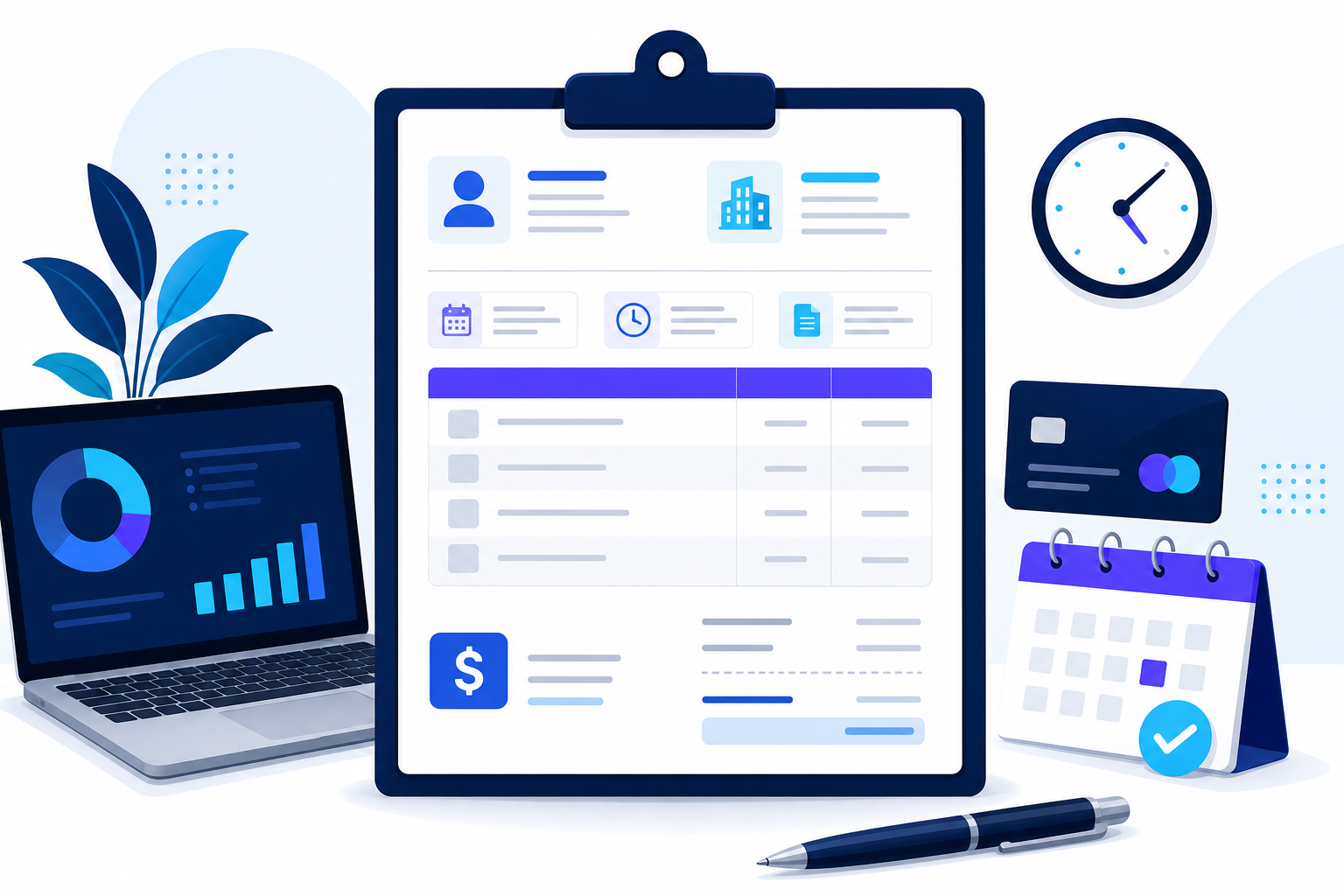
An invoice only does its job if the client can pay it without asking questions. That means it needs a specific set of details: who is billing whom, for what, how much, and how and when to pay. This checklist covers every field, with an example for each, so you can check your invoices before you send them.
Key takeaways
- Every invoice needs: the word “Invoice,” a unique number, dates, seller and client details, itemized lines, totals and payment terms.
- Show taxes and discounts separately from the subtotal.
- A due date and payment instructions are the two fields that most affect how fast you get paid.
- Tax rules vary by state and country, so check if you must show a tax ID or specific tax wording.
The invoice checklist, field by field
1. The word “Invoice”
Label the document clearly. If it is a different document, say so: “Proforma Invoice,” “Commercial Invoice” or “Credit Note.”
2. Invoice number
A unique ID that follows a sequence, for example INV-0042. It lets both sides refer to the invoice and match the payment. See how to create an invoice number.
3. Issue date
The date you send the invoice. Payment terms like “Net 30” count from this date.
4. Due date
The exact date payment is expected, such as December 2, 2026. A specific date is clearer than “Net 30” alone.
5. Your business details
Business name, address, email and phone. Add your logo for a professional look. If you are registered for sales tax or have an EIN that clients need, include it.
6. Client details
The client’s company name, billing address and, for larger companies, the contact person or department (for example, “Accounts Payable”). Add their purchase order (PO) number if they gave you one: many companies cannot pay an invoice without it.
7. Itemized lines
One line per product or service with:
- A description the client will recognize (“Logo design, 3 concepts + 2 revisions”).
- The quantity or hours.
- The unit price or hourly rate.
- The line total.
8. Subtotal, discounts and taxes
Show the subtotal of all lines, then any discount, then each tax with its rate (for example, “Sales tax 8.25%”). Keeping these separate makes the invoice easy to check and to record.
9. Total amount due and currency
The final amount in bold, with its currency (USD, CAD, EUR…), especially if you work with international clients. If the client already paid a deposit, show it and the remaining balance.
10. Payment terms and instructions
How to pay and by when: bank transfer details, a payment link, accepted cards or checks, and any late fee policy. The easier you make it, the faster you get paid.
11. Notes (optional)
A short thank-you, the project name, delivery date or warranty information. Notes are not required, but they make the invoice friendlier and add context.
Invoice example
- INVOICE · No. INV-0042 · Issued: November 2, 2026 · Due: December 2, 2026
- From: Rivera Design LLC · 410 Elm St, Austin, TX 78701 · [email protected]
- Bill to: Greenway Market Inc. · Attn: Accounts Payable · 77 Oak Ave, Dallas, TX 75201 · PO #5531
- Logo design, 3 concepts + 2 revisions: 1 × $1,200.00 = $1,200.00
- Brand guidelines PDF: 1 × $450.00 = $450.00
- Subtotal $1,650.00 · Sales tax (8.25%) $136.13 · Total due $1,786.13 USD
- Payment: bank transfer or card via the payment link. Late payments incur a 1.5% monthly fee.
Common mistakes to avoid
- Vague descriptions like “Services” that force the client to ask what they are paying for.
- No due date, or only “Due on receipt” with no date.
- Missing PO number when the client requires one.
- Tax added to the total without showing the rate.
- Reusing an invoice number from a previous invoice.
Create a complete invoice for free
The ZenInvoice free invoice generator has a field for every item on this checklist: title, number, issue and due dates, currency, your company and client details, your logo, itemized lines with tax rates, notes and payment terms. The totals are calculated for you. Pick a template and download the PDF, no sign-up needed. For a full walkthrough, read how to make an invoice.
Frequently asked questions
Does an invoice need a signature?
No. Invoices do not need to be signed in the US. Commercial invoices for international shipments are the main exception.
Do I need a tax ID on my invoice?
It depends on where you work. Many US small businesses do not show one, but some clients request your EIN for their records, and many other countries require a tax ID on every invoice.
What is the difference between an invoice and a receipt?
An invoice asks for payment; a receipt confirms it was received. Read invoice vs. receipt for details.